
Laptop Screen White Spots: Read Your Spot, Fix It Right
Updated: May 2026 | Reading Time: ~6 Min | Applies To: All Laptop Brands
Most attempts to fix a white spot on a laptop screen fail because the wrong fix is applied to the wrong problem. A pixel-cycling tool cannot repair physical diffuser layer damage. Gentle pressure cannot correct backlight separation. Each white spot carries a distinct visual signature that reveals which internal layer has failed and which repair will work. This guide starts with that identification the step most guides skip, and the reason most DIY attempts fail.
What Your White Spot Is Telling You
A laptop screen is a stack of distinct internal layers, and white spots appear when one of those layers is damaged, shifted, or failing. Which layer determines everything: the appearance of the spot, whether it will spread, and which repair path resolves it. Treating every white spot with the same fix is the most reliable way to waste time and make things worse.
The Three Types of White Spots on Laptop Screens
Before attempting any fix, match your spot to one of these three visual profiles.
Type 1 The Soft Cloud
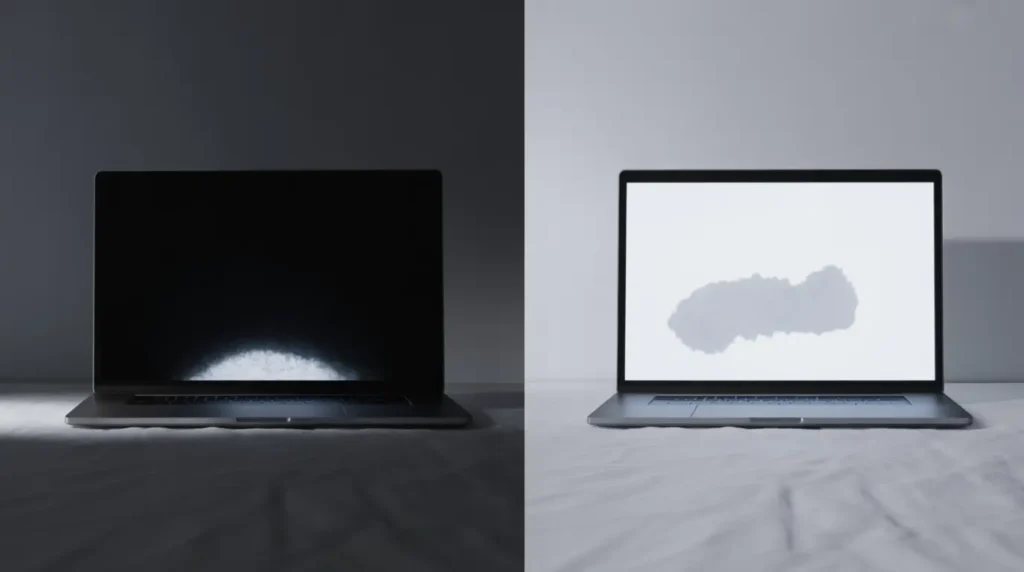
A soft cloud is a milky, diffuse patch with blurry edges that fade into the surrounding display area. It looks identical on any background color black, white, or solid red and stays still when you flex the lid. This points to LCD diffuser layer damage or a screen pressure bruise: physical compression of the internal backlight layers inside the panel.
Type 2 The Pinpoint Dot
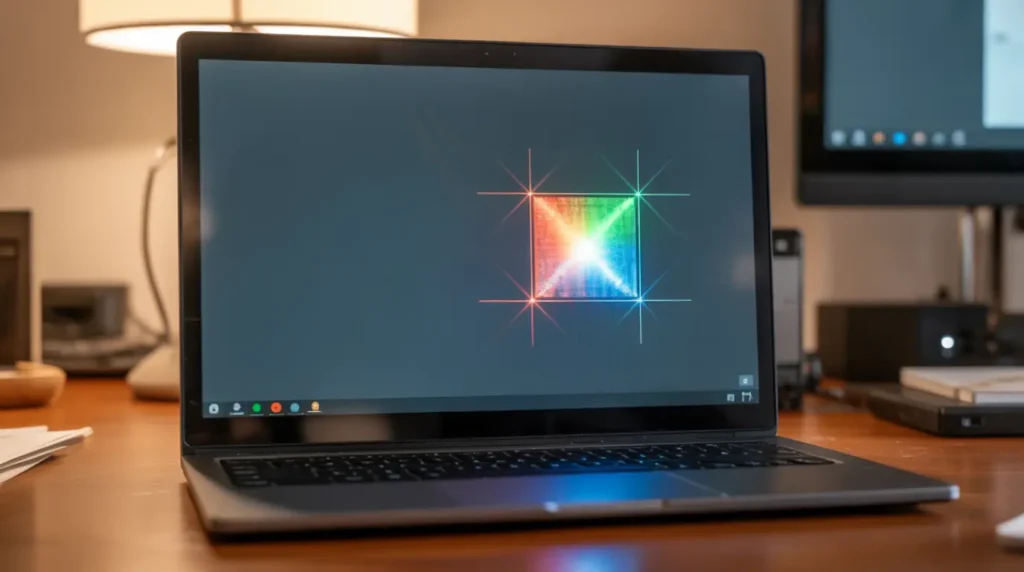
A pinpoint dot is small one to four pixels wide with hard, crisp edges. It may disappear on a white background and reappear on black, or glow faintly across all backgrounds. This is a pixel cluster defect: sub-pixels frozen permanently in a lit state. Pixel-cycling repair software has a genuine chance of resolving this type, which makes correct identification here genuinely valuable.
Type 3 The Glowing Edge
A glowing edge is not a defined spot, it is a diffuse brightness increase near the display corners or sides that bleeds inward. It is far more pronounced in a dark room against a black background than under standard lighting. This is backlight separation or IPS glow: the LED source leaking past its designed boundaries due to internal layer shifting.
Two Quick Tests Before You Touch Anything
These tests take under three minutes and confirm your spot type before you attempt any fix.
The Power-Off Test
Shut the laptop completely off and examine the screen surface in natural light at a low angle. If a faint cloudy or circular patch remains visible on the unpowered screen, the damage is entirely physical and sits inside the panel layers. Driver updates, pixel software, and calibration tools cannot reach it skip to the hardware repair paths below.
The Background Color Test
Display a full-screen solid black image in a browser, then switch to white, then solid red. A cloud identical on every background is diffuser damage. A dot that vanishes on white but returns on black is a stuck pixel cluster. A diffuse glow visible only on black and positioned at a screen edge is backlight separation. Misreading these behaviors is the single most common reason spot repairs fail entirely.
What’s Actually Broken Inside Your Screen
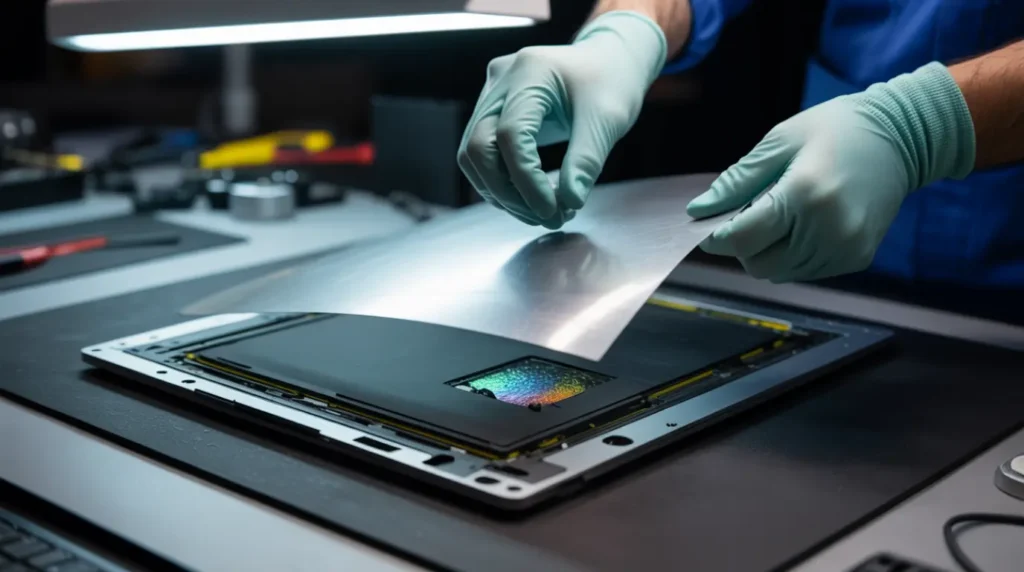
An LCD screen contains multiple layers between the LED backlight and the visible surface: a reflective sheet, a backlight diffuser sheet, the liquid crystal layer, and two polarizing filters. When pressure reaches the inside of a closed lid even briefly the diffuser sheet deforms and creates a permanent bright patch where light now passes through unevenly.
LED reflectors are foil-backed components inside the backlight housing that direct light toward the diffuser at the correct angle. Heat cycling, transport vibration, and manufacturing defects can displace these reflectors, producing localized bright patches that look identical to pressure damage but originate from a different failure entirely. A displaced reflector can sometimes be repositioned and re-secured, a substantially cheaper repair than a panel replacement, and one worth requesting specifically before any panel swap is authorized.
How to Fix Each White Spot Type
Soft Cloud Diffuser and Pressure Damage
No software tool or pixel application will affect this type. Power the laptop off, remove all lid pressure, and leave it flat for 12 hours some very recent diffuser bruises show partial recovery during this period. Spots persisting beyond 48 hours represent permanent layer deformation, and a technician inspection or panel replacement is the correct next step.
Pinpoint Dot Stuck Pixel Cluster
Run the pixel repair tool at screen.fix.com, position the repair window over the affected dot, and run a full 30-minute session. This cycles sub-pixel colors to dislodge a frozen liquid crystal molecule. Complete two full sessions before drawing conclusions. Three sessions with no visible improvement confirms physical rather than electronic damage hardware replacement is the only remaining path.
Glowing Edge Backlight Separation
Backlight separation is best managed rather than cured at home. Reduce display brightness to 55–65 percent and use a dark system theme to lower the contrast between the glow and surrounding content. If the glow is expanding or covers a growing screen area, have a technician inspect the backlight assembly specifically before authorizing any panel swap.
The LED Reflector Fix
This is a real repair path that almost no guide explains. If your spot appeared without any pressure event and pixel tools have had no effect, ask your technician to inspect the LED reflector array inside the backlight housing before authorizing panel replacement. Displaced reflectors can sometimes be re-secured with a small amount of UV-resistant adhesive, a targeted procedure costing a fraction of a new panel, and worth asking about explicitly before any larger commitment.
Will Your White Spot Spread?
Pressure bruises and diffuser damage are stable once formed; they do not grow unless additional stress reaches that panel area. Stuck pixel clusters rarely expand and sometimes self-correct within a week of normal use. The one cause that progresses is panel layer delamination involving moisture, where residual liquid continues wicking between display layers and slowly enlarges the affected zone. If your spot appeared after any liquid event and has visibly grown over two to four weeks, the panel is actively deteriorating and further delay increases both the damage area and the eventual repair cost.
Display Cable and T-CON Issues
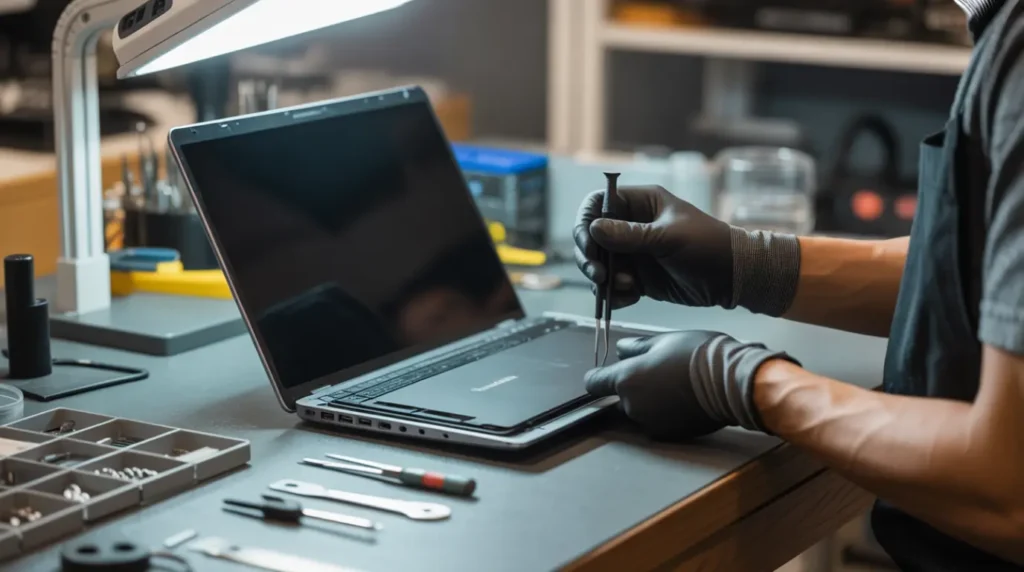
Two hardware causes are routinely misdiagnosed as panel failure, leading to unnecessary replacements.
The display ribbon cable runs through the hinge area and bends thousands of times over the laptop’s lifespan. A partially damaged cable produces white zones or brightness shifts that change when you tilt the screen angle behavior that rules out panel damage as the primary cause. Reseating this cable is the lowest-cost hardware fix available and should be the first physical intervention before any panel assessment takes place.
A failing T-CON board produces something visually distinct: a large rectangular white zone with sharp, straight geometric edges covering a consistent section of the display. If your white area has clean defined borders rather than soft irregular edges, T-CON board repair is the correct investigation before any panel swap is authorized.
When Repair Makes More Sense Than Replacement
Replace the panel rather than the full laptop if the machine functions correctly and is fewer than five years old. Third-party panel replacements run $70 to $160 for most mainstream laptops, with labor adding $40 to $90 at independent shops. Always obtain a written quote covering both parts and labor with separate warranties for each component. For premium devices MacBook, ThinkPad, or XPS models the value of the remaining hardware nearly always makes a targeted panel repair the financially rational choice over purchasing a new machine.
Frequently Asked Questions

Why didn’t pixel-fixer software work on my white spot?
Pixel software addresses stuck sub-pixels, an electronic condition correctable by color cycling through the pixel grid. A soft cloud or diffuse patch is physical damage to the backlight diffuser sheet, which sits entirely behind the pixel layer. No software can access or repair it. If your spot has blurry edges and looks identical on every background color, pixel software is never the right tool regardless of how many sessions you run.
My white spot only shows on dark backgrounds. Is that a better sign?
Background-dependent spots that vanish on white screens are typically stuck pixel clusters or mild backlight separation rather than diffuser layer damage. Both are generally less expensive to address. Stuck pixel clusters sometimes self-correct within a week when the laptop remains powered on at standard brightness during normal operation.
Can I keep using my laptop with a white spot?
A stable spot that is not growing poses no risk to the underlying hardware and continued use is safe. If the spot is visibly expanding, or if liquid causes its appearance, address it without delay active panel delamination accelerates under normal operating heat and will worsen the longer it continues.
Does spot size indicate how serious the damage is?
Generally yes. A spot under 5mm unchanged for two weeks is cosmetically tolerable and statistically unlikely to grow. A spot exceeding 10mm, or any spot that has increased in size since it appeared, indicates deeper panel layer separation that requires professional repair to stop.
Disclaimer: All content on screen.fix.com is for informational and educational purposes only. Any repair attempt based on this guide is at your own risk. screen.fix.com is not responsible for any damage, data loss, or hardware failure resulting from this information. For hardware-level display issues, always consult a certified repair professional.
Editor Note screen.fix.com
- This article was researched and written using verified repair technician data, community forum analysis, and manufacturer support documentation current to May 2026.
- All fix paths have been cross-referenced against real user outcomes reported in tech support forums and hardware communities.
- Pricing figures reflect current independent repair shop rates as of May 2026 and may vary by region.
- For unresolved display issues, use the contact form at screen.fix.com with your device model and a full description of the spot type.
About the Author James | Founder, screen.fix.com
- James has spent over a decade working through display hardware failures across every major laptop brand and generation.
- Every repair path on screen.fix.com is verified against real-world outcomes before publication.
- James always leads with the diagnosis before the fix because the right answer applied to the wrong problem wastes everyone’s time.