
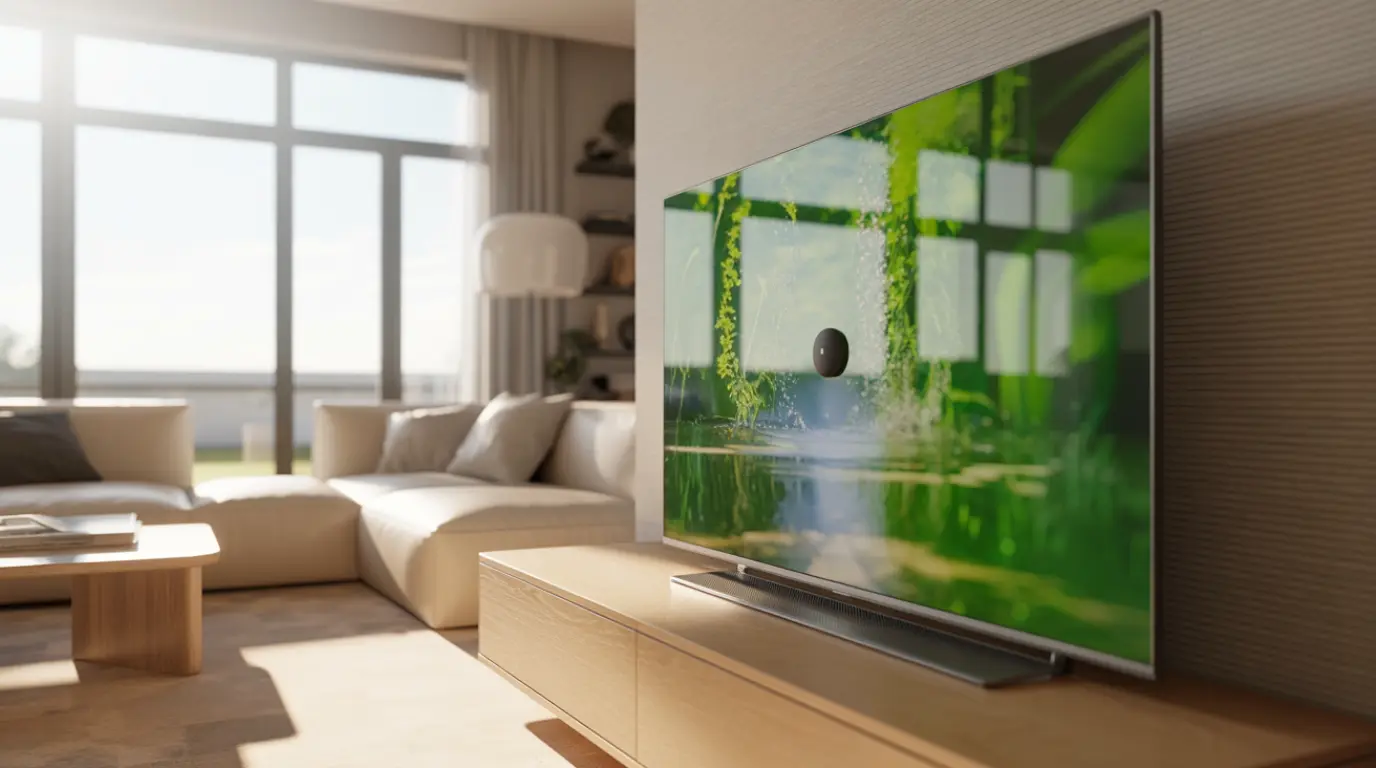
Black Dots on TV Screen? Identify and Fix Them Fast
Quick Answer
Black dots on a TV screen are usually caused by failed pixels, internal debris, pressure damage, backlight problems, or deterioration inside the display layers. The fastest way to fix the issue is identifying the exact shape and behavior of the mark before attempting any repair.
A television can look perfectly fine one evening and develop a distracting dark mark the next morning. Many people immediately assume the screen is ruined, but the appearance of the spot often reveals exactly what is happening inside the display and whether a repair is possible.
Read the Shape Before You Read the Cause
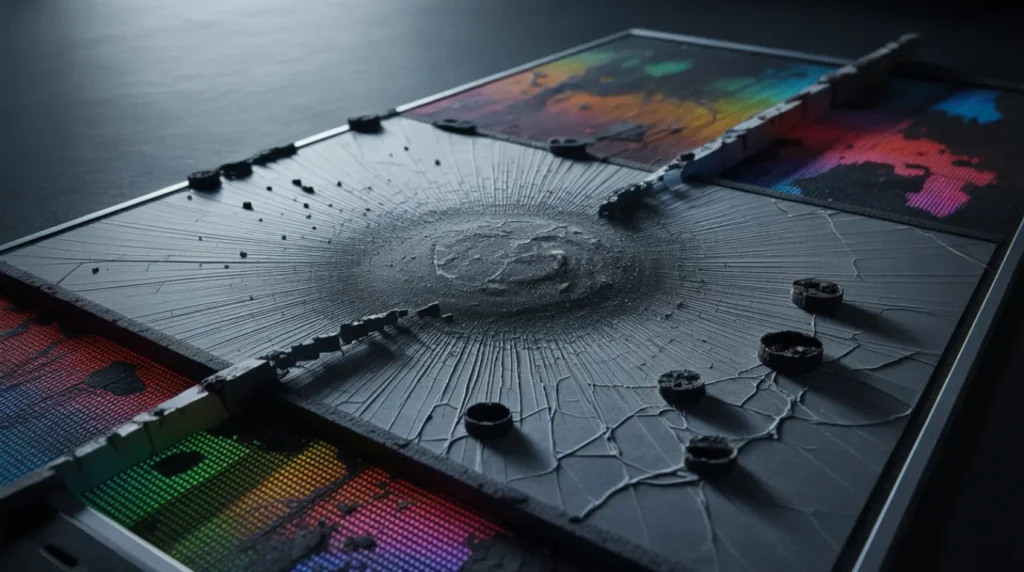
Most screen defects leave a recognizable pattern. Instead of guessing, start by looking closely at the size, shape, and behavior of the black area.
Pattern One: Tiny Sharp Dot
A perfectly defined black point that never changes location usually indicates a failed pixel transistor. These defects are common on LCD, LED, QLED, and OLED televisions.
A strong clue is that the dot remains visible on every app, channel, and input source.
Pattern Two: Fuzzy Dark Circle
When a black mark has soft edges rather than sharp boundaries, the issue is often deeper inside the display assembly.
Dust contamination, internal debris, or optical layer damage can create this appearance.
Pattern Three: Growing Ink Like Patch
Dark areas that slowly expand over time typically point to panel stress or liquid crystal damage.
This type of defect rarely improves on its own and usually becomes more noticeable during bright scenes.
Pattern Four: Shadow Visible in One Area
A larger dark region that looks like a shadow instead of a dot often originates from the television backlight system.
The affected section may appear dimmer rather than completely black.
Pattern Five: Irregular Speck or Tiny Shape
Some owners discover a small shape that looks more like a bug or particle than a pixel.
In certain situations, tiny insects can enter through ventilation openings and become trapped inside the display structure.
Simple Tests That Reveal the Real Problem
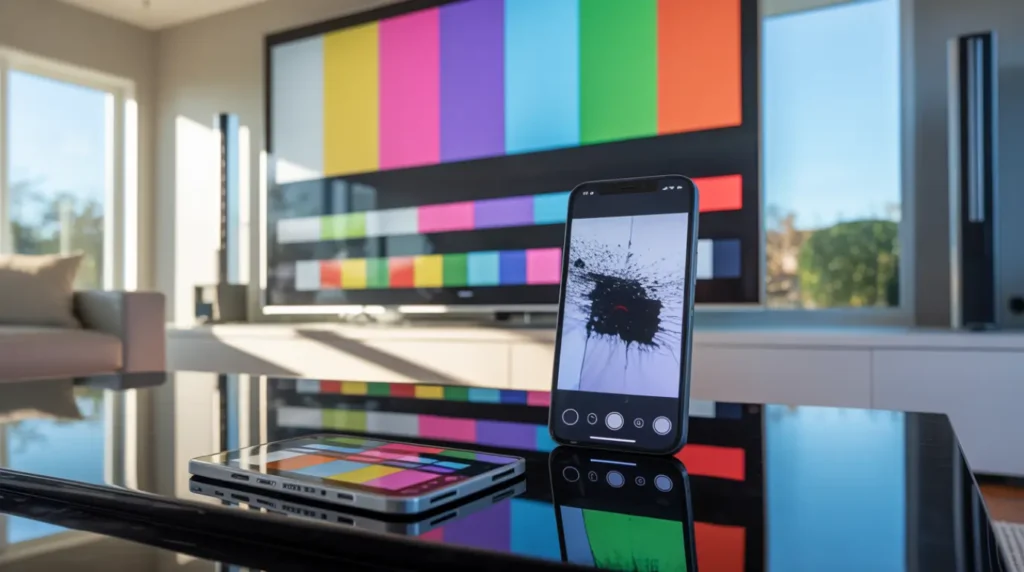
Before trying any repair, spend a few minutes confirming the source of the defect.
Display Full Color Screens
Open solid red, green, blue, white, and black test images.
A failed pixel remains unchanged while other defects often react differently depending on background color.
Examine the Spot Up Close
Use your phone camera to zoom into the affected area.
This can help distinguish a single pixel issue from a larger display layer problem.
Check Brightness Uniformity
Lower and then increase screen brightness.
Backlight defects often become easier to see when brightness settings change significantly.
Compare Different Viewing Angles
Move to the left and right sides of the television.
Pressure damage and optical layer defects frequently change appearance when viewed from different positions.
Observe for Several Days
Take a photo and compare it daily.
A growing defect usually indicates structural panel damage rather than a simple pixel issue.
Solutions Ranked by Success Rate
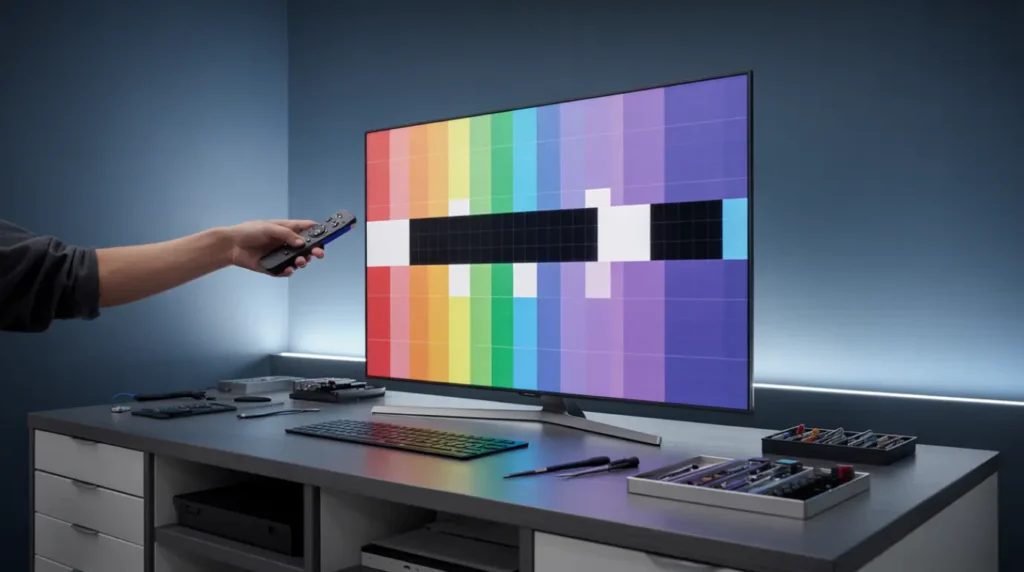
Start with the least invasive options and work toward more advanced repairs.
Refresh the Pixel System (Cost: Free)
Some televisions include a built in panel refresh utility.
- Open the settings menu.
- Locate panel care or device maintenance.
- Start the refresh cycle.
- Allow the process to finish completely.
This method occasionally restores unstable pixels and is worth trying first.
Run a Pixel Exercise Video (Cost: Free)
Rapid color transitions can stimulate pixels that have become unresponsive.
- Search for a stuck pixel repair video.
- Play it in full screen mode.
- Leave it running for fifteen to thirty minutes.
- Recheck the affected area.
Small improvements often appear gradually rather than immediately.
Disconnect Power Completely (Cost: Free)
Temporary display controller errors sometimes disappear after a full power reset.
- Turn the television off.
- Unplug it from the wall outlet.
- Wait ten minutes.
- Hold the power button for fifteen seconds.
- Reconnect power and test again.
Many owners skip this step even though it occasionally resolves unusual display behavior.
Update the Television Firmware (Cost: Free)
Software issues rarely create true black dots, but they can cause display anomalies that resemble hardware faults.
- Connect the television to the internet.
- Open software update settings.
- Install available updates.
- Restart the device.
This fix is quick and eliminates software as a possible factor.
Remove Internal Dust Professionally (Cost: Moderate)
If debris has entered the display assembly, cleaning may solve the problem.
Technicians can safely disassemble compatible models and remove contaminants without damaging fragile layers.
This repair is often less expensive than replacing the entire panel.
Replace Backlight Components (Cost: Moderate)
When the problem comes from failing LEDs or diffuser components, replacing the affected parts may restore image uniformity.
Success depends on the television model and the availability of replacement parts.
Replace the Display Panel (Cost: High)
A damaged LCD matrix, failed optical layers, or widespread pixel defects typically require panel replacement.
Because large panels are expensive, comparing repair costs against the price of a new television is important.
When DIY Stops Making Sense

Some warning signs indicate that home troubleshooting is unlikely to help.
If the dark mark grows larger each week, multiple spots begin appearing, or the defect changes shape, professional inspection is usually the best next step. Continuing to apply pressure can make the damage worse.
A repair technician can determine whether the issue involves the panel, timing control board, diffuser assembly, or backlight system. Accurate diagnosis prevents spending money on unnecessary parts.
If your television is still covered by a manufacturer warranty, document the defect with clear photos before contacting support. Evidence showing gradual failure can strengthen a warranty claim.
Habits That Reduce Future Screen Defects
• Keep the television in a room with stable temperature levels.
• Use a surge protector designed for entertainment electronics.
• Avoid lifting large televisions by pressing against the screen surface.
• Leave adequate ventilation space behind the television.
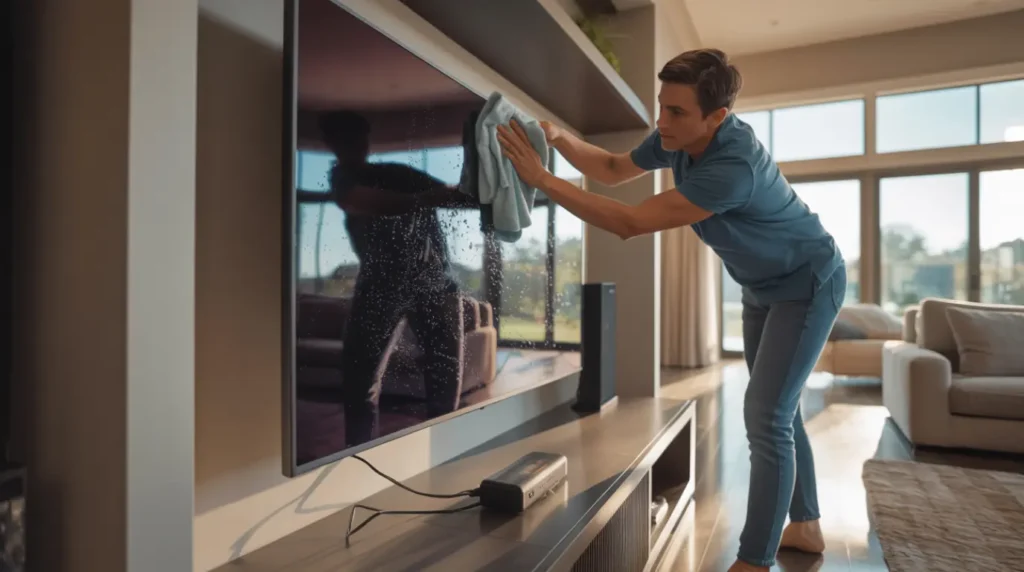
• Clean the display only with approved microfiber materials.
• Inspect wall mounts periodically to prevent stress on the panel frame.
Questions TV Owners Often Ask

Why do black dots look worse during movies than menus?
Dark scenes increase contrast around the defect, making it easier for your eyes to notice. Bright menu screens can partially hide small imperfections.
Can insects really get inside a television?
Yes. Small insects occasionally enter through ventilation openings and become trapped near display layers, creating visible dark shapes.
Does heat make black screen spots worse?
Excessive heat can accelerate deterioration of internal components and display materials. Long term heat exposure may contribute to larger visible defects.
Are OLED televisions affected by black dots too?
Yes. OLED models can develop pixel failures and display abnormalities, although the underlying causes may differ from traditional LCD based televisions.
Editor Note screen.fix.com
Reviewed for technical accuracy by the screen.fix.com editorial team. All fixes verified against current device software and firmware versions. Pricing reflects current market rates and may vary by region. This article will be updated when new fixes are confirmed. For unresolved issues, visit the Contact page on screen.fix.com.
About the Author James, Founder of screen.fix.com
Over 10 years of experience diagnosing display hardware and software issues across all major device brands. All content is written from direct technical experience and hands on research conducted by the screen.fix.com team. Free fixes are always recommended before any paid repair option.