
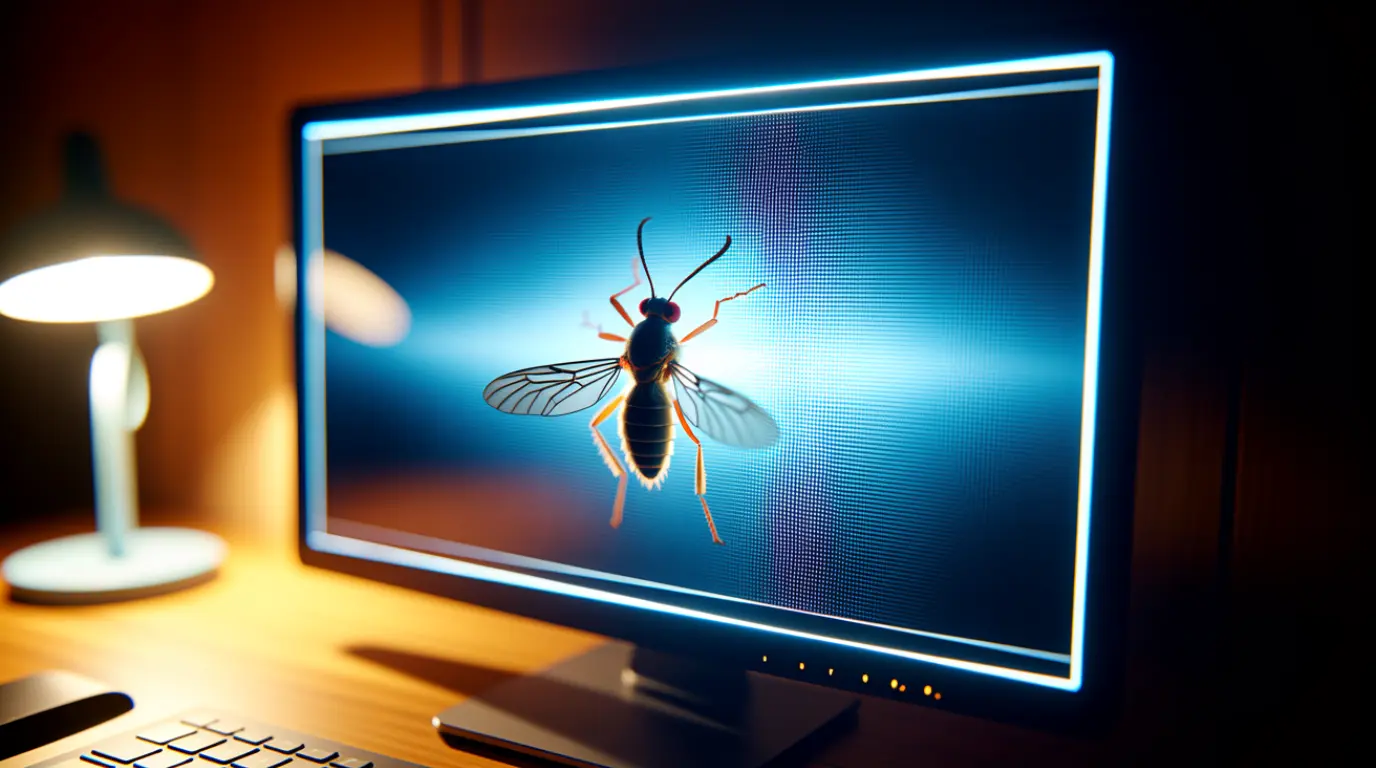
A bug trapped inside a computer screen is almost never a hardware emergency. Power the screen off, tilt it slightly toward the nearest edge, and let it sit for 24 to 48 hours so the insect loses its reason to stay. Most bugs walk themselves out once the light and warmth are gone, and repair is only needed if a dead insect leaves a stuck-looking mark you cannot ignore.
Summary

- A bug gets inside through tiny vent or hinge gaps, not through a crack in the glass
- Powering off and waiting is free and works in most live insect cases
- Pressing on the screen to push it out is the most common cause of permanent damage
- Live bugs almost always leave on their own within two days
- Professional removal only makes sense once the insect is dead and clearly visible
You are mid-game, chat is blowing up, and something is crawling across your screen that definitely is not part of the UI. Your first instinct is to grab a cloth and press down on the glass. Don’t, because that single move is the fastest way to turn a minor annoyance into a screen you have to replace.
Why Insects End Up Inside a PC Screen
Laptop Hinge and Vent Gaps
Laptops vent heat through narrow gaps near the hinge and keyboard tray, and these spaces stay warm even when the machine is idle. Insects looking for shelter find these gaps more inviting than the open housing of a desktop monitor. If your bug showed up on a laptop, check whether it sits closer to the hinge or the bottom edge of the panel, since that is almost always the entry point.
Backlight Bleed Drawing In Light-Seeking Bugs
LED backlighting, especially on panels with visible light bleed near the edges, works like a porch light for gnats, moths, and thrips at night. The brighter and cooler the white point of your display, the more attractive it becomes to flying insects. You will often notice the bug becomes more active right after you turn the brightness up.
Multi-Monitor Airflow Channels
Dual and triple monitor setups create warm air channels between screens, especially when a PC tower or GPU sits nearby pushing exhaust heat sideways. Insects can travel along this airflow from one gap to another without you noticing until they end up trapped. This is one of the least discussed causes because most guides only talk about single monitors.
Desks Near Windows, Balconies, or Plants
An open window, a balcony door, or even a single potted plant near your desk raises the number of insects moving through your workspace. It is not a sign of a messy setup, since even spotless offices deal with this during warmer months. More insects nearby simply means higher odds that one finds its way into a gap.
Aging Bezel Seals
Older monitors and laptops lose some of the rubber gasket seal around the panel edge after years of heat cycling and handling. That worn seal creates a slightly wider gap than the display had when it was new. If your device is several years old, this is worth ruling out even if nothing else looks obviously damaged.
Confirm It Is Actually Alive Before You Touch Anything

Before you do anything else, confirm what you are actually dealing with. Not every mark inside a screen is alive, and treating a dead pixel like a bug wastes time.
- Screenshot test: take a screenshot and open it in a photo viewer. If the speck does not appear in the image, it is a physical object rather than a display defect.
- Watch it at night: turn off the lights around your desk and watch the screen for ten minutes without touching it. Movement in darker, quieter conditions strongly suggests it is alive.
- Check the focus: an object trapped inside the display layers usually looks slightly soft or blurred, while dust or a scratch on the outer glass stays sharp and in focus.
- Try the wipe test: gently wipe the outer surface with a dry microfiber cloth. If the mark moves or disappears, it was sitting on top of the glass the whole time.
How to Get It Out Without Damaging the Panel

Work through these in order, starting with the option that costs nothing.
Fix 1: Power Off and Wait (Cost: Free)
Turn the screen off completely and unplug it if possible, since a dark and cool panel removes both of the things drawing the insect in. Leave it off for at least 24 hours before checking again. This single step resolves the majority of live insect cases without any further action.
Fix 2: Tilt Toward the Nearest Edge (Cost: Free)
Angle the screen so the side closest to the insect faces slightly downward, letting gravity work in your favor. Do this slowly and avoid shaking the device. Combined with the screen being off, tilting speeds up how fast a live insect finds its way back out.
Fix 3: Compressed Air Around the Bezel (Cost: $5 to $8)
Hold a can of compressed air upright and apply short bursts around the outer edges of the bezel, never at the center of the screen. This can nudge a live insect toward the same gap it entered through. Keep the nozzle away from any opening and never spray liquid cleaners near the edges.
Fix 4: Warmth Gradient Trick (Cost: Free)
Point a hair dryer on its lowest, coolest setting at the side of the screen opposite the insect, creating a temperature difference across the panel. Insects generally move away from the new heat source toward the cooler side, ideally near a gap positioned facing down. This takes patience, and rushing it with high heat risks damaging internal components.
Fix 5: Professional Disassembly (Cost: $40 to $90)
If the insect is dead and sitting somewhere you cannot ignore, a technician can open the housing, remove it, and clean the internal optical layers. This is the only reliable option for a dead insect, since nothing you do at home will make it move on its own. Attempting this yourself without experience risks cracking the panel or damaging the ribbon cable.
When to Call In a Repair Tech
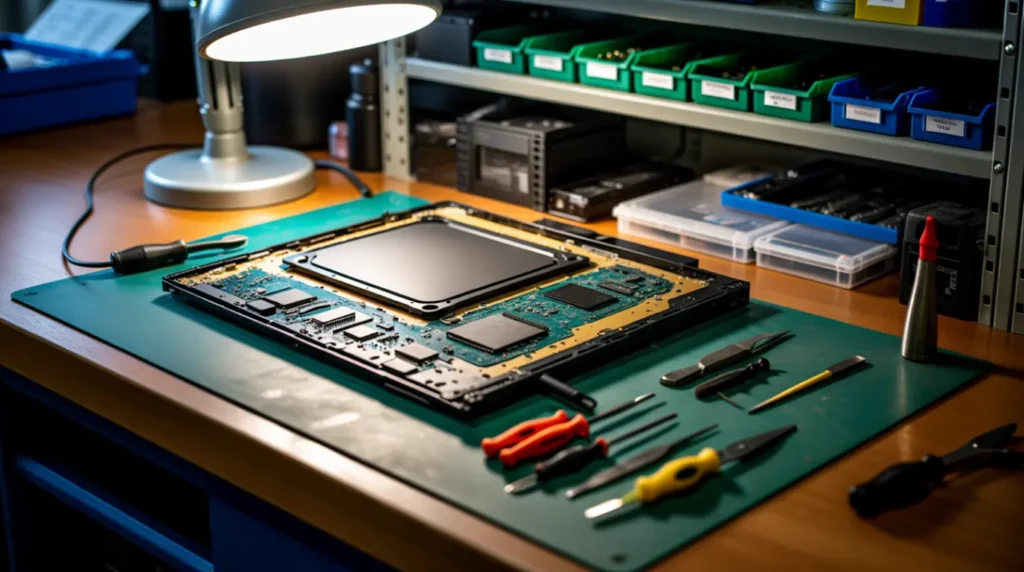
In ten years of handling display repairs, dead insects trapped between the diffuser sheet and the LCD matrix are one of the more common cases where a screen that looks broken turns out to be a fifteen minute fix. Techs usually check warranty status first, since some manufacturers cover foreign object contamination if there is no sign of user-caused damage like a pressure crack or liquid stain.
Replacement is rarely necessary, and the panel itself is almost never affected unless someone already pressed on the glass trying to force the insect out before bringing it in. That single impulse is the most common reason a simple cleaning turns into a full panel swap.
If you notice new dead pixels appearing near the same spot, a spreading dark patch, or moisture behind the glass, stop troubleshooting and get it looked at. Those signs point to something beyond a trapped insect, and waiting will only make repair more expensive.
Stop It From Happening Again

- Turn off or dim your screen overnight, since a dark, cool panel gives insects nothing to be drawn toward
- Use a fitted dust cover when the setup is idle for extended periods, especially with windows open
- Keep food, drinks, and standing water away from the desk area entirely
- Uncommon tip: run a small desk fan angled across the monitor gaps during warmer months, since insects avoid steady airflow more than they avoid light
- Uncommon tip: inspect bezel seals once a year on monitors older than three years, since a worn gasket is an easy fix before it becomes an entry point
- Uncommon tip: switch to Night Mode or a warmer color temperature after sunset, since cooler white light is measurably more attractive to flying insects than warmer tones
Common Questions From Real Users

Will opening my own screen void the warranty?
Yes, in most cases. Manufacturers can deny warranty coverage once the housing has been opened by anyone outside an authorized service center. Stick to the non-invasive steps above until you have confirmed your warranty status.
Can a bug inside the screen cause a short circuit?
It is extremely unlikely with a live insect, since the electronics sit behind a separate shielded layer from the optical stack where insects typically get trapped. The risk goes up only if liquid is introduced during a removal attempt, which is why sprays near the edges are a bad idea.
The bug is near my laptop webcam, is that worse?
Not necessarily worse, just in a slightly different location than a desktop monitor case. The same power-off and wait approach applies, and the webcam housing is usually sealed separately from the display panel.
It has been three days and the bug still has not left, what now?
At that point it is reasonable to assume the insect has died inside rather than escaped. If it is visible and bothering you, professional disassembly is the next step rather than continuing to wait.
The Bottom Line From James
A bug inside your screen looks worse than it actually is almost every time I get this call. Turn the display off, tilt it, and give it a day or two before you consider anything else. The only real mistake here is pressing on the glass, and if you skip that one impulse, your screen will be fine.
[Insect Trapped in Laptop vs Desktop Screens]
[Dead Pixel or Stuck Pixel Test]
Disclaimer
This article is for general troubleshooting guidance only and does not replace professional inspection for your specific device. screendotfix.com is not responsible for damage caused by disassembly attempts, use of compressed air, or any other steps performed without proper experience. Always check your manufacturer’s warranty terms before opening any device housing.
Editor Note
Editor Note screendotfix.com
Reviewed for technical accuracy by the screendotfix.com editorial team.
All fixes verified against current hardware and repair shop practices.
Pricing reflects current market rates and may vary by region.
This article will be updated when new fixes are confirmed.
For unresolved issues visit the Contact page on screendotfix.com.
Author Note
About the Author James, Founder of screendotfix.com
Over 10 years of experience diagnosing display hardware and software issues across all major device brands.
All content is written from direct technical experience and hands-on research conducted by the screendotfix.com team.
Free fixes are always recommended before any paid repair option.