
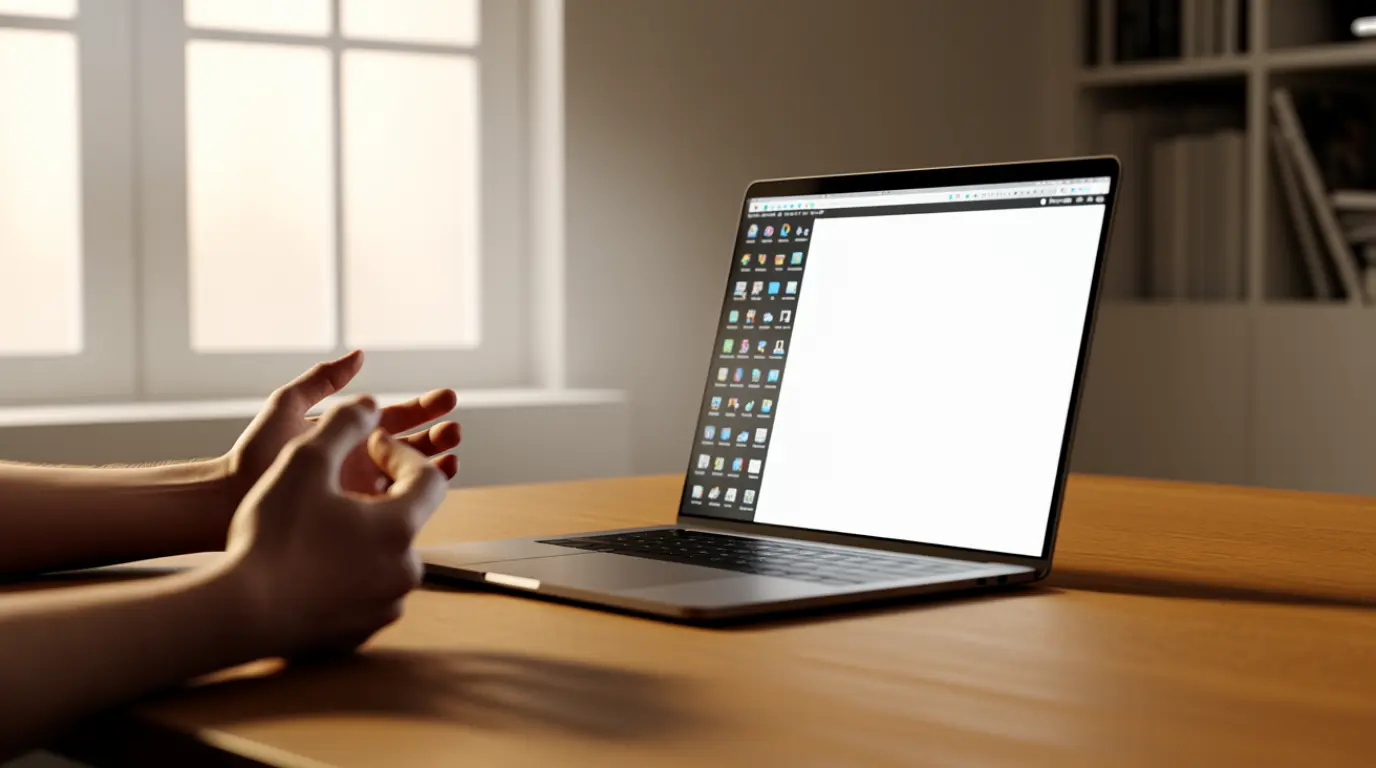
A laptop screen turning half white is usually caused by a damaged display cable, a cracked LCD panel, or a GPU driver conflict. Run the external monitor test first. It confirms within two minutes whether the fault sits in the panel or in the graphics output.
You are mid presentation when half your screen turns solid white.
Nothing you click changes it, and panic sets in fast because you assume the worst. Most half white screens are fixable, and many cost far less than a full replacement.
What Really Causes a Half White Laptop Screen
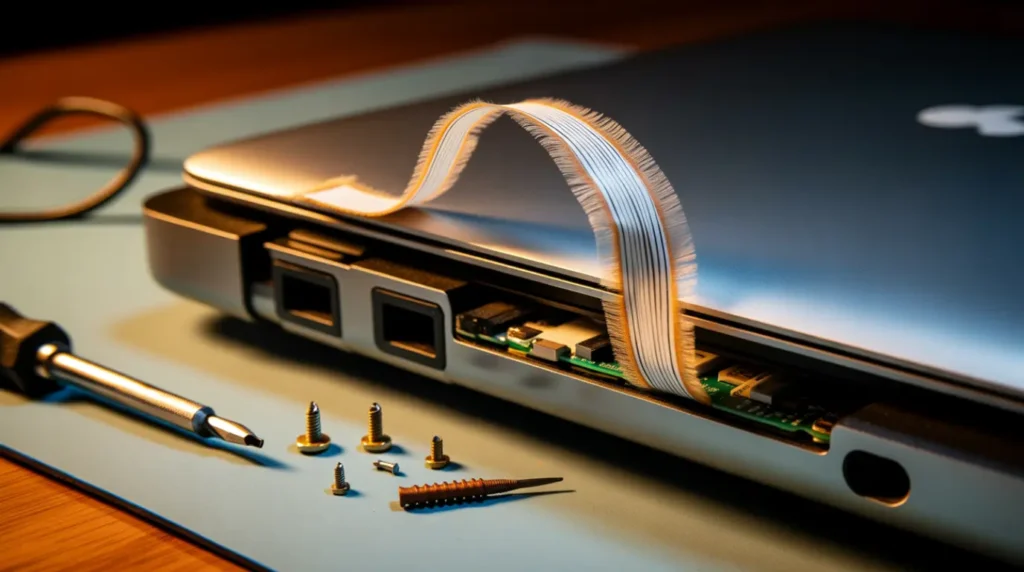
Flexing Display Cable at the Hinge
A slim ribbon cable connects the motherboard to the panel through the hinge. Constant opening and closing wears down the copper strands inside over time.
When enough strands break, half the signal disappears and that half turns white.
Confirming symptom: The white area shifts or flickers when you tilt the lid slowly.
Cracked Internal LCD Layer
A drop or a hard knock can crack the glass matrix inside without cracking the outer surface. The break interrupts signal flow to one section of pixels.
This creates a hard boundary between the working display and the solid white area.
Confirming symptom: The white section stays fixed no matter how you move the lid or restart.
Moisture Trapped After Cleaning
Spraying cleaner directly onto the screen or wiping with a damp cloth can push liquid past the bezel seal. The moisture reaches the polarizer layer and shorts a section of the display.
This often appears hours or days after cleaning, not immediately.
Confirming symptom: The white patch appeared after cleaning and has a soft, cloudy edge rather than a sharp line.
GPU Overheating During Heavy Load
Gaming or video rendering pushes the GPU past its safe temperature range. Thermal stress can cause the graphics chip to output corrupted signals to part of the frame buffer.
This shows as a white or garbled section that appears only under load and disappears at idle.
Confirming symptom: The white area only shows up during gaming, rendering, or after running hot for a while.
Loose Display Connector
A small connector links the cable to the back of the panel. Drops, temperature swings, or age can loosen this connector over time.
A partial disconnect cuts power to one section of the display.
Confirming symptom: Tapping gently near the top bezel briefly restores or worsens the white area.
| Symptom | Likely Cause |
| White area shifts with lid movement | Damaged hinge cable |
| Fixed white area regardless of movement | Cracked LCD layer |
| Appeared after cleaning, soft edges | Moisture damage |
| Only appears under heavy load | GPU overheating |
| Changes when bezel is tapped | Loose connector |
Confirm the Real Cause Before You Spend Money
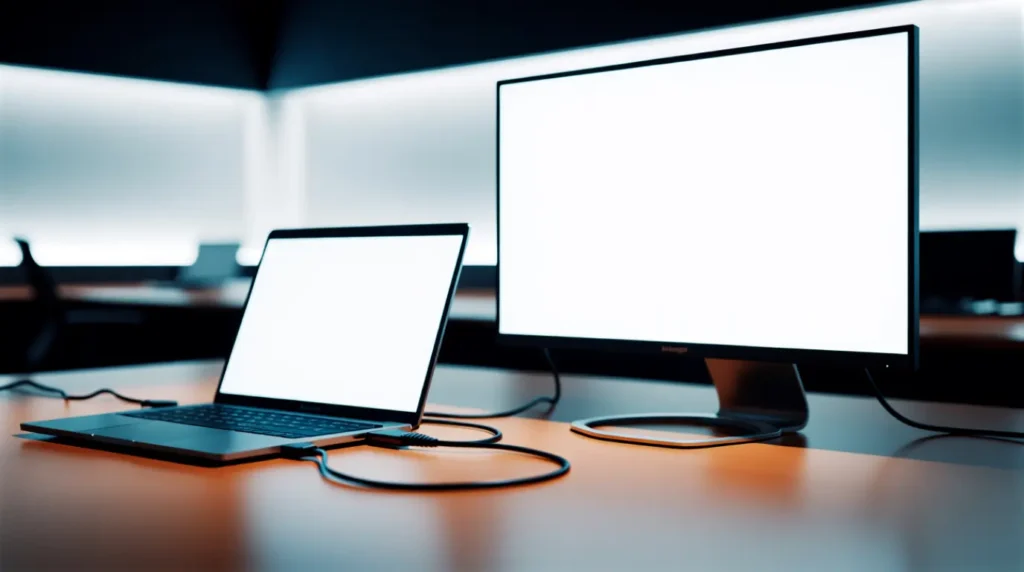
- Connect an external monitor first. If the external screen shows a clean full image, the fault sits in the panel or cable. If the white section appears there too, the GPU is the likely cause.
- Take a screenshot and open it on another device. A normal screenshot points to the panel or cable. A white section inside the screenshot points to software or the GPU.
- Slowly flex the lid at different angles and watch the white section. Movement sensitivity points directly to a cable problem at the hinge.
- Boot into Safe Mode, which loads a basic display driver only. If the white area disappears there, a driver conflict is the cause.
- Check GPU temperature under load with a monitoring tool. Sustained temperatures above 90°C paired with a load only white section point to overheating.
For deeper background on cable engineering, VESA display interface documentation covers how these ribbon connections are built to industry standard.
Fix It Step by Step
Restart and Clear Temporary Glitches
Cost: Free Time: 2 minutes Success Rate: 20%
Restart the laptop completely rather than using sleep mode. This clears temporary GPU memory errors and forces a clean display handshake.
Technician Note: This fix works most often on laptops that have not been restarted in over a week.
Update or Roll Back the GPU Driver
Cost: Free Time: 10 minutes Success Rate: 45%
Open Device Manager and expand Display Adapters. Right click the GPU and choose Update Driver, or choose Roll Back Driver if the issue begins right after an update.
Technician Note: A driver rollback fixes more overheating linked white patches than people expect, since bad drivers often skip proper fan control.
Cool Down and Clean the Vents
Cost: Under $15 Time: 30 minutes Success Rate: 35%
Shut the laptop down and let it cool for at least an hour. Clean the exhaust vents with compressed air, then retest under the same load that triggered the white section.
Technician Note: Dust buildup near the GPU heat pipe is the most overlooked cause of load only white sections.
Reseat or Replace the Display Cable
Cost: $30 to $80 Time: 1 to 2 hours Success Rate: 85%
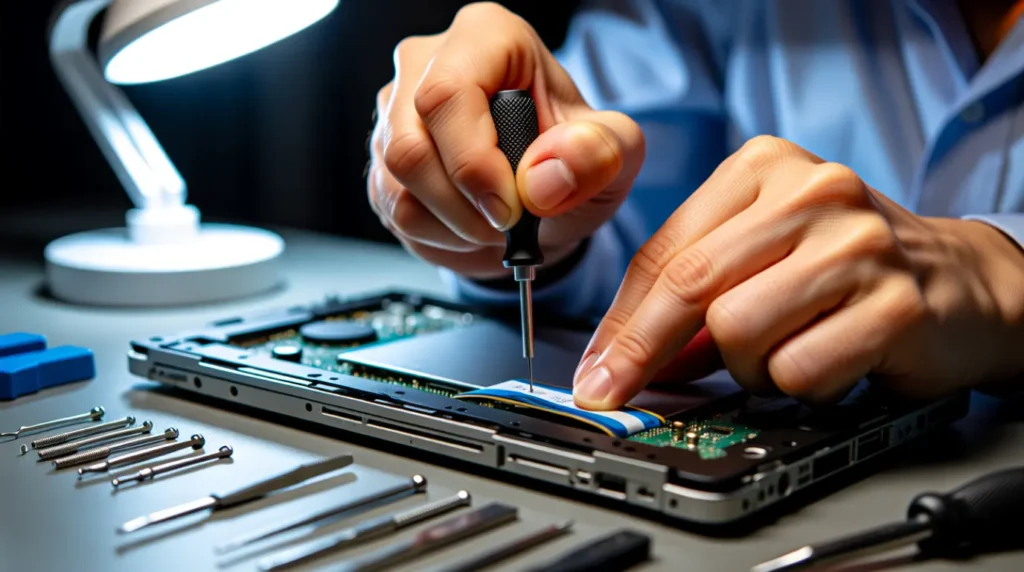
A technician opens the hinge cover and disconnects the ribbon cable at both ends. The cable is cleaned, reseated, or replaced if the strands show visible wear.
Technician Note: This single repair resolves most movement sensitive half white screens we see in the shop.
Replace the LCD Panel
Cost: $100 to $400 Time: 1 to 3 hours Success Rate: 95%
Once a crack or a fixed white section is confirmed, panel replacement is the only lasting fix. Pricing depends on brand, panel type, and touch capability.
Technician Note: Ordering the wrong panel resolution is the most common mistake customers make when they order parts themselves.
| Fix | Success Rate |
| Restart | 20% |
| Driver update or rollback | 45% |
| Cool down and clean vents | 35% |
| Cable reseat or replace | 85% |
| Panel replacement | 95% |
When to Call a Technician
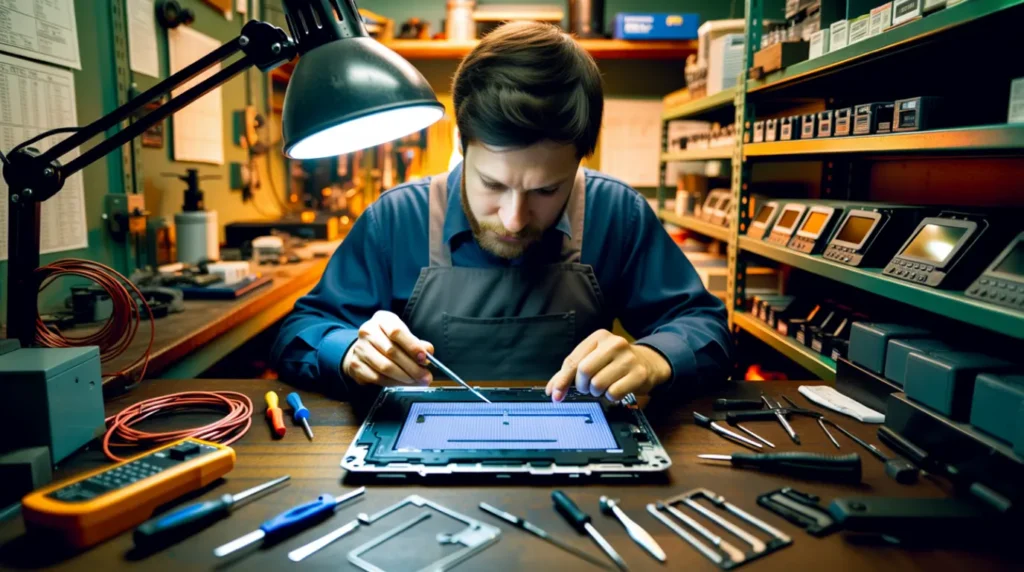
If moisture causes the white section, stop using the laptop immediately. Powering it on repeatedly can spread corrosion to nearby components.
Warranty coverage often applies if the fault appeared under normal use. If your external display shows monitor power light blinking symptoms too, check that guide separately since it points to a different failure path.
Escalate to a technician the moment the external monitor test rules out the GPU and the cause is confirmed as physical. Attempting a cable or panel repair without experience can turn a $50 fix into a $300 one.
How to Prevent Half White Screen Problems
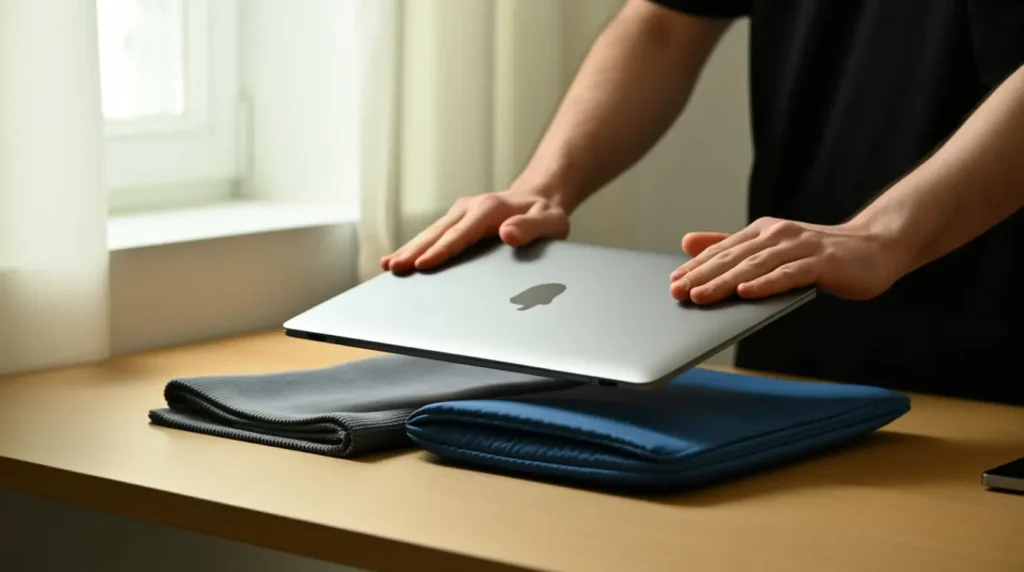
- Never spray cleaner directly onto the screen. Dampen the cloth first, away from the laptop.
- Avoid closing the lid over pens, cables, or crumbs, since trapped objects apply pressure on one spot.
- Let the laptop cool for a few minutes after gaming before closing the lid.
- Support the base with both hands when opening the lid to reduce hinge cable stress.
- Keep GPU drivers updated directly through the manufacturer site, not third party tools.
- Avoid stacking books or bags on top of a closed laptop during travel.
For connection related display problems, our HDMI versus DisplayPort guide covers signal issues that can look similar to a hardware fault.
Frequently Asked Questions

Is a half white laptop screen dangerous to keep using?
It is not dangerous unless moisture causes it. If moisture is the cause, stop using the laptop until it is checked to avoid further corrosion.
Will a half white screen get worse if I ignore it?
Cable related and moisture related causes typically worsen over time. GPU driver causes usually stay the same until fixed or the driver is replaced.
Can I use my laptop normally while waiting for repair?
Yes, connecting an external monitor lets you work normally. Set the display to external only mode to avoid the distracting white section.
Does a half white screen affect my saved files or data?
No, this is strictly a display issue. Your files and storage remain completely unaffected regardless of which half turns white.
Expert Verdict
A half white screen almost always points to one of two things: a worn cable or GPU heat stress. Run the external monitor test before anything else.
It saves both time and money by pointing you straight to the right fix.
Disclaimer
This article is for general troubleshooting guidance only. screendotfix.com is not responsible for damage caused by attempting repairs without proper experience or tools. Always consult a qualified technician for hardware level repairs.
Editor Note screendotfix.com
Reviewed for technical accuracy by the screendotfix.com editorial team. All fixes are verified against current hardware and driver behavior.
Pricing reflects average market rates and may vary by region and laptop brand. This article will be updated when new fixes are confirmed.
About the Author James, Founder of screendotfix.com
James has extensive hands-on experience diagnosing display hardware and software issues across major laptop brands.
All content is written from direct technical experience, and free fixes are always recommended before any paid repair option.
Article Summary
A half white laptop screen is usually caused by a damaged cable, a cracked panel, moisture, or GPU overheating. The external monitor test and screenshot test confirm the cause within minutes.
Software causes cost nothing to fix, while hardware causes range from $30 to $400 depending on severity.