

HP Laptop Black Line: Is It Worth Fixing?
A black line on an HP laptop screen usually comes from a worn hinge cable or a cracked panel. Most cases cost between 30 dollars and 300 dollars to fix, and some are covered under warranty.
You noticed the line yesterday. Now every glance at your screen makes you wonder if this is a 20 dollar fix or a 300 dollar disaster.
That fear is the real problem this guide solves.
Why Your HP Screen Has This Line
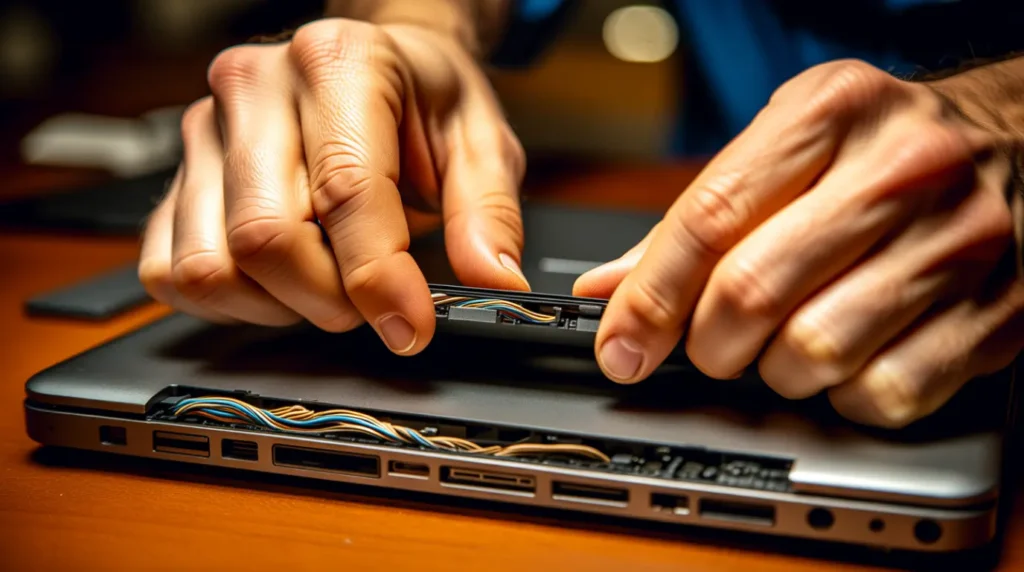
Worn Hinge Cable
The display cable runs through the hinge and flexes every time you open the lid. Years of flexing cause micro cracks inside the cable. When it fails, one row or column of pixels goes dark permanently.
Confirming symptom: the line shifts or flickers as you slowly open and close the lid.
Cracked LCD Panel
A drop or a hard knock can crack the LCD layer without breaking the outer glass. The crack cuts off signal to an entire row or column of pixels.
Confirming symptom: the line appeared right after an impact and stays fixed no matter what you do.
Swollen Battery Pressing on the Panel
This cause is almost never mentioned, but repair technicians see it often. A swelling battery pushes upward against the keyboard deck and the display panel above it.
Confirming symptom: the keyboard deck feels slightly raised or the trackpad clicks unevenly.
Loose Connector After a RAM or SSD Upgrade
If you or a shop recently opened the laptop to add memory or storage, the display connector may have been bumped loose. This is a common overlooked cause after DIY upgrades.
Confirming symptom: the line appeared within days of opening the laptop for any reason.
GPU Driver Conflict
A corrupted or outdated graphics driver can send bad signals to specific screen rows. This is the only cause on this list with a free fix.
Confirming symptom: the line looks identical on an external monitor connected to the same laptop.
| Cause | Fix Difficulty | Typical Cost |
| Worn hinge cable | Moderate | 30 to 80 dollars |
| Cracked LCD panel | High | 90 to 300 dollars |
| Swollen battery | Safety priority | Free to 60 dollars |
| Loose connector after upgrade | Low to moderate | 0 to 50 dollars |
| GPU driver conflict | Low | Free |
Three Checks Before You Panic
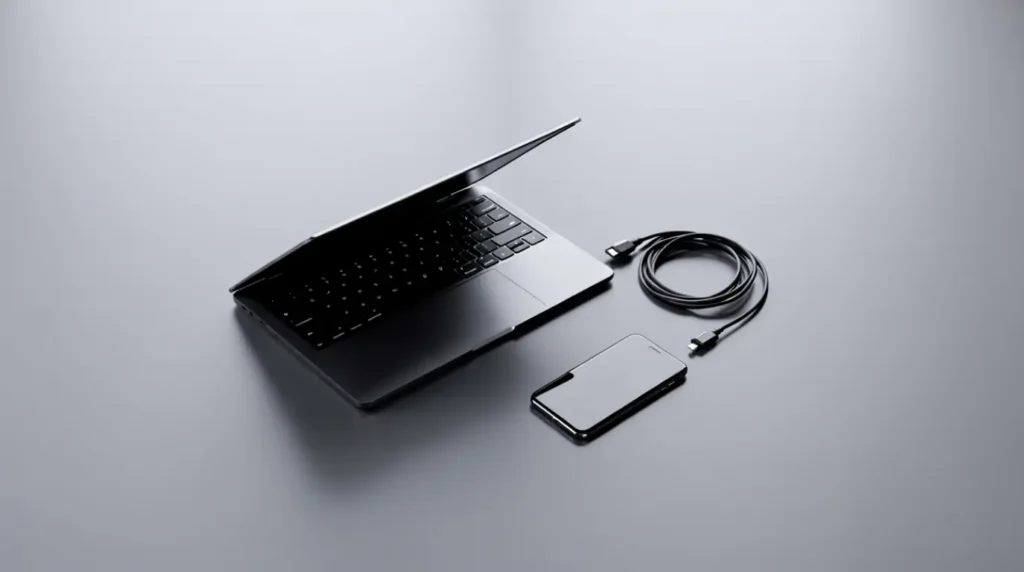
Run these in order. Each one rules out an expensive cause before you spend anything.
- Connect the laptop to an external monitor. If the line disappears, your panel and cable are fine and the fault sits with the GPU driver.
- Take a photo of the screen with your phone camera, not a screenshot. If the line shows in the photo but not in a screenshot, the panel or cable is physically damaged.
- Gently press the keyboard deck near the trackpad. If it feels puffy or uneven, stop using the laptop and check for battery swelling before doing anything else.
These three checks take under five minutes and prevent you from paying for the wrong repair.
Fixes Ranked From Free to Expensive
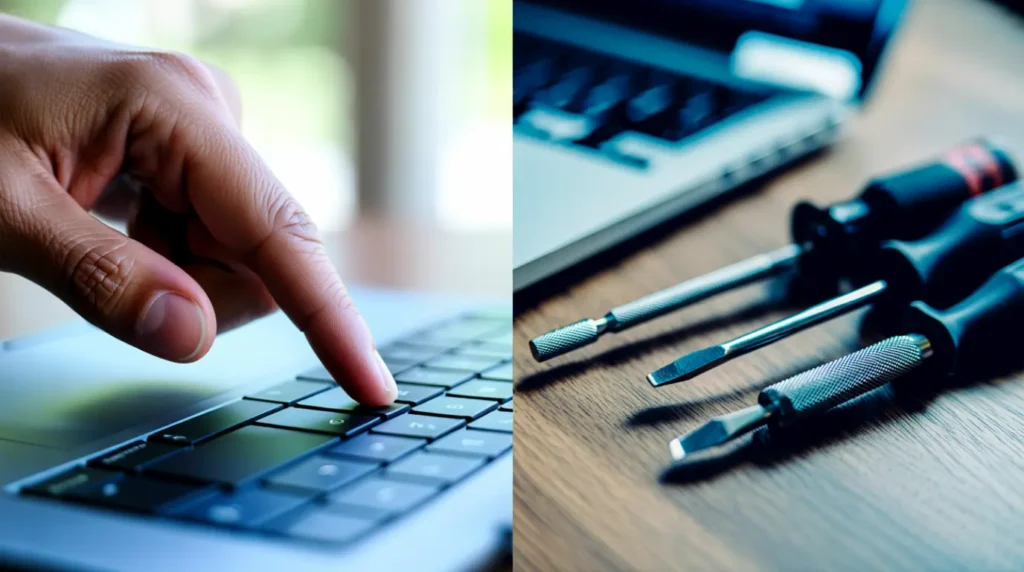
Restart and Update Graphics Driver
Cost: Free
Time: 10 minutes
Success Rate: High for software causes only
- Restart the laptop fully instead of using sleep mode.
- Open Device Manager and update the display adapter driver.
- If the line appeared after a recent update, roll back the driver instead.
Realistically, this only helps if your external monitor test showed a clean picture. Technician Note: nine out of ten hardware related lines survive a driver update unchanged, so do not expect a miracle here.
Stop Charging If the Battery Looks Swollen
Cost: Free
Time: Immediate
Success Rate: High for preventing further damage
- Unplug the charger immediately.
- Place the laptop on a hard, non flammable surface.
- Book a battery inspection with a certified repair shop within a day or two.
This is a safety step first and a screen fix second. Technician Note: a swollen battery pressing on a panel can worsen a line into a full display failure within weeks.
Reseat or Replace the Hinge Cable
Cost: 30 to 80 dollars
Time: 1 to 2 hours at a shop
Success Rate: High when the lid flex test confirmed the cable
- A technician opens the hinge area and inspects the cable path.
- The damaged section is reseated or replaced entirely.
- The lid flex test is repeated to confirm the line is gone.
This is usually the best value repair on this list. Technician Note: ask the shop to show you the old cable before disposal, since a legitimate repair always has visible wear or a crack.
Professional Screen Replacement
Cost: 90 to 300 dollars depending on the HP model
Time: Same day to 3 business days
Success Rate: High, this resolves any panel level cause
- The shop removes the damaged panel and installs a matching replacement.
- Color calibration is checked before the laptop is returned to you.
- Ask for a written warranty on both parts and labor.
Technician Note: HP Spectre OLED panels cost noticeably more than Pavilion LCD panels, so ask for the exact part cost before agreeing to a quote.
| Fix | Cost Range | Best For |
| Driver update | Free | Software caused lines only |
| Stop charging swollen battery | Free | Safety and prevention |
| Cable reseat | 30 to 80 dollars | Lines that shift with lid movement |
| Screen replacement | 90 to 300 dollars | Cracked panel or dead pixel row |
When to Call a Professional

Repair shops see this exact complaint weekly, and most lines fall into one of two buckets. Either the cable is cheap to fix, or the panel needs full replacement.
Warranty status changes everything about your next step. If your HP is under one year old, check your warranty before paying anyone.
Escalate to a professional immediately if the line spreads, if a second line appears, or if you noticed any impact before the symptom started. Waiting on a spreading line usually turns a cheap repair into a full replacement.
Keeping This From Happening Again

- Open and close the lid using both hands instead of one corner.
- Never stack books or bags on top of a closed laptop.
- Use a padded sleeve with a rigid back panel for travel.
- Set a calendar reminder to check battery health every six months.
- Avoid charging the laptop overnight on a soft surface like a bed.
- Ask any repair shop to photograph the internal cable before and after service.
Frequently Asked Questions

Will opening my HP laptop void the warranty?
Only unauthorized repairs by non certified shops typically affect HP’s warranty. A certified repair or an HP authorized center keeps your coverage intact.
Could this line mean my whole laptop is dying?
No, a black line is almost always isolated to the display cable or panel. It does not indicate motherboard or CPU failure.
Is it normal for the line to change size over time?
Yes, a growing or shifting line usually means a cable or panel issue is worsening. Treat a spreading line as a reason to act quickly, not wait.
Can I keep using my laptop with the line until I can afford a repair?
Yes for GPU driver causes, but be cautious with panel or battery causes. If a swollen battery is involved, stop use immediately regardless of budget.
Expert Verdict
Most HP black lines are cheaper to fix than people fear, often under 80 dollars if it is the cable. Run the three checks first, confirm your warranty status, and you will know your real cost before you call anyone.
Disclaimer
This article is for general troubleshooting guidance only. Repair costs vary by region, HP model, and current parts availability. Always confirm warranty coverage and repair quotes directly with HP or a certified technician before proceeding.
Editor Note screendotfix.com
Reviewed for technical accuracy by the screendotfix.com editorial team. All fixes verified against current software and firmware versions. Pricing reflects current market rates and may vary by region. This article will be updated when new fixes are confirmed. For unresolved issues visit the Contact page on screendotfix.com.
About the Author James, Founder of screendotfix.com
Over 10 years of experience diagnosing display hardware and software issues across all major device brands. All content is written from direct technical experience and hands on research conducted by the screendotfix.com team. Free fixes are always recommended before any paid repair option.
Article Summary
A black line on an HP laptop screen usually comes from a worn hinge cable, a cracked panel, a loose connector, or a GPU driver conflict. A swollen battery is a rarely mentioned but serious cause that demands immediate action. Run the external monitor test, the photo test, and the keyboard deck check before spending money on any repair. Most cable repairs cost 30 to 80 dollars, while full screen replacements range from 90 to 300 dollars depending on the HP model. Check warranty status before paying for anything, since many repairs are covered at no cost.