
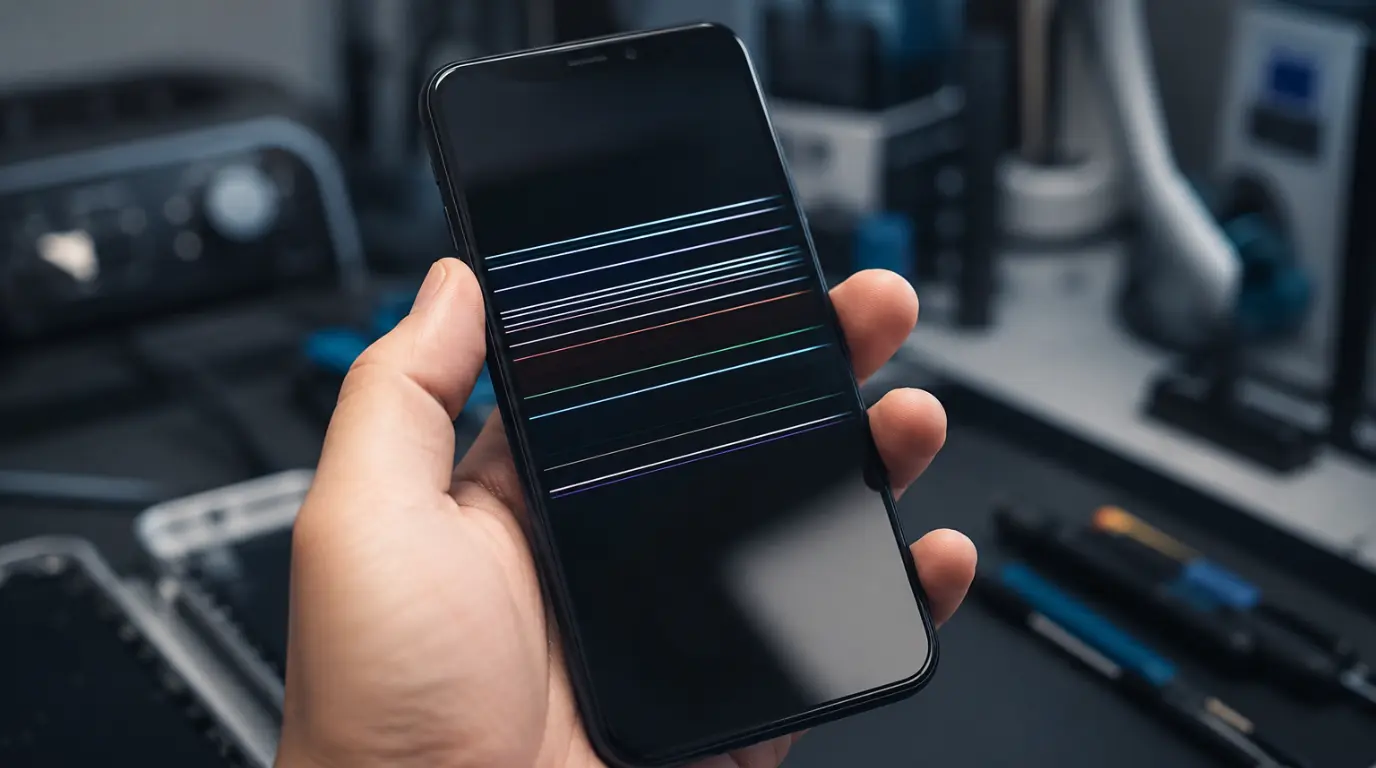
Horizontal lines on a phone screen are usually caused by a software rendering bug, a loose display cable, physical screen damage, or display driver issues linked to a degrading battery. Before paying for a repair, take a screenshot of your screen and view it on another device. If the line appears in the screenshot, the issue is software-related. If it doesn’t, the problem is hardware-related.
Many people wake up to find a horizontal line across their phone screen even though the device seemed perfectly fine the night before. In most cases, the actual cause isn’t obvious, which leads many users to spend money on repairs they may not need. The good news is that a few simple tests can help identify the real cause in less than five minutes.
How to Find the Exact Cause in Under 5 Minutes
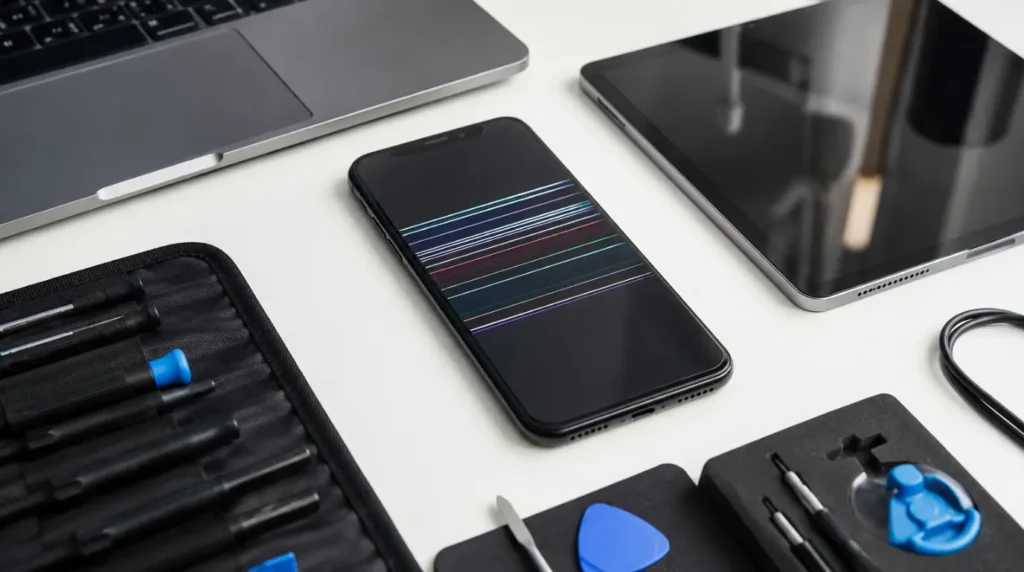
Screenshot Test
Take a screenshot using your phone’s button combination and open that screenshot on another phone, tablet, or computer.
If the horizontal line appears in the screenshot, the issue is being generated by the phone’s software or graphics system. If the screenshot looks normal, the problem is hardware-related and further testing is required.
Battery Charge Test
If the screenshot looks normal, charge the phone to 100% before trying any other fixes.
A weakening battery can sometimes provide unstable voltage to display components. When this happens, horizontal lines may appear at low battery levels and improve once the device is fully charged.
Confirming Sign: The lines become less visible or disappear after charging the phone completely.
Frame Pressure Test
Keep the phone powered on and gently press around the outer frame edges. Do not press directly on the display glass.
If the line flickers, changes position, becomes lighter, or disappears briefly, there is a strong chance that the display cable inside the phone has become partially disconnected.
A loose display cable is generally much cheaper to repair than a complete screen replacement.
Progression Check
Take note of where the lines appear and how many there are.
Check again after 24 hours.
If additional lines appear or the existing line becomes thicker, the problem is likely caused by internal hardware damage that is actively getting worse.
What’s Actually Causing Those Lines?
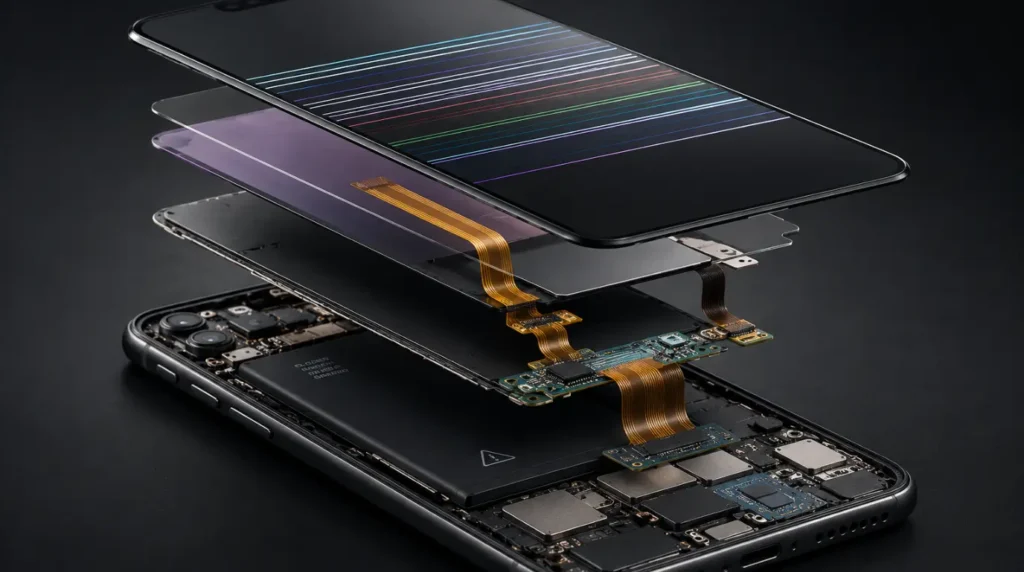
Battery Voltage Irregularity Disrupting the Display Driver
After hundreds of charging cycles, smartphone batteries begin to lose efficiency. As battery health declines, voltage delivery can become inconsistent.
Display driver circuits rely on stable power. When voltage fluctuates, faint horizontal lines can appear on the screen, particularly when battery levels drop below 20%.
Confirming Sign: Lines become more noticeable at low battery percentages and improve after charging.
Thermal Cycling Causing Display Cable Micro-Disconnection
Every smartphone experiences expansion and contraction as it heats up and cools down.
Activities such as gaming, overnight charging, and exposure to warm environments can gradually loosen the display ribbon cable over time.
The cable may become partially disconnected without any drop or impact.
Confirming Sign: Lines appeared gradually or seemed to show up overnight after heavy use or charging.
Physical Impact Fracturing the Display Panel
A phone screen can suffer internal damage even when the outer glass remains intact.
A drop can fracture the internal display layer while leaving the surface glass looking perfectly normal.
In these cases, horizontal lines often remain fixed in one location and do not respond to software fixes.
Confirming Sign: The line appeared shortly after dropping the phone.
Sustained Pressure Deforming the LCD Layer
Carrying a phone in a tight back pocket, placing heavy objects on it, or storing it in a compressed bag can slowly damage the internal display layers.
Over time, pressure can deform the LCD structure and create permanent horizontal lines.
Confirming Sign: The line gradually worsened after prolonged pressure on the device.
Software Rendering Bug or Corrupted Graphics Cache
Not every screen line is caused by hardware.
A failed operating system update, corrupted graphics cache, or problematic application can create visual artifacts that look exactly like screen damage.
The easiest way to identify this cause is through the screenshot test.
Confirming Sign: The line appears in screenshots viewed on another device.
How to Fix Horizontal Lines on Your Phone Screen
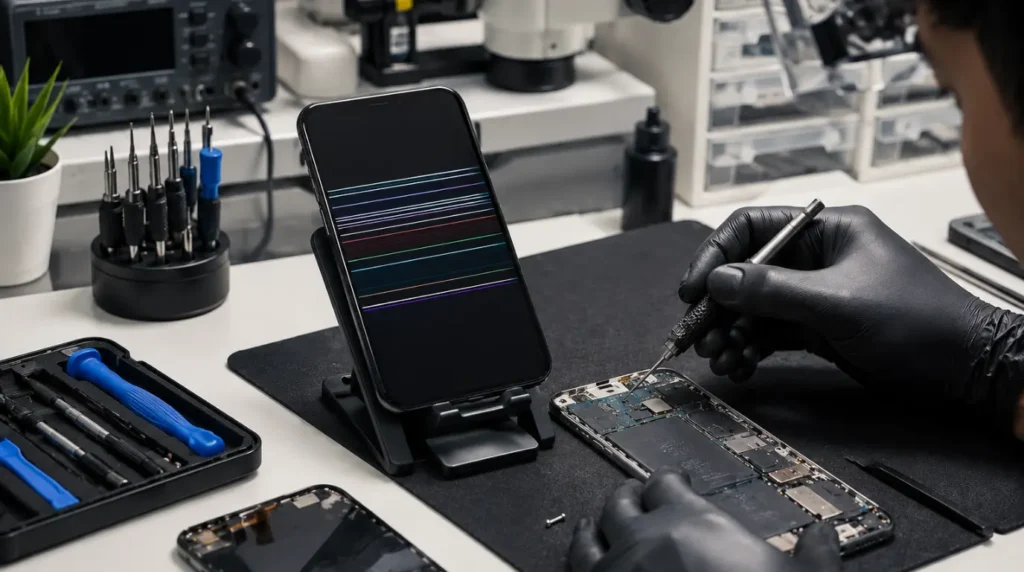
Fix 1: Full Power-Off Restart
Cost: Free
Turn the phone off completely rather than using the quick restart option.
Leave it powered off for 30 seconds before turning it back on.
A complete shutdown resets graphics processes that may survive a standard reboot.
Fix 2: Charge to 100% Before Anything Else
Cost: Free
Charge the phone fully and monitor the display.
If the lines improve after charging, the battery may be responsible rather than the screen itself.
In many cases, replacing the battery is significantly cheaper than replacing the display.
Fix 3: Clear System Cache (Android)
Cost: Free
Open:
Settings → Apps → Three-Dot Menu → Reset App Preferences
Restart the device afterward.
Some Samsung devices also allow cache partition clearing through Recovery Mode.
Corrupted cache files can sometimes create display-related issues.
Fix 4: Safe Mode Test (Android) or Recent App Isolation (iPhone)
Cost: Free
Android
- Hold the Power button.
- Press and hold Power Off.
- Select Safe Mode.
If the line disappears in Safe Mode, a third-party app is likely causing the issue.
iPhone
Remove recently installed or recently updated apps and observe whether the problem disappears.
Fix 5: OS and App Update
Cost: Free
Navigate to:
Settings → Software Update
Install all available updates.
Operating system updates often include graphics fixes that are not specifically mentioned in update notes.
Fix 6: Factory Reset
Cost: Free
Back up all important data before proceeding.
Android
Settings → General Management → Reset → Factory Data Reset
iPhone
Settings → General → Transfer or Reset iPhone → Erase All Content and Settings
If the lines disappear after a factory reset, the problem was software-related.
If the lines remain, hardware is the likely cause.
Fix 7: Gentle Frame Pressure (Cable Cases Only)
Cost: Free
Only perform this fix if the frame pressure test caused the line to change.
Turn off the phone and apply light, steady pressure around the frame edges for about 30 seconds.
Restart the phone and check the display.
This is not a permanent repair, but it can help confirm a loose display cable diagnosis.
Fix 8: Professional Repair or Warranty Claim
Cost: Paid or Warranty-Covered
Before paying for repairs, check whether the device is still under warranty.
If the phone has no signs of physical damage, the issue may qualify for warranty service or a goodwill repair program offered by the manufacturer.
When You Need a Technician
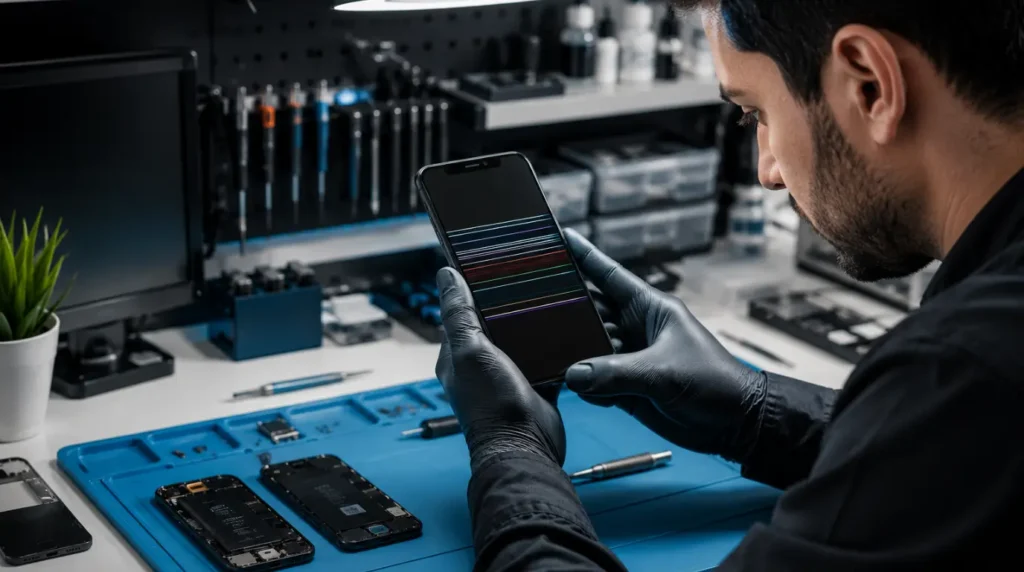
If the screen shows horizontal lines but the glass is not cracked, technicians typically inspect the display cable first because it is one of the most common causes.
A cable reseat or cable replacement is often far less expensive than replacing the entire display assembly.
You should seek professional assistance immediately if:
- Lines are spreading rapidly.
- The phone feels unusually warm.
- Multiple new lines appear within 24–48 hours.
- The battery appears swollen.
- The device has suffered water damage.
A swollen battery can press against the display from inside and create line artifacts. This situation should be treated as a safety concern.
Repair Costs in 2026
Budget Android Screen Repair
$60–$120
Battery Replacement as an Alternative Diagnosis
$50–$100
iPhone SE and Older Models
$129–$199
iPhone 15 and 16 Series
$229–$379
Samsung Galaxy S and Z Series
$199–$299
Third-party certified repair shops often charge 30–50% less than official manufacturer service centers.
How to Prevent Horizontal Lines From Coming Back
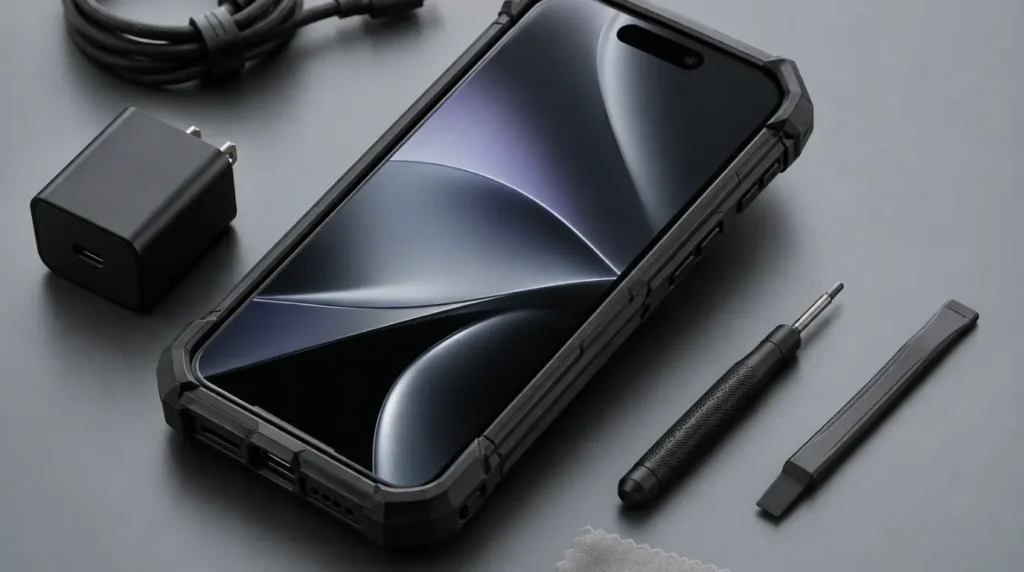
Use a Case With Raised Bezels
A protective case reduces the likelihood of screen damage during accidental drops.
Stop Carrying the Phone in a Back Pocket
Repeated pressure can gradually damage the display and internal cables.
Keep Battery Charge Between 20% and 80%
Maintaining healthy charging habits helps reduce stress on battery and display-related components.
Don’t Leave the Phone in a Hot Car
Excessive heat accelerates wear on display cables and internal electronics.
Replace a Degrading Battery Early
Replacing an aging battery before it becomes severely worn can prevent display-related symptoms from developing.
Install OS Updates Promptly
Software updates frequently include bug fixes and graphics improvements that prevent rendering issues.
Frequently Asked Questions
Why Did Horizontal Lines Appear on My Phone Screen Overnight With No Drop?
Thermal cycling, display cable movement, battery voltage instability, and software glitches can all create lines without any obvious physical damage.
Will Using the Phone Make the Lines Worse?
Software-related lines generally do not worsen over time.
Hardware-related lines, especially those caused by cable damage or screen fractures, often become more severe with continued use.
My Warranty Expired but Lines Appeared With No Damage. Do I Have Any Options?
Yes. Some manufacturers offer goodwill repairs for display defects that occur without physical damage.
Contact the manufacturer’s support team before paying for repairs.
How Do I Know if It’s the Cable or the Screen Before I Let Them Open It Up?
Perform the frame pressure test.
If the line reacts when pressure is applied around the frame, a loose display cable is likely.
If nothing changes, screen damage is more probable.
Expert Verdict
Horizontal lines on a phone screen do not automatically mean that the display needs replacement. Many cases are caused by software issues, battery-related voltage problems, or loose display cables that can be diagnosed in minutes.
Before spending money on repairs, perform the screenshot test, battery charge test, and frame pressure test. These simple checks can often identify the real problem and potentially save you from an unnecessary screen replacement.
Editor Note screen.fix.com
Reviewed for technical accuracy by the screen.fix.com editorial team. All troubleshooting methods have been verified against current Android and iOS firmware versions. Repair pricing reflects average 2026 market rates and may vary by device model, location, and repair provider.
About the Author James, Founder of screen.fix.com
James has over 10 years of experience diagnosing smartphone display hardware and software issues across major device brands. His repair guidance is based on hands-on testing, real-world troubleshooting experience, and ongoing research into mobile display technologies. The goal is always to help users try safe, free fixes before spending money on repairs.