
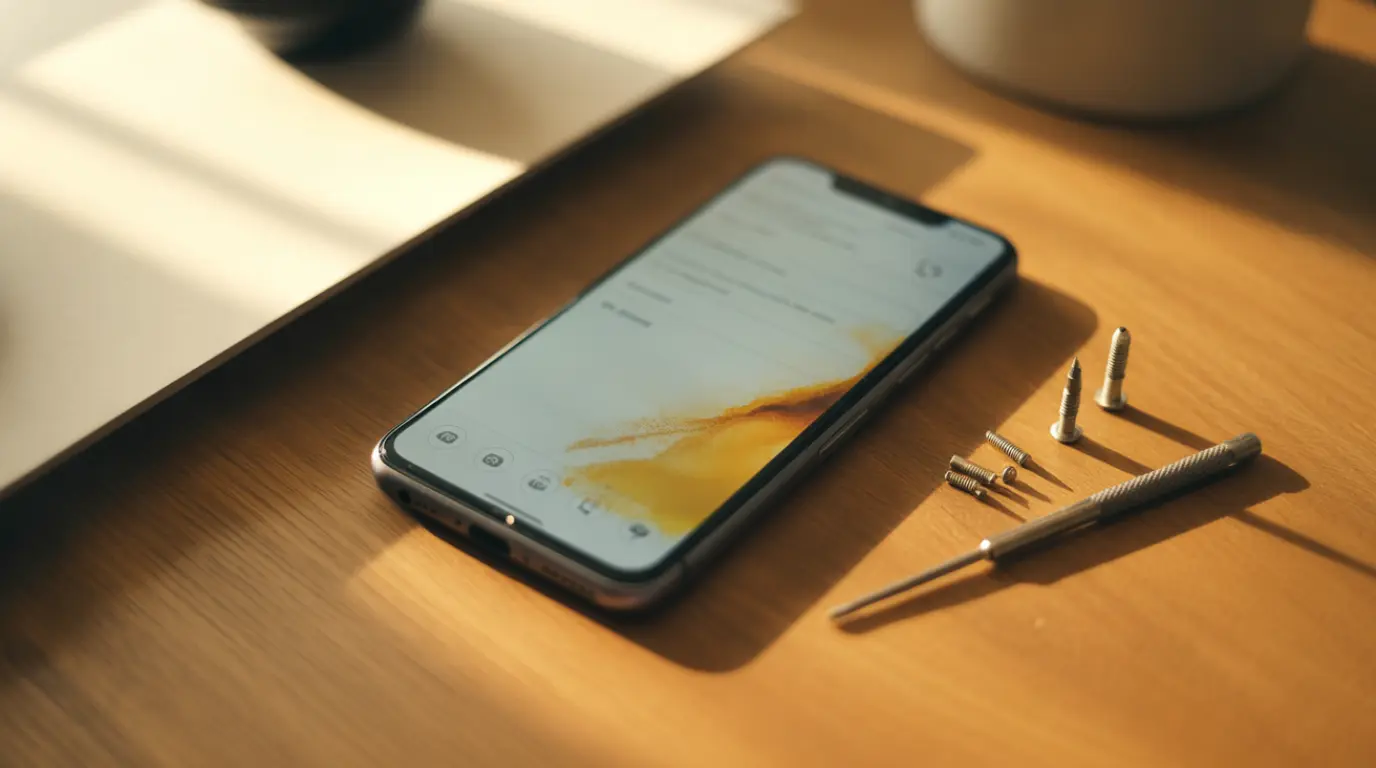
A yellow spot on a phone screen is usually caused by panel pressure damage, AMOLED burn-in, heat exposure, or curing adhesive after a recent screen repair. A cheap screen protector reacting with the display is a less common but very real cause. Software filters like Night Shift can also create a yellow tint that has nothing to do with hardware at all.
I get a message almost every week that starts the same way. A small yellow mark just showed up on someone’s screen and they assume the worst. Once you know the five things that actually cause this, the panic usually clears up fast.
The Real Reasons This Happens
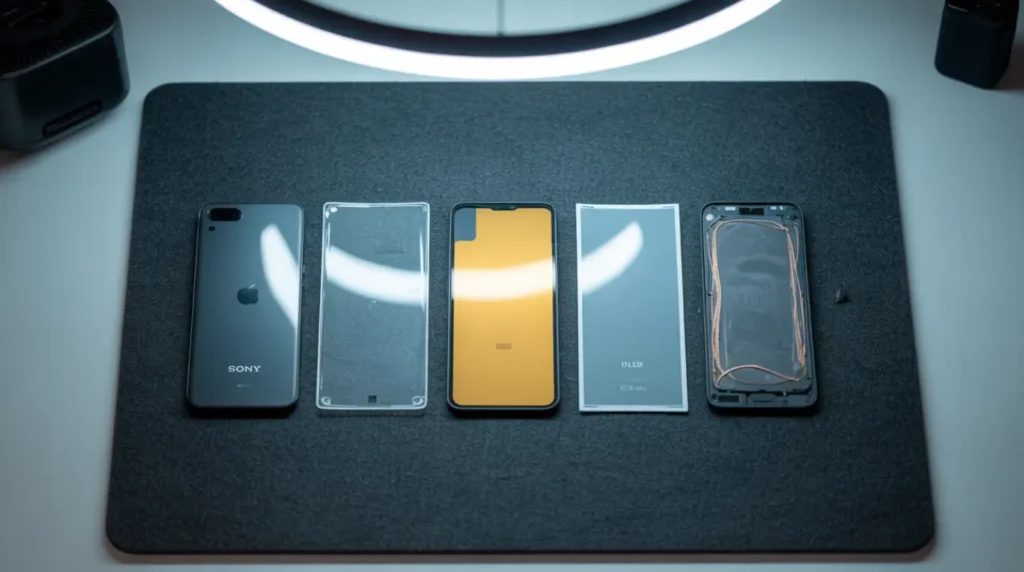
Most yellow spots trace back to one of five patterns. Two of them barely get mentioned anywhere else, and they happen to be the easiest ones to fix.
Panel Pressure or Impact Damage
A drop or a hard squeeze in a tight pocket can crack the internal display layers without leaving a single mark on the glass on top. The yellow patch sometimes shows up hours or even days later, then grows slightly worse every time that area gets touched, pressed, or carried in a bag during travel.
Confirming sign: the spot appeared within a day or two of an impact and keeps spreading with normal handling.
AMOLED or OLED Burn In
Static icons like the keyboard bar, navigation buttons, or an always on clock wear down certain pixels faster than the ones around them. Over several months this leaves a faint yellowish ghost image that never moves, no matter what app is open or how the wallpaper changes.
Confirming sign: the shape matches an app layout you use constantly, and it appears on every screen, not just one app.
Heat Exposure
Long gaming sessions while the phone is plugged in and charging push the display well past its normal operating temperature. A few hours on a sunny dashboard does the same thing, and LCD panels in particular can hold a yellowish tint even after the phone has fully cooled down.
Confirming sign: it worsens noticeably during heavy use or charging and fades slightly once the phone has rested for an hour.
A Cheap Screen Protector or Case Reacting With the Display
Some off brand adhesive and plastic compounds slowly react with the display surface sitting underneath them. Repair shops see this most often on protectors that sell for a few dollars, and it tends to develop gradually over several months rather than appearing overnight.
Confirming sign: the yellow tint sits in a perfect rectangle that matches the exact shape and edges of the protector.
Curing Adhesive After a Recent Screen Replacement
Fresh screen adhesive is yellow before it fully cures, and that color can take one to three weeks to clear completely on its own. This is different from a mismatched aftermarket panel, which causes a tint that never fades because the part itself was the wrong color from the start.
Confirming sign: the tint appeared right after a repair, looks faint and even across the whole screen, and is not patchy or shaped like a specific object.
How to Tell Which One You Are Dealing With
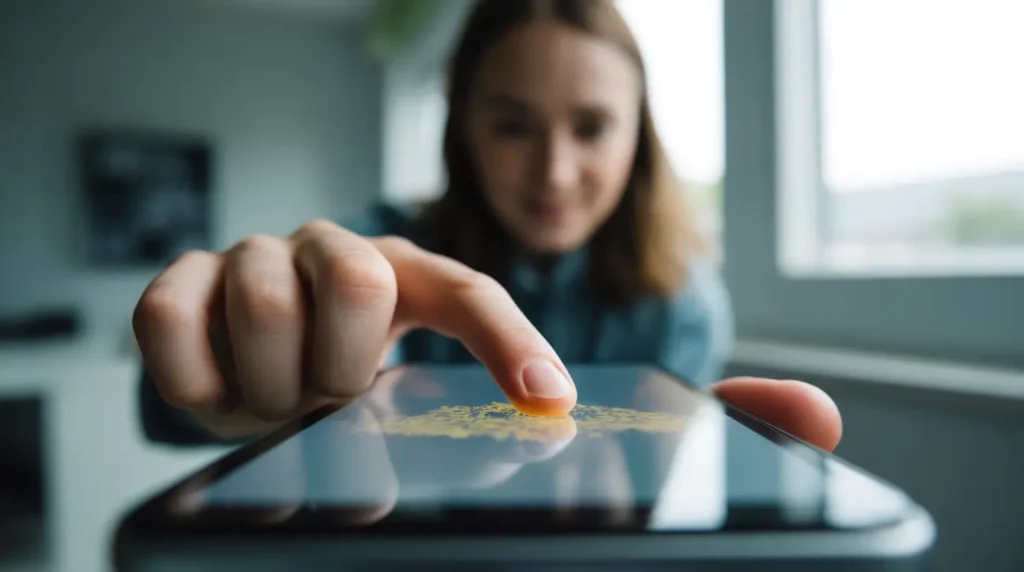
Work through these in order before spending any money on a repair.
- Rule Out the Privacy Dot First. If the yellow mark is a tiny dot near the front camera that only shows up while certain apps are open, that is your phone’s microphone privacy indicator and not a display problem at all.
- Press Gently Near the Spot. Light pressure that changes the color, shape, or brightness of the area points to physical damage rather than burn in.
- Turn Off Warm Display Filters. Disable Night Shift, Eye Comfort, or any blue light filter in your settings and watch whether the yellow disappears.
- Compare a Screenshot on Another Screen. If the spot vanishes in the screenshot, the cause is software. If it shows up in the screenshot too, the cause is hardware.
- Note Exactly When It Appeared. A spot tied to a drop, a recent repair, or a hot car points straight to the matching cause above, and that timing alone solves most of the guesswork.
Fixes That Actually Work, In Order
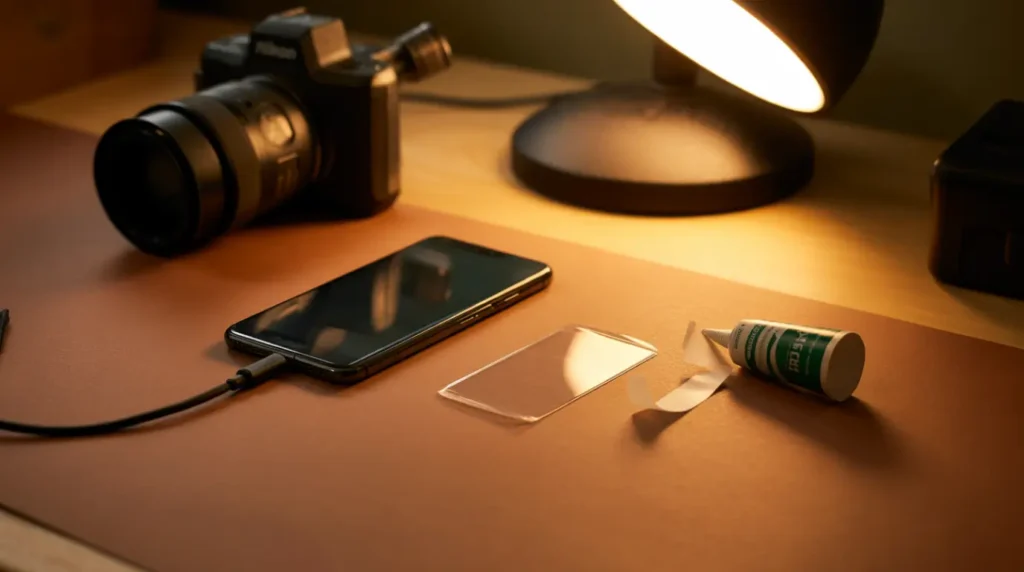
Start at the top of this list. Most people solve this without spending a single dollar.
Turn Off Warm Display Settings
Cost: Free. Time: One minute.
Open your display settings and switch off Night Shift, Eye Comfort Shield, or Blue Light Filter. If the yellow disappears the moment you toggle it off, your screen was never damaged in the first place.
Restart the Phone
Cost: Free. Time: Two minutes.
Hold the power button and choose Restart, not just lock the screen. This clears the graphics driver and resolves a surprising number of minor display glitches on its own.
Peel Back the Screen Protector and Recheck
Cost: Free. Time: Five minutes.
Carefully lift the edge of any tempered glass or film protector and check the screen underneath. A yellow rectangle that disappears along with the protector confirms both the cause and the fix in one step.
Update the Operating System
Cost: Free. Time: Ten to twenty minutes.
Manufacturers patch display calibration bugs on a regular basis. Open your settings menu and install any update that is waiting.
Give a Fresh Repair Two to Three Weeks
Cost: Free. Time: Up to three weeks.
If the tint showed up right after a screen replacement, hold off on judging the shop’s work too quickly. Curing adhesive almost always clears on its own within that window.
Try a Pixel Fixing App
Cost: Free to a few dollars. Time: Thirty to sixty minutes. Success Rate: Around 60% for small stuck spots.
These apps cycle rapid colors across the screen to unstick a single frozen pixel. They will not help with burn in or impact damage, but they are worth the short time investment before assuming the worst.
When to Stop DIY and See a Technician
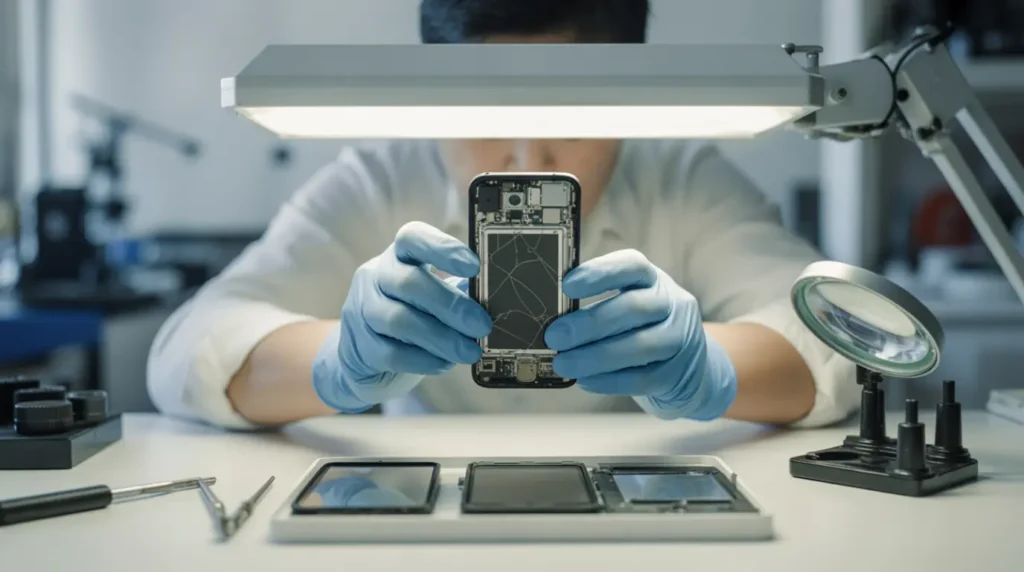
If none of the free fixes worked, the spot is very likely physical at this point. Technicians see one pattern constantly: a screen gets replaced with a cheap aftermarket panel, and the new screen develops a yellowish or pinkish tint within days because the part itself was never color matched to begin with. Always ask a repair shop which panel brand they install before agreeing to a price, and get the warranty terms in writing.
A manufacturing defect on a brand new phone is covered under the standard one year warranty in every case I have seen. Drop damage, heat damage, and liquid exposure are not covered unless a protection plan was purchased separately, and most of those plans still charge a service fee somewhere between $29 and $150 depending on the device. Out of warranty repair typically runs $60 to $150 for budget Android screens and $150 to $350 for flagship OLED panels, with certified third party shops usually charging thirty to fifty percent less than the manufacturer.
Stop using the phone and book a repair immediately if the spot is growing week over week, the area feels noticeably warm to the touch, or the screen looks like it is separating slightly from the frame. Those three signs are the only ones that mean real urgency.
Stopping It Before It Starts
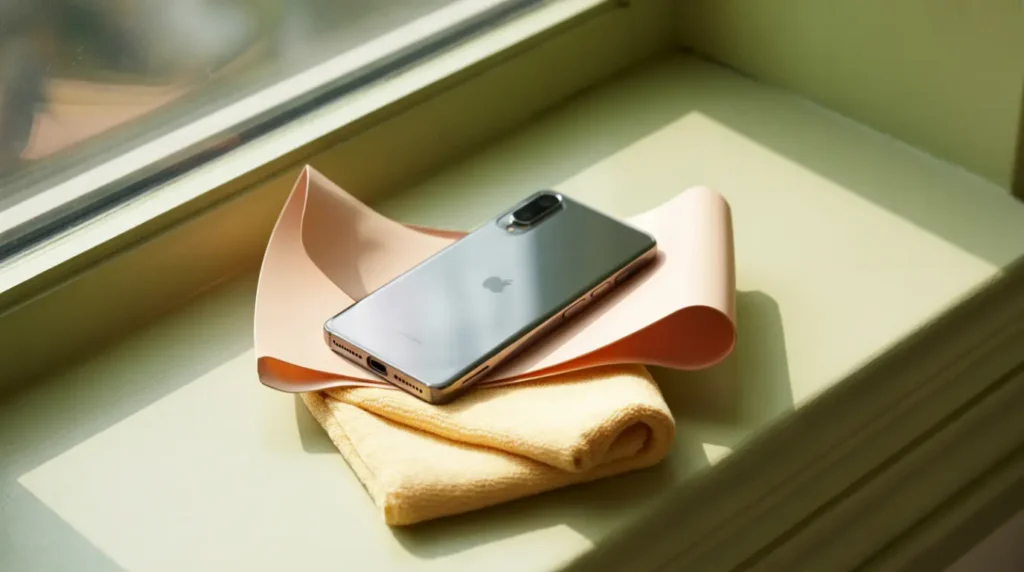
- Skip screen protectors priced under five dollars, since their adhesive is the most likely to react with the display over time.
- Ask any repair shop which panel brand they use before booking the appointment, not after the work is already done.
- Give a freshly replaced screen two to three weeks before judging its color or returning to complain.
- Keep brightness around 60 to 70% on AMOLED and OLED phones to slow down long term pixel wear.
- Never leave the phone face down on a hot car dashboard, a stove top, or direct sunlight for extended periods.
- Lower your auto lock setting to thirty seconds to cut down on static image exposure throughout the day.
Common Questions From People Dealing With This
I just got my screen replaced and it still looks yellow. Did the shop mess up?
Probably not. Fresh adhesive stays yellow until it fully cures, and that process can take up to three weeks depending on the device. If the tint is still visible after a full month, go back and ask them to check whether the panel itself was color matched correctly.
Can a yellow spot from a drop go away on its own?
No. Cracked internal layers do not heal themselves, and the spot usually gets slightly worse with continued handling over the following weeks. It will not cause any other immediate problems though, so there is no need to stop using the phone while you decide on a repair.
Is the yellow dot near my camera the same problem?
No. That tiny dot is a privacy indicator that shows an app is currently using your microphone, and it has nothing to do with display damage of any kind. It will disappear on its own once the app stops accessing the microphone.
Will a cheap screen protector really cause this?
Yes, more often than most people expect. Off brand adhesive can react with the display surface over several months, leaving a yellow tint shaped exactly like the protector that caused it.
My Honest Take
A yellow spot looks alarming the first time you see it, but most cases trace back to something you can check in under five minutes. Rule out the software causes first, give any recent repair time to settle, and only pay for a replacement once you have actually confirmed the damage is physical. If a repair does turn out to be necessary, spend the extra few dollars on a properly color matched panel, since that single choice is what prevents most of the repeat visits I see walking back through the door.
Disclaimer
This article is written for general informational purposes only. Screen repair costs, warranty terms, and software steps can vary by device model, carrier, and region. Always confirm current pricing and coverage directly with your manufacturer or a trusted repair provider before paying for any service.
Editor Note
Reviewed for technical accuracy by the screendotfix.com editorial team. All fixes were verified against current software and firmware versions at the time of publishing. Pricing reflects current market rates and may vary by region. This article will be updated whenever new fixes are confirmed. For unresolved issues, visit the Contact page on screendotfix.com.
Author Note
James is the founder of screendotfix.com, with over ten years of experience diagnosing display hardware and software issues across every major device brand. All content is written from direct technical experience and hands-on research conducted by the screendotfix.com team. Free fixes are always recommended before any paid repair option.
Article Summary
A yellow spot on a phone screen usually comes down to one of five causes, and two of the most overlooked are a reactive screen protector and curing adhesive after a repair. Free software checks should always come before spending money on a replacement. A spot that grows, feels warm, or appears right after a drop is the clearest sign a professional look is needed. Manufacturing defects are covered under standard warranty, while drop and heat damage usually are not.