
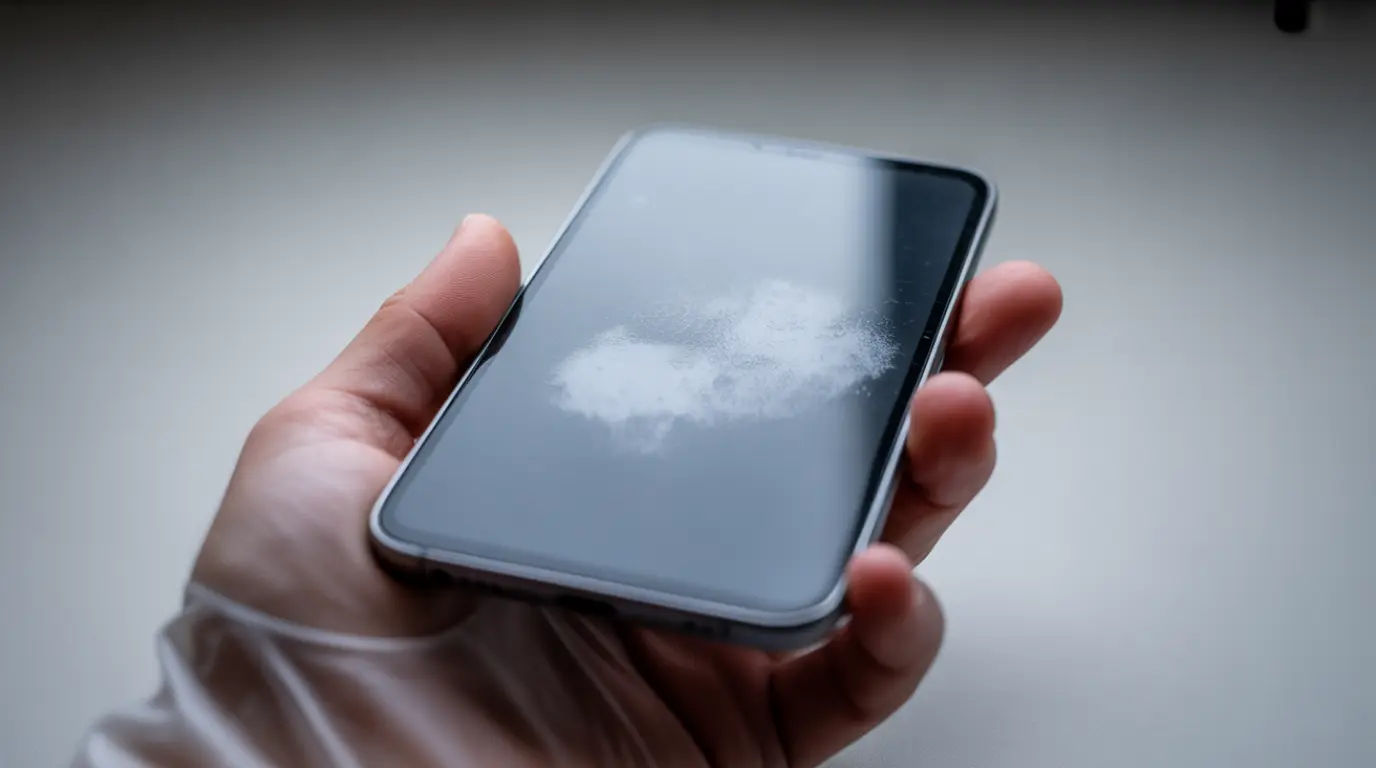
White spots on a phone screen are caused by one of five things: pressure on the LCD, backlight damage, stuck pixels, moisture inside the display layers, or LCD delamination. The shape and behavior of your spot tells you exactly which one you have and which fix to try first. Match the spot to the cause before spending time or money on anything.
Most guides tell you to remove your case and wait. That advice works for one specific type of white spot. For the other four, you could wait a month and the spot would still be sitting there possibly larger. The spot shape is the actual diagnostic. Everything else is guesswork.
This guide works differently. It tells you how to read your specific spot, match it to the exact cause, and then apply the one fix that can actually help it. No generic list of ten things to try. No hoping one of them lands.
Why Your White Spot Isn’t What You Think It Is
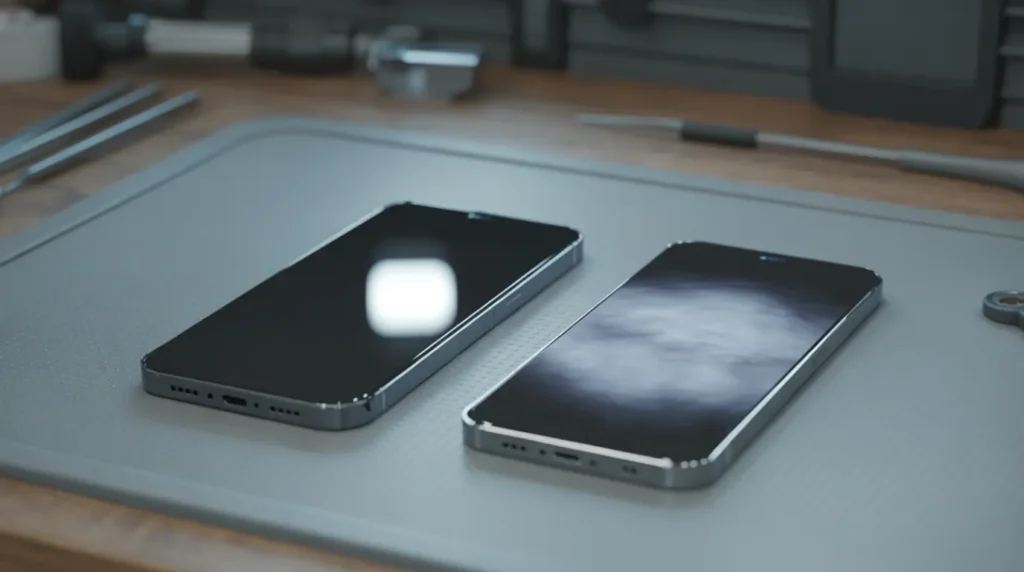
White spots get grouped together as display damage, but the causes are genuinely different from each other. Getting the cause wrong means applying fixes that have no chance of working on your particular problem.
LCD Crystal Displacement
This is the most common cause. When the liquid crystals inside your LCD panel get pushed out of alignment from sitting on the phone, a heavy bag, keys in the same pocket, or a tight-fitting case they create a bright patch where the crystals can no longer control light properly.
Confirming symptom: Gently press the screen around the spot, not on it. If the spot shifts or distorts, crystal displacement is confirmed. The spot may also look worse when the phone is warm and slightly smaller after an overnight rest.
LCD Delamination
Rarely covered in mainstream guides. Your display is made of several bonded layers. When those layers begin separating from a minor internal impact, a drop that did not crack the glass, or a manufacturing weakness, air gets trapped between them and scatters light into a white blob.
Confirming symptom: Delamination spots have soft, undefined edges. They tend to worsen slowly over weeks rather than appearing all at once. Tilt the phone at different angles the spot shifts in intensity slightly. That angle-dependent shift is the key tell.
Backlight Bleed
LCD screens use a uniform backlight layer behind the display. A damaged diffuser or reflector inside creates a glowing halo or ring-shaped white area, usually near the screen edges but sometimes center-screen after a drop impact that did not visibly crack anything.
Confirming symptom: A glowing ring or halo that does not move when you press around it. At minimum screen brightness the spot fades significantly. Backlight damage does not fix itself and needs hardware repair.
Flex Cable Loosening
A drop does not always crack the glass. Sometimes it partially dislodges the internal ribbon cable that connects your display to the motherboard. This creates a white patch often rectangular or following the cable path near the screen edge that can appear hours after the drop, not immediately.
Confirming symptom: You dropped the phone, it looked fine initially, and the white spot appeared the next day. A partially dislodged connector is doing intermittent work. Reseating the cable usually fixes this quickly.
Moisture Migration
Water-resistant is not the same as waterproof. Moisture enters through charging ports, speaker grilles, and SIM trays over time. Once inside the display layers, it creates a cloud-like or foggy white area that shifts in appearance with temperature changes. A commonly missed trigger: leaving the phone in a cold car then bringing it indoors creates condensation inside the display.
Confirming symptom: The spot looks worse after a hot shower, a humid commute, or cold-to-warm temperature changes. Mild cases can resolve with proper drying.
Read the Spot Before You Fix It
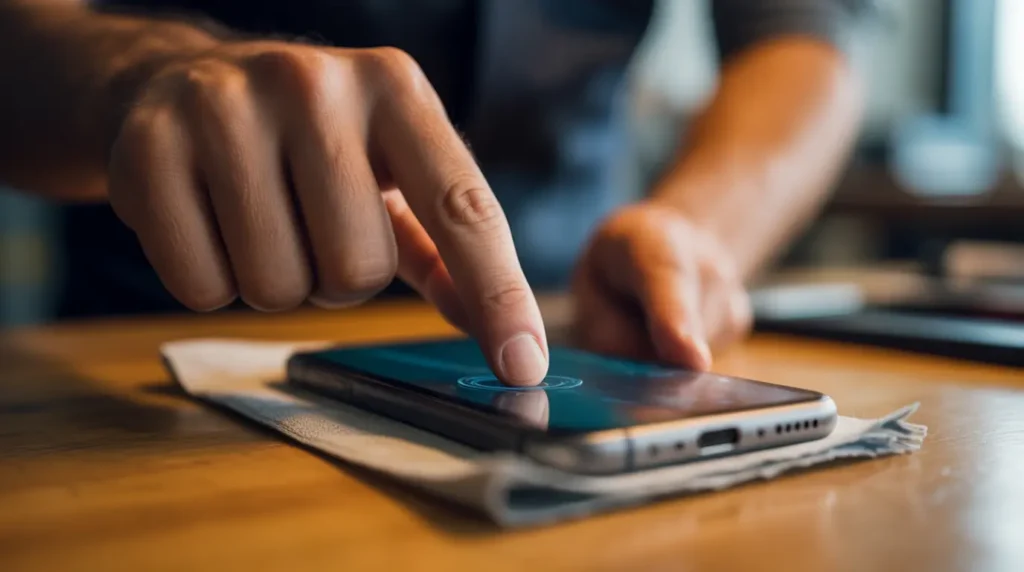
Spend sixty seconds on these checks before trying anything.
• Size and edges: A hard, defined edge points to stuck pixel or backlight damage. Soft and blurry edges point to pressure, delamination, or moisture.
• Shape: A ring or halo means backlight. A cloud means pressure or moisture. A sharp tiny dot means a stuck pixel. A rectangular patch near the edge means flex cable.
• Pressure response: Gently press the glass around the spot. If it shifts or distorts, you have LCD crystal displacement. If it stays completely fixed, it is structural or hardware damage.
• Brightness test: Turn brightness to minimum. If the spot almost disappears, it is backlight-related. If it stays equally visible at all levels, it is within the LCD layer itself.
• Screenshot test: Take a screenshot and view it on another device. If the spot appears in the photo, it is software. If it does not, it is hardware.
Quick Diagnosis Reference
• Sharp tiny dot → Stuck pixel → Run pixel fixer app (free)
• Glowing ring or halo → Backlight bleed → Professional repair needed
• Soft cloud or blob → LCD crystal displacement → Remove case, try pressure reset
• Blurry foggy patch → Moisture migration → Silica gel drying method
• Rectangular edge patch → Flex cable loosening → Repair shop cable reseat
• Spreading blob (weeks old) → LCD delamination → Professional assessment
Fix It Yourself: Ranked by What Actually Works
Start at Fix 1. Move to the next only if the previous does not help. If you suspect a swollen battery, raised back cover, unexpected shutdowns, phone warm at idle, skip all DIY fixes and go to a professional today.
1. Remove Case and Screen Protector Free
Take off everything and leave the phone face-up on a flat surface for 24 to 48 hours. This works specifically for LCD crystal displacement. Tight cases apply constant pressure on screen edges. Many spots caused by back-pocket pressure or an ill-fitting case resolve completely with no other intervention.
Do not put the case back on immediately to check. Give the crystals the full 24 hours before concluding this did not work.
2. Pixel Fixer Tool Free
Open JScreenFix.com on your phone browser and run it for 20 minutes. This works only for stuck pixels, small, sharp, defined dots. It will not affect pressure blobs, backlight halos, or moisture patches. Since it costs nothing, run it first if your spot matches the stuck-pixel description.
3. Gentle Pressure Reset Free
For LCD crystal displacement only. Do not try this on OLED phones or cracked screens.
1. Power the screen off completely.
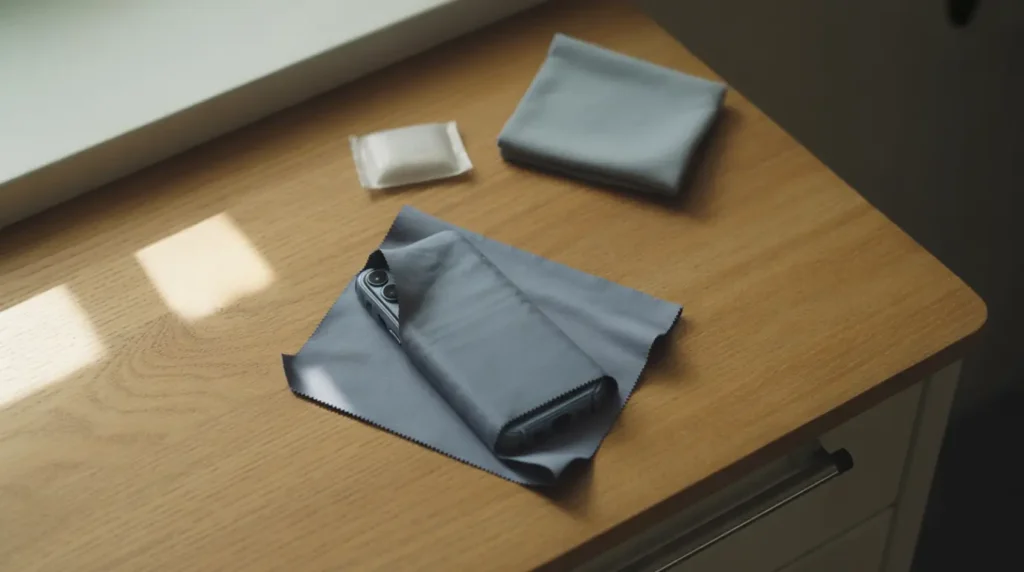
2. Wrap the phone in a clean microfiber cloth.
3. Using your thumb pad, not your nail or any tool, apply gentle circular pressure around the perimeter of the white spot, not directly on it.
4. Hold for 10 to 15 seconds, then release and check.
5. Repeat twice maximum.
Stop immediately if the spot grows larger. A growing spot under pressure means delamination, not crystal displacement.
4. Moisture Drying Free
For cloud-like spots suspected to be moisture damage: seal the phone in a zip-lock bag with two or three silica gel packets for 24 to 48 hours. A hair dryer on its lowest setting held 20 centimetres from the screen for 30 seconds can supplement this. Never use high heat, a heat gun, or rice. Rice does not absorb moisture effectively and particles can damage ports.
5. Software Update and Display Reset Free
Go to Settings and install any pending system updates. On Android, go to Display Settings and reset colour mode to default. On iOS, go to Settings, then Accessibility, then Display and Text Size and reset any adjustments. Outdated firmware can cause display calibration issues that look like hardware damage.
6. Check Warranty and Insurance Potentially Free
Do this before paying anyone. AppleCare Plus brings iPhone screen repairs down to $29 to $99. Samsung Care Plus works similarly. Carrier insurance through Asurion or SquareTrade often covers physical screen damage for a low deductible. A manufacturing defect on a phone under one year old is covered under standard warranty at no cost.
This is the most skipped step and the one that saves the most money. Always check coverage before any paid repair.
[ Internal Link: phone screen repair cost guide Repair cost breakdown professional repair section ]
When the Shop Is Your Only Option
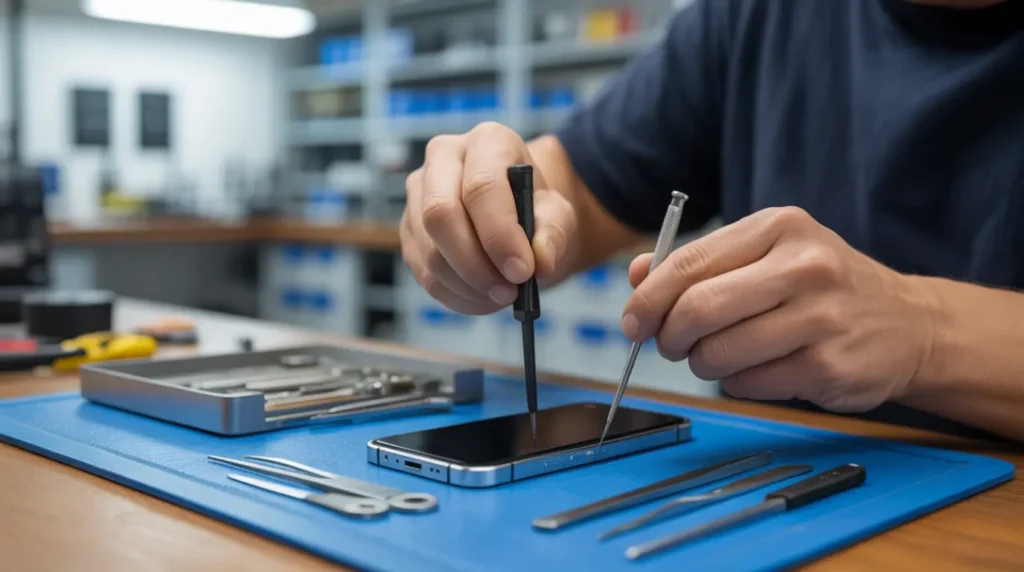
Backlight damage, flex cable issues, severe delamination, and battery-related spots need professional hardware attention. No DIY method reaches these causes and the wrong home attempt can make them worse. Repair shops regularly see devices where a well-meaning pressure technique turned a small displacement spot into a cracked internal layer.
A white spot with a rectangular shape near the screen edge that appeared the day after a drop is almost certainly a flex cable issue. Tell the technician exactly that. A competent shop can reseat a loose connector in under 20 minutes for significantly less than a full screen replacement.
If your white spot is accompanied by a raised back cover, unexpected shutdowns, or the phone feeling warm while completely idle, you have a swollen battery situation. This is a safety emergency. Stop charging the device, do not apply any heat or pressure, and take it to a professional today.
Stop It Before It Starts
• Using a case that fits your phone model exactly, an oversized or undersized case creates pressure points at corners and edges that slowly displace LCD crystals over weeks of normal use.
• Never store your phone in a back pocket if you regularly sit down. Even partial body weight creates enough sustained pressure over time to cause LCD layer damage.
• Avoid leaving the phone in a cold car overnight. The temperature shift from cold to warm indoor air creates condensation inside the display stack a moisture source no water-resistance rating protects against.
• When applying a screen protector, use the alignment frame that comes with the kit and work from center outward. Trapped edge bubbles mimic real screen damage and create unnecessary repair anxiety.
• Check battery health regularly Settings, then Battery on iPhone; AIDA64 or CPU-Z on Android. A degrading battery that begins to swell creates internal pressure before the back cover shows any visible bulge.
• If you are a heavy mobile gamer, let the device cool completely between long sessions. Sustained heat during GPU-intensive gameplay gradually softens adhesive bonds inside the display stack, increasing the risk of delamination over months.
Frequently Asked Questions

My white spot disappears at low brightness but returns when I turn brightness up. What does that mean?
That specific behaviour points to backlight-layer damage rather than LCD crystal displacement. The damaged area in the diffuser or reflector behind your display becomes most visible when more light is being pushed through it. DIY fixes will not resolve this; it needs a hardware assessment from a repair technician.
The pixel fixer app ran for 30 minutes and nothing changed. Did I do it wrong?
No. Pixel fixer tools only work for stuck pixels, tiny, sharp, single-point dots. If your spot is a blob, halo, ring, or cloudy patch, the app cannot help because the underlying cause is not a stuck pixel. Use the shape-based diagnosis section to identify what you actually have, then match it to the correct fix.
My white spot got bigger after I tried the pressure technique. What do I do now?
Stop the pressure technique immediately and do not repeat it. A spot that grows under pressure is most likely delamination or a damaged internal LCD layer, not crystal displacement. Continued pressure worsens the separation. Leave the phone flat and take it for a professional assessment within a few days.
Apple says my white spot is physical damage and not covered under warranty. What can I do?
If the phone has no cracks, no drop history, and the spot appeared under normal use, push back. Ask to escalate to a senior advisor and request a formal review. Manufacturing defects that appear as white spots fall under the standard one-year limited warranty. Persistence and documentation of normal-use handling genuinely help here.
James’s Verdict
White spots frustrate people because they look dramatic but most have a specific and treatable cause underneath. The mistake is trying every fix randomly instead of reading the spot first.
Match the shape to the cause. Match the cause to the fix. Try the free option that fits your specific spot type before anything else. And check your warranty before paying a single dollar to anyone. Most of these can be resolved for nothing if you approach them in the right order.
Summary
White spots on phone screens fall into five categories: LCD crystal displacement, delamination, backlight damage, flex cable loosening, and moisture migration. Each looks different and responds to a different fix.
• Pressure-related spots can self-resolve in 24 to 48 hours after removing the case.
• Stuck pixels respond to free pixel fixer tools like JScreenFix.
• Backlight and flex cable damage need professional hardware repair.
• Moisture can often be resolved with silica gel drying over 24 to 48 hours.
• Always check warranty and insurance before paying for any repair you may already be covered for $29 to $99.
Disclaimer
The information in this article is provided for general informational purposes only. screen.fix.com does not provide professional repair services. Results from DIY methods vary depending on device model, damage severity, and user handling. Attempting physical repair techniques on your device is done entirely at your own risk. If your device shows signs of battery swelling, stop use immediately and consult a certified repair professional. screen.fix.com accepts no liability for any damage resulting from the advice in this article.
Editor Note screendotfix.com
Reviewed for technical accuracy by the screen.fix.com editorial team. All fixes verified against current software and firmware versions. Pricing reflects current market rates and may vary by region. This article will be updated when new fixes are confirmed. For unresolved issues, visit the Contact page on screen.fix.com.
About the Author James, Founder of screen.fix.com
James has over 10 years of experience diagnosing display hardware and software issues across all major device brands. All content is written from direct technical experience and hands-on research conducted by the screen.fix.com team. Free fixes are always recommended before any paid repair option.