
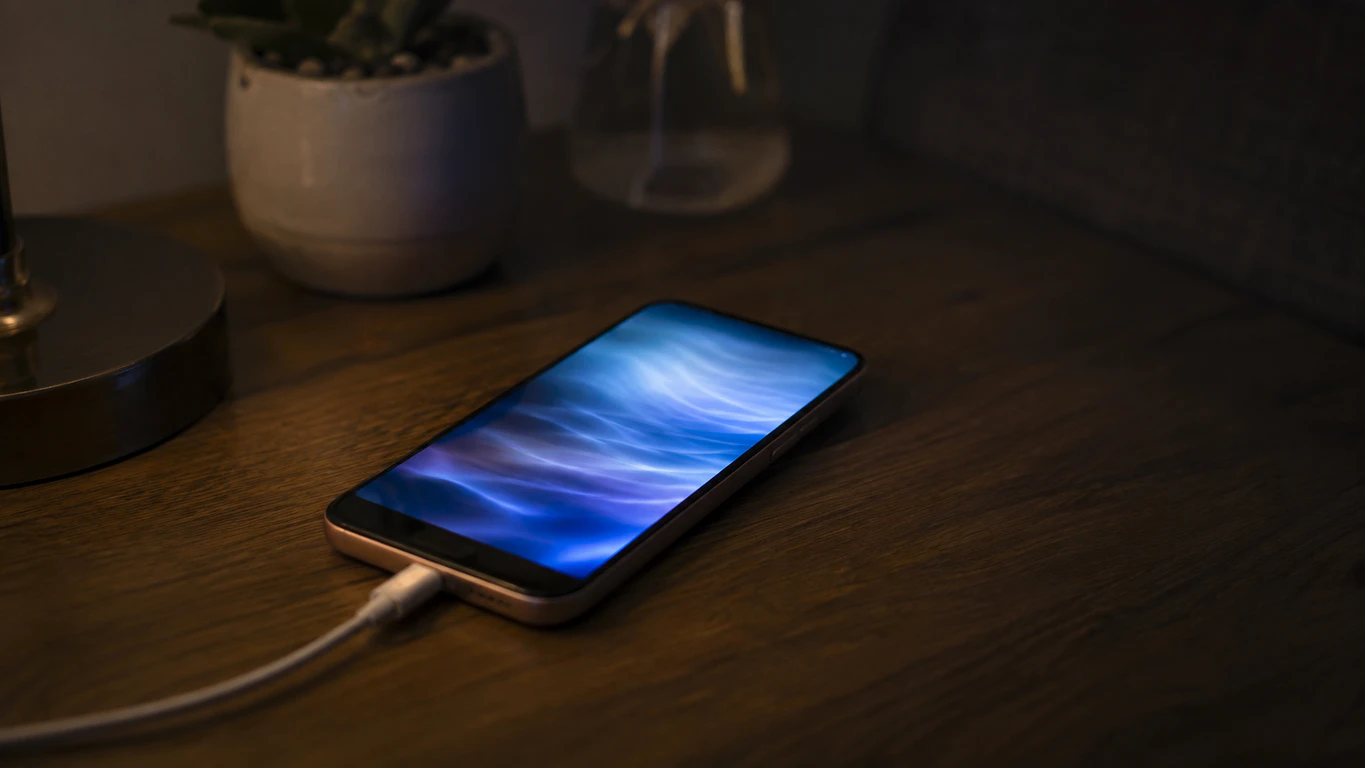
Ghost touching while charging is almost always caused by electrical noise from a cheap charger, cable, or ungrounded outlet leaking into the phone’s digitizer circuit. Unplug the phone for 30 seconds — if the touches stop instantly, replace the charger or cable first. If they continue unplugged, the cause is a setting, a screen protector, or physical digitizer damage instead.
Plug your phone in, and it starts opening apps, typing letters, or scrolling on its own. Before touching any setting, run one test: unplug the phone and watch the screen alone for 30 seconds.
What happens in those 30 seconds tells you almost everything. Touches that stop the moment the cable comes out point to an electrical cause, usually fixable for free in minutes. Touches that keep happening with nothing plugged in point to something inside the phone itself.
I’m James, founder of screendotfix.com. I’ve spent the last decade pulling digitizers apart to find out why screens do things they shouldn’t, and ghost touching while charging is one of the most common tickets I see. It splits cleanly into one of two paths below.
Path A: The Touches Stop the Second You Unplug
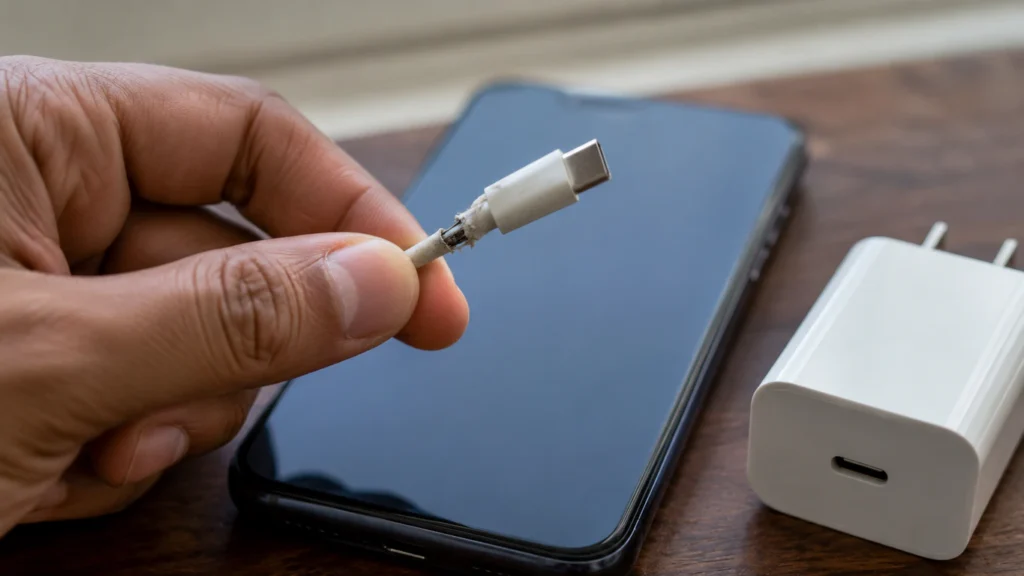
Electrical noise is entering the phone through the charging port, not through the screen. The digitizer is misreading that noise as a finger pressing the glass.
Your Charger Is the First Suspect
A cheap or counterfeit charger is the most common cause of this exact symptom. Uncertified chargers skip the internal shielding that keeps AC ripple out of the DC output, and that ripple travels up the cable into the phone. Swap in the charger that shipped with your phone, or one carrying a genuine USB-IF or MFi certification mark, and test for two minutes.
The Cable Might Be the Real Problem
Even an official charger misbehaves with a damaged cable. A cracked jacket, a bent USB-C tip, or connector corrosion delivers unstable voltage, and that instability shows up as random taps. Flex the cable gently near both ends while plugged in — if the ghost touching flickers on and off, the cable is confirmed as the fault.
Check the Wall Outlet Before You Buy Anything
An ungrounded outlet, a worn power strip, or a car charger adapter can introduce the same noise as a bad charger. This shows up most in older homes and cars with aftermarket USB ports. Plug directly into a different, grounded wall outlet, skip any extension leads for this test, and see if the problem disappears.
MagSafe and Magnetic Cases Get Missed Constantly
If you use a MagSafe charger, a magnetic charging case, or a metal-backed case near a wireless pad, the magnet or metal plate can sit close enough to the digitizer’s edge to distort its field during charging. Remove the case entirely and charge the bare phone for a few minutes. If the ghost touching disappears, switch to a thinner, non-magnetic case. Most competing guides on this topic skip this cause entirely, along with the battery issue below, even though both come up regularly in real repair tickets.
Path B: The Touches Continue Even When Unplugged
The cause lives inside the phone or in a setting. Charging just happens to be the moment it becomes visible, usually because the extra heat pushes an already weak component over the edge.
Why Does a “Touch Sensitivity” Setting Matter Here?
Most Samsung Galaxy phones have a feature at Settings → Display → Touch sensitivity. It exists to help the screen respond through gloves or a screen protector, by making the digitizer more receptive to lighter, less precise contact. It is not designed as a ghost-touch cause — but some users report that with the setting on and no protector fitted, the screen becomes noticeably more reactive to stray contact, brushed fabric, or even a case edge. It costs nothing to test: turn the toggle off and check whether the phantom taps stop.
iPhones don’t have an identical toggle, but a misconfigured Settings → Accessibility → Touch → Touch Accommodations profile can produce erratic touch behavior too, usually missed touches rather than extra ones. If that was ever turned on for someone else’s accessibility needs, turn it back off and retest.
A Loose or Failing Screen Protector
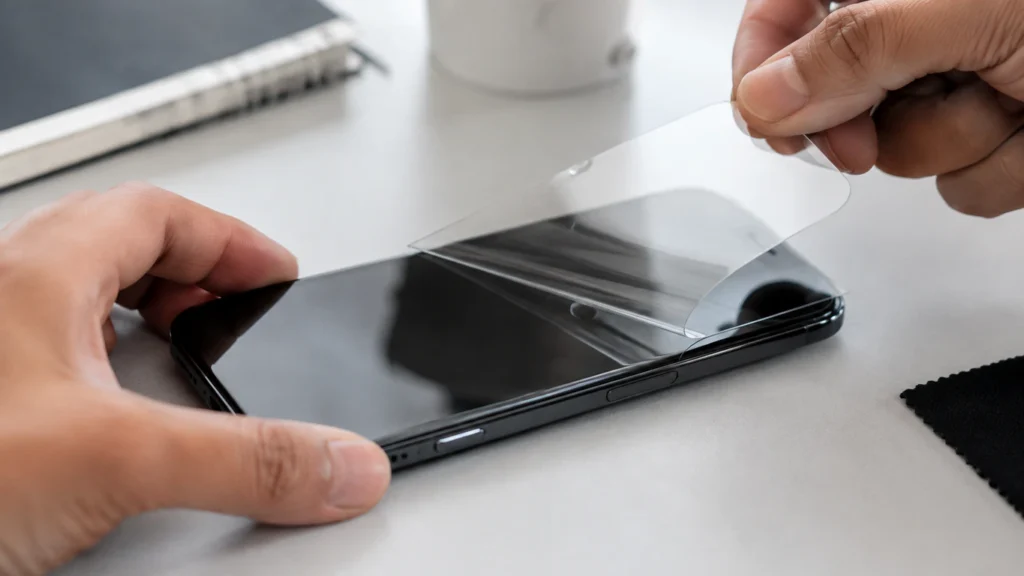
A protector that has lifted at one corner, trapped an air bubble, or cracked can physically press against the digitizer. Peel it off, clean the glass with a dry microfiber cloth, and charge the phone with nothing on the screen. If the ghost touching stops, replace it with a correctly sized tempered glass protector rather than a stretch-fit plastic film.
A Swollen Battery Pushing on the Screen From Behind
If your phone is two years old or older, check the screen edge under bright light for a faint gap or an uneven seat in the frame. Charging heat accelerates a swelling battery’s expansion, which is why the ghost touching often gets worse while plugged in. This is a safety issue as much as a screen issue — stop charging the phone and get it inspected within a day or two.
Digitizer Damage From a Drop or Water Exposure
If the charger, case, settings, and protector are all ruled out, the digitizer layer itself has likely been damaged by a prior drop, bend, or moisture exposure. Charging heat can temporarily worsen the symptom by slightly expanding the damaged layer. A factory reset will not fix this, since the fault is physical.
Step-by-Step Fix Order
Work through these in order and stop as soon as one solves it.
- Unplug the phone and watch it for 30 seconds to confirm which path you’re on.
- Path A: swap the charger, then the cable, then the wall outlet, testing two minutes after each change.
- Remove any case, MagSafe attachment, or magnetic mount and test again.
- Path B: turn off Touch sensitivity under Settings, Display (Samsung).
- Remove the screen protector completely and test with bare glass.
- Force restart: iPhone 8 and later, Volume Up, Volume Down, hold Side until the Apple logo appears; most Android phones, hold Power and Volume Down for 10 to 15 seconds.
- Install any pending software update, then test immediately while charging.
- Back up your data and factory reset as a final software step. Ghost touching that survives a reset is confirmed hardware.
Cause, Fix, and Cost at a Glance
| Cause | How to Confirm | Typical Fix Cost |
| Counterfeit charger | Stops instantly on unplug | Free to $25 |
| Damaged cable | Flickers when flexed | Free to $15 |
| Ungrounded outlet | Fixed by a different socket | Free |
| Magnetic case or MagSafe | Fixed by removing the case | Free |
| Touch sensitivity setting | Fixed by the toggle alone | Free |
| Screen protector | Fixed by removing it | Free to $20 |
| Swollen battery | Visible gap at screen edge | $30 to $70 |
| Digitizer damage | Continues with everything removed | Professional repair |
When to See a Professional
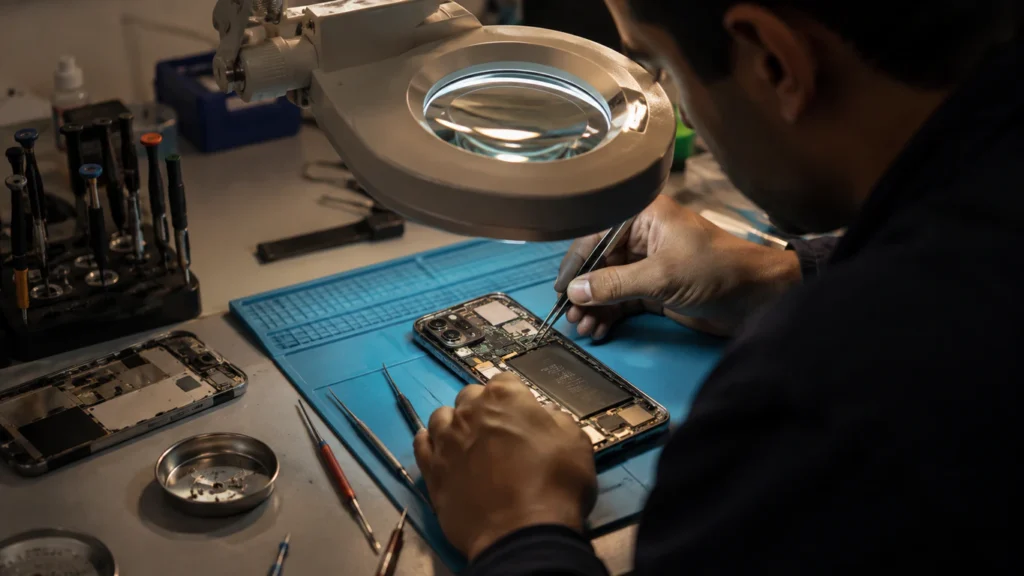
If ghost touching survives a fresh charger, a fresh cable, a bare screen, and a factory reset, a technician needs to look at the digitizer or an internal connector. Opening the phone yourself risks tearing a ribbon cable a shop would handle safely.
Check your warranty first. AppleCare+, Samsung Care+, and most carrier protection plans cover a failing digitizer with no accidental damage on file.
Outside warranty, independent shops typically charge $45–$180 in the US, £40–£150 in the UK, and A$90–A$260 in Australia for a digitizer or screen assembly replacement. Official service centers run higher in all three, since the price includes original parts and a repair warranty. Get an itemized quote before agreeing, so you know whether you’re paying for a digitizer, a full assembly, or both.
If your phone also has a built-in touch screen diagnostic, run it before booking a repair screendotfix.com’s 4-in-1 Diagnostic Tools Hub includes a Touch Screen Test that maps every point of contact on your display and can confirm whether the digitizer is misfiring in a fixed spot, which is useful evidence to bring to a repair shop.
Prevention Tips
- Charge only with the original charger or a certified USB-IF or MFi replacement.
- Avoid ungrounded outlets and cheap car adapters.
- Skip metal-backed or heavy magnetic cases on overnight wireless charging.
- Replace a lifting or bubbled screen protector immediately.
- Keep Touch sensitivity off on Samsung phones unless you’re actively using a protector or gloves.
Frequently Asked Questions
Why does my phone only ghost touch when it’s charging?
Charging adds an external cable carrying current and extra heat from the charging circuit. If a charger, cable, or outlet is leaking electrical noise, that noise only reaches the digitizer while connected, which is why it disappears the instant you unplug.
Can a bad charger permanently damage my touchscreen?
Yes, over time. Weeks of unstable current can gradually stress the digitizer’s sensing layer, and charger-only ghost touching can eventually persist on battery power too. Replace a suspect charger as soon as the symptom appears.
Does ghost touching while charging always mean I need a new screen?
No. Most cases trace back to a charger, cable, case, or setting, none of which require opening the phone. A screen or digitizer replacement is only necessary once every external cause is ruled out and the phone has been factory reset.
My phone ghost touches during wireless charging too. What does that mean?
If it happens on both wired and wireless charging, the phone itself is the common factor. Try a Qi-certified wireless pad first, since uncertified pads can leak the same unshielded noise as a bad wired charger. Ghost touching across every charging method points to the digitizer.
Most of these cases end with a five-minute charger swap or a single settings toggle, not a repair bill. Work through the two paths in order and you’ll know within minutes whether you’re closing your wallet or opening it.
Editor Note, screendotfix.com
Reviewed for technical accuracy by the screendotfix.com editorial team. Pricing reflects current regional market rates and may vary by device model and shop. This guide will be updated as new fixes are confirmed.
About the Author
James is the founder of screendotfix.com and has spent over 10 years diagnosing display and digitizer faults across smartphones, laptops, and tablets. This guide reflects hands-on repair experience.