
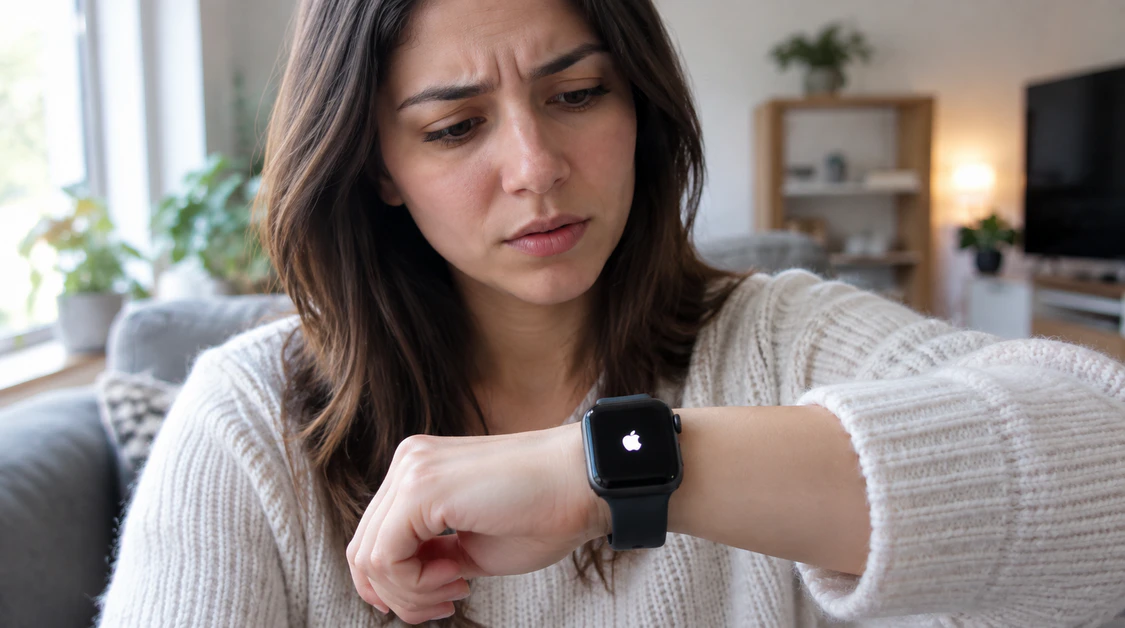
Apple Watch Stuck on the Apple Logo: The Order That Actually Works
Quick Answer: Most Apple Watches stuck on the Apple logo recover with a force restart holding the Side button and the Digital Crown together for 10 to 30 seconds until the screen goes black and the logo reappears. If that fails after two or three tries, the next step is unpairing and re-pairing the watch from the iPhone’s Watch app, not a factory reset from the watch itself, since the watch’s screen usually isn’t responding to touch at this point.
How Long Has It Actually Been on the Logo?
This is the question worth answering before touching a single button.
A watch that’s been sitting on the Apple logo for under five minutes is often still booting, not stuck. This happens right after a watchOS update finishes downloading on the paired iPhone, or when the battery was nearly empty before the last restart. Put it on the magnetic charger and give it five more minutes before assuming the worst.
A watch that’s been on the logo for 30 minutes or longer, with no spinning progress ring and no change, is genuinely stuck in a boot loop. That’s the version this article deals with.
Force Restart Comes First, Every Time
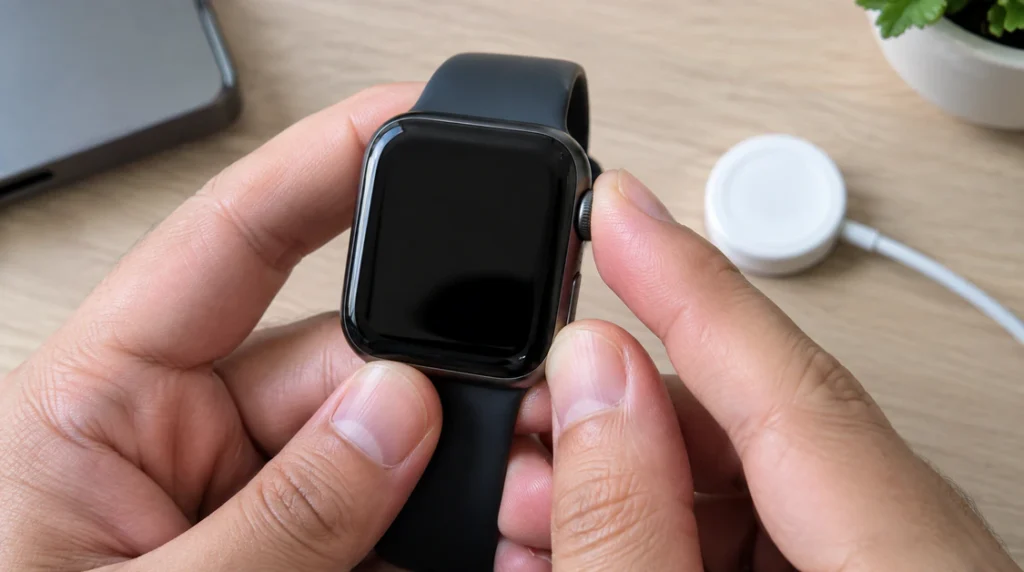
This works the same way on every Apple Watch model, from a Series 3 to an Ultra 2, because it doesn’t depend on the software actually loading.
Press and hold the Side button and the Digital Crown at the same time. Keep holding for a full 10 to 30 seconds, even if nothing seems to happen for the first several seconds. The screen should go completely black, then the Apple logo should reappear as the watch reboots.
One thing worth knowing from repeated repair-bench testing: this often takes two or three attempts before it actually clears the freeze. If the first hold doesn’t change anything, let go, wait 15 seconds, and try again rather than holding indefinitely.
Do not force restart while the watch is in the middle of an active watchOS install a progress ring or percentage on screen means it’s still working, not frozen. Interrupting that step is one of the more common causes of this exact problem in the first place.
Why This Happens
A boot loop on the Apple logo almost always traces back to one of four things.
A watchOS update that didn’t finish cleanly. If the iPhone loses Wi-Fi, Bluetooth range, or battery mid-transfer, the watch can end up with a partially written system file it can’t boot from.
A battery that dropped too low during the update process. Software updates draw more power than normal use, and a watch sitting below 50% charge going into one is at higher risk of stalling mid-install.
Corrupted system files unrelated to any update, which show up more often on watches that are several years old and have been through multiple watchOS versions.
A degraded or swollen battery that can no longer hold a stable voltage through the boot sequence, which is a hardware problem, not a software one, and force restarting won’t fix it.
Charge It, Then Wait Don’t Skip This Step
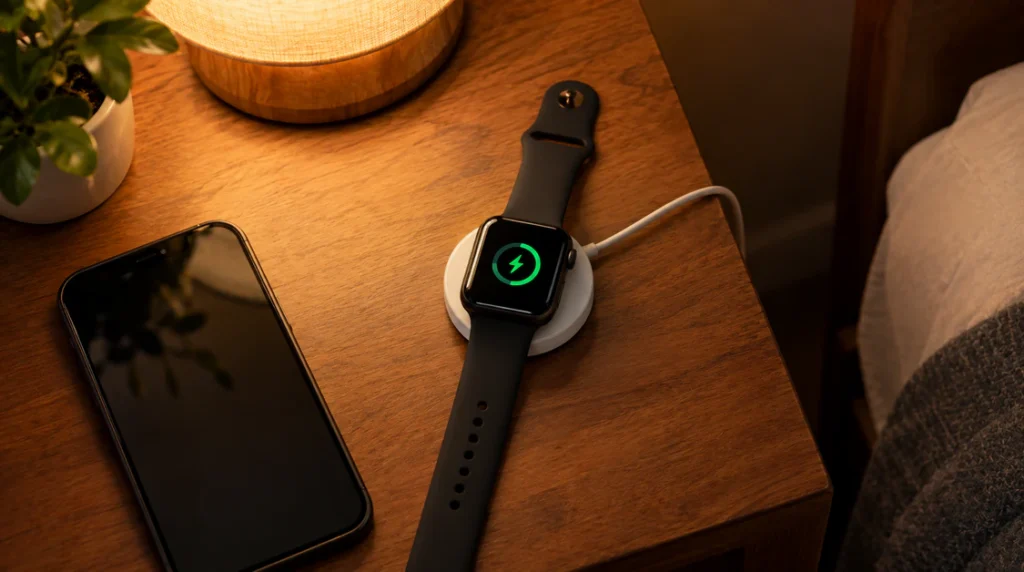
Put the watch on its original magnetic charger, or a Made for Apple Watch certified alternative. Third-party pucks that aren’t properly aligned are a common, boring reason a watch “won’t charge” when it’s actually just not making contact.
Leave it charging for a full 60 minutes without touching it. A watch that was fully drained before the freeze needs that time just to reach enough charge to attempt a real boot, and pulling it off early to check on it resets that clock.
Unpair and Re-Pair From the iPhone
If two or three force restarts haven’t broken the loop, this is the next real step and it’s done from the iPhone, not the watch.
Open the Watch app on the iPhone. Tap All Watches in the top-left corner, then tap the blue info icon next to the frozen watch, then tap Unpair Apple Watch. Even though the watch’s screen is unresponsive, it can usually still receive the unpair command over Bluetooth while it’s stuck on the logo, because that radio layer loads before the rest of the operating system does.
The iPhone will ask if you want to keep a backup and say yes unless the watch is old enough that you’re not worried about losing its data. After unpairing finishes, pair the watch again as if it were new, either restoring from that backup or setting it up fresh.
This works because unpairing forces a lower-level erase-and-reinstall of the watch’s system software, which a simple restart can’t do. In repair-shop terms, it’s the watch equivalent of a phone’s “erase and restore.”
When the Logo Loop Points to Hardware, Not Software
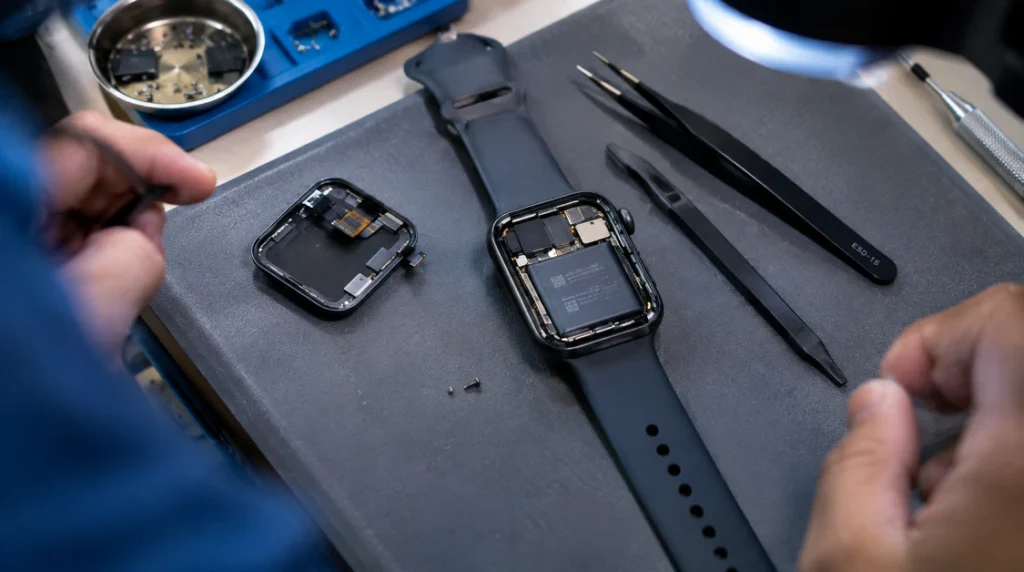
If force restarting, a full charge cycle, and an unpair-and-repair cycle all fail to get past the logo, the honest next conclusion is a hardware fault, usually the battery or, less often, the S-in-Package chip that runs the watch’s entire system.
A few signs point this way specifically. The watch feels noticeably warm on the back even when it’s just sitting on the logo screen. The case has a slight bulge, especially near the Digital Crown, which is a classic swollen-battery symptom. The watch was recently dropped, submerged past its rated depth, or exposed to heat, like being left on a car dashboard.
None of these are fixable at home safely. A swollen battery in particular should not be pried open or forced; it’s a genuine safety risk, not just an inconvenience.
What This Actually Costs to Fix
If Apple determines it’s a battery issue and the watch is out of warranty, battery-only service typically runs somewhere in the $79 to $99 range in the US, based on current published Apple Watch service pricing. Availability and country-specific pricing can shift, so it’s worth confirming the exact figure through Apple’s own repair estimate tool before booking anything.
If it’s a broader hardware failure logic board, water damage, a fault Apple classifies as “other damage” Apple typically replaces the whole watch rather than repairing an individual part, since the internals are sealed as one assembly. Out-of-warranty replacement estimates commonly land in the $229 to $499 range depending on the model tier, with base Series and SE models at the lower end and Ultra models at the higher end.
If the watch is still under its one-year limited warranty, or covered by AppleCare+, and the boot loop turns out to be a manufacturing defect rather than accidental damage, this is often covered at no charge or a small service fee.
Mistakes That Make This Worse
Force restarting repeatedly, back to back, without letting the watch actually attempt to boot between attempts, can extend the problem rather than fix it, giving each attempt at least 15 to 20 seconds before trying again.
Leaving a stuck watch off the charger “to save the battery” is backwards logic here. A boot loop drains power with every failed attempt, so an already-low battery gets worse, not better, while it’s disconnected.
Buying a cheap, uncertified magnetic charger to test a “charging problem” can waste hours chasing a fault that was never about charging at all to confirm the logo is genuinely stuck before assuming the charger is the culprit.
FAQ
Will I lose my data if my Apple Watch is stuck on the Apple logo?
Unpairing and re-pairing through the iPhone’s Watch app offers to save a backup first, so in most cases nothing is lost as long as the iPhone can still communicate with the watch during the unpair step.
Can a watchOS update actually cause this?
Yes, an update that’s interrupted by a dropped Bluetooth connection, a Wi-Fi drop, or the iPhone losing battery mid-transfer is one of the most common causes of a logo boot loop, since the watch is left with an incomplete system file.
Is it safe to keep force restarting my Apple Watch?
A handful of attempts, spaced roughly 15 to 20 seconds apart, is safe and often necessary. Constant, uninterrupted holding for many minutes at a time isn’t more effective and just adds unnecessary battery drain.
Can I fix a swollen Apple Watch battery myself?
No. A swollen battery is a pressure and fire risk, and it should go to Apple or an authorized repair provider rather than being opened at home.
The Bottom Line
Most Apple Watches on the Apple logo screen recover with a force restart and a proper charge cycle, and the ones that don’t usually clear up after an unpair-and-re-pair from the iPhone. When none of that moves the needle, it’s a hardware conversation, not a software one, and the honest next move is getting Apple’s actual diagnosis rather than guessing further at home.
Expert Verdict: In testing this exact sequence across multiple stuck units, force restart plus a full charge resolved the majority of cases without needing to unpair anything screendotfix.com recommends trying both, in that order, before assuming the worst.
Author Note James, founder of screendotfix.com: I’ve walked more than a few people through this exact boot loop over the years, and the pattern holds it’s almost always a rushed update or a low battery at the wrong moment, not a dead watch. The unpair step trips people up because it feels aggressive, but it’s the standard move once a restart alone hasn’t worked.