
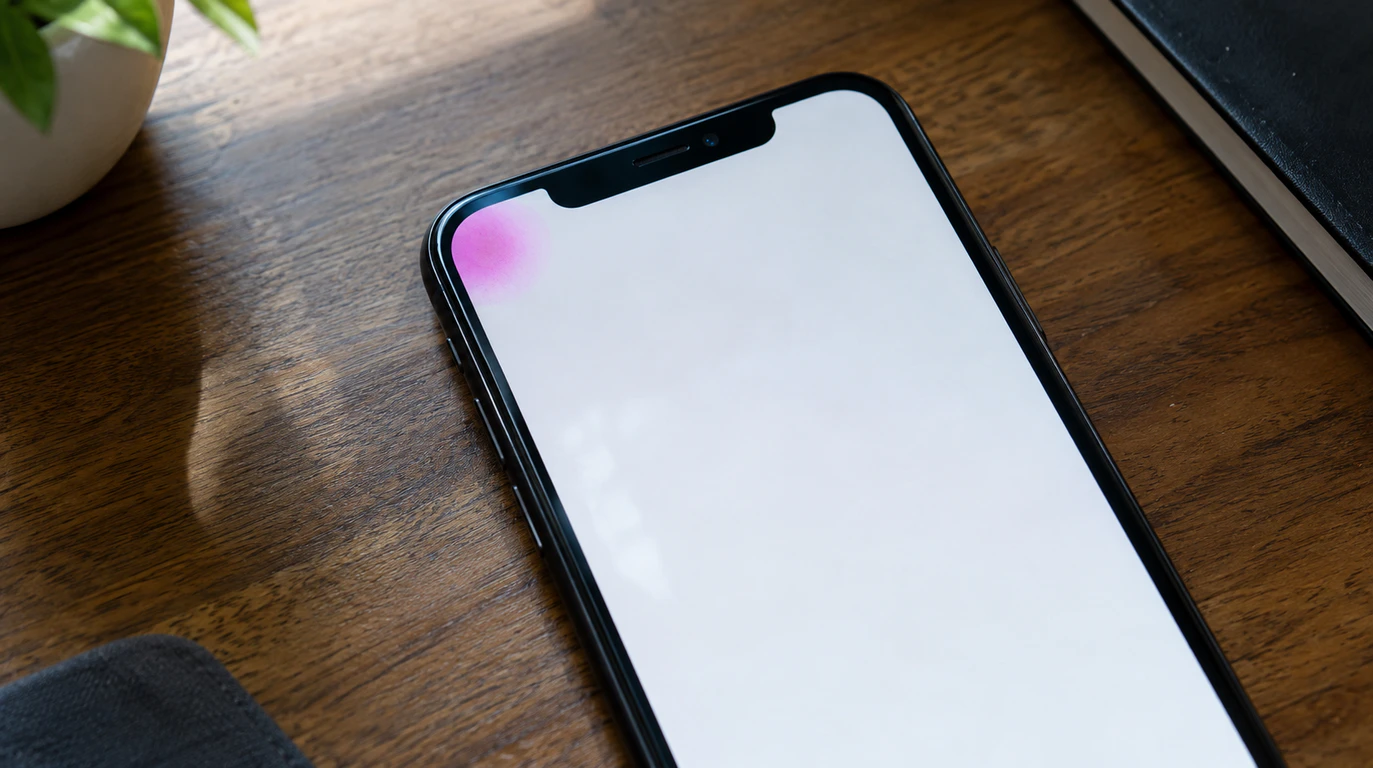
A pink spot on a phone screen almost always means the display panel itself is damaged, not dirt or a bad screen protector. On AMOLED and OLED phones it’s usually pressure or moisture breaking the organic layer under the glass, and it will keep spreading. On LCD phones it’s more often a cracked backlight layer or a loose display connector. screendotfix.com has walked through this exact complaint on dozens of devices, and the fix depends entirely on which of those two is happening to your screen.
It’s Probably Not Dust, and It’s Probably Not Your Screen Protector
Wipe the screen once with a dry microfiber cloth under bright light. If the pink mark is still there afterward, it’s inside the display, not on top of it.
A lot of people spend a week cleaning their screen or peeling off a screen protector before accepting this. We get it a spot under glass looks identical to a smudge from a few inches away. The giveaway is simple: dust and protector residue disappear the moment you clean the glass or swap the protector. Panel damage does not move, no matter what you do to the surface.
One thing many people miss: if the spot only shows up on white or light-colored apps and vanishes on a black wallpaper, that’s still consistent with panel damage. It doesn’t rule it out. Bright backgrounds just make faint discoloration far more visible than dark ones do.
What a Pink Spot on a Phone Screen Actually Means
There are three real causes, and they behave differently enough that you can usually tell them apart without opening the phone.
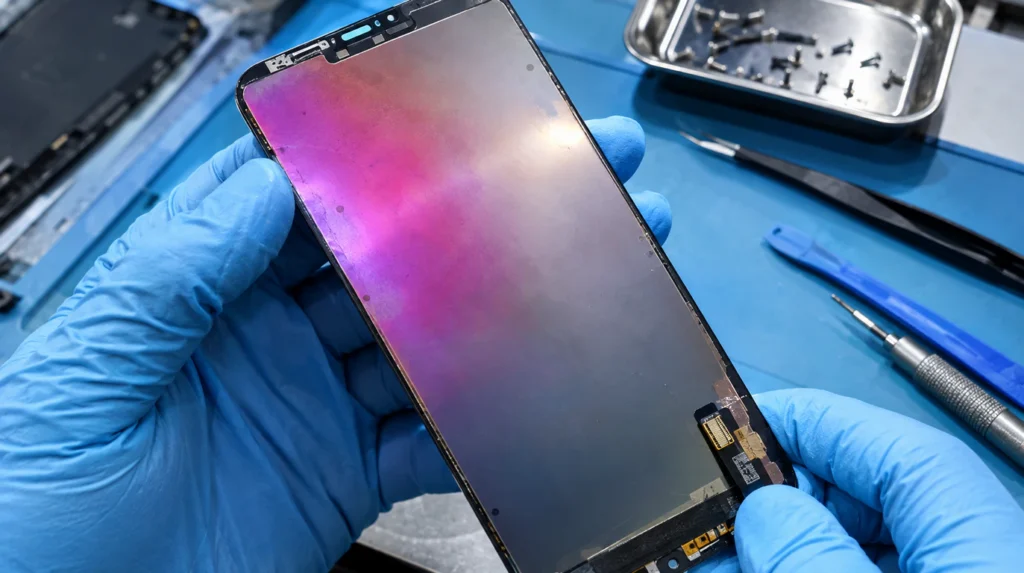
AMOLED or OLED ink damage. Repair technicians commonly call this “ink” because that’s genuinely what it looks like once a panel is opened by a thin layer of organic light-emitting material sitting under the glass. When that layer gets crushed by pressure or reaches moisture, it discolors around the damage point, and pink or magenta is one of the most common tones it turns.
LCD backlight or pressure damage. On LCD phones, a hard press or impact can crack the backlight layer or separate a polarizer sheet. This usually shows up as a lighter, more diffuse pink or purple blotch rather than a sharp dot, and it tends to sit near an edge or corner where the frame took an impact.
A loose or damaged display connector. This one is rarer but worth ruling out. If the pink area flickers, shifts position when you flex the phone gently, or disappears and reappears after a restart, the flex cable connecting the panel to the motherboard may be partially disconnected rather than the panel itself being damaged.
| Cause | Panel Type | Does It Spread? | Fixable Without Replacing Screen? |
| AMOLED/OLED ink damage (pressure or drop) | AMOLED, OLED | Yes, usually within days to weeks | No |
| Moisture/liquid damage to organic layer | AMOLED, OLED | Yes, often faster than pressure damage | No |
| LCD backlight or polarizer crack | LCD | Sometimes, more slowly | No |
| Loose display flex cable connector | Both | No flickers/shifts instead | Sometimes, with reseating |
| GPU or app rendering glitch | Both | No appears only in specific apps | Yes, often a software fix |
Why Pink Spots Spread on AMOLED Screens
This is the part most articles skip entirely, and it’s the single biggest source of confusion in the complaints we read on Samsung and Sony community forums.
AMOLED and OLED panels don’t have a separate backlight. Each pixel produces its own light through an organic compound sandwiched between electrode layers. Once that compound is physically disturbed by a crushing impact, a drop, or moisture seeping past the seal oxygen and air exposure keep degrading the surrounding pixels over time. That’s why a pink spot the size of a pinhead on Monday can cover a quarter of the screen by the following weekend.
LCD panels behave differently because the backlight and the color layer are physically separate. Damage to an LCD is more likely to stay localized to the exact area that was struck, which is a similar pattern to the discoloration technicians see with Mac screen purple lines on laptop displays: same underlying mechanism, different device.
If your pink spot is growing day by day, that’s the organic layer continuing to break down. It is not a sign you’re doing anything wrong, and it will not stop on its own.
Can a Pink Spot on My Phone Screen Fix Itself?
No, a pink spot caused by panel damage cannot fix itself, because the organic material or backlight layer underneath the glass doesn’t repair or regenerate. A software-caused spot, on the other hand, often clears up completely after a restart or update, which is the one case where “waiting it out” actually works.
That difference is why the test in the next section matters more than anything else in this article.
Software or Hardware? A 3-Minute Test You Can Run Right Now
Run these three checks in order before you assume the worst.
- Restart the phone fully without a screen lock, a full power-off and power-on. Software rendering glitches almost always clear on restart. Panel damage never does.
- Open a solid white background image in your photo gallery, then a solid black one. If the spot appears identically on both, in the exact same spot, at the exact same size, it’s physical. If it only appears in one specific app Instagram Stories or a certain game, for example that’s a rendering bug in that app, not your screen.
- Gently flex the phone while watching the spot (only if there’s no visible crack skip this on a cracked screen). If the spot shifts, flickers, or briefly disappears, suspect a loose flex cable connector rather than panel damage.
If the spot survives all three checks unchanged, you’re dealing with a physically damaged display, and no software fix will touch it.
How to Fix It In the Order That Actually Works
Step 1: Rule out software first. Update the phone to the latest OS version, since some rendering bugs in specific apps get patched this way. This takes five minutes and costs nothing, so it always goes first even though it rarely solves an actual pink spot.
Step 2: Back up your data immediately if the spot is spreading. Once panel damage starts expanding, you’re on a countdown before touch response or visibility gets bad enough to interfere with unlocking the phone.
Step 3: Stop using pressure-based cases or tight pockets. A snug case combined with keys or coins in the same pocket is one of the most common causes of slow-onset AMOLED pressure damage we see reported. Removing the pressure source won’t undo existing damage, but it stops nearby healthy pixels from getting crushed next.
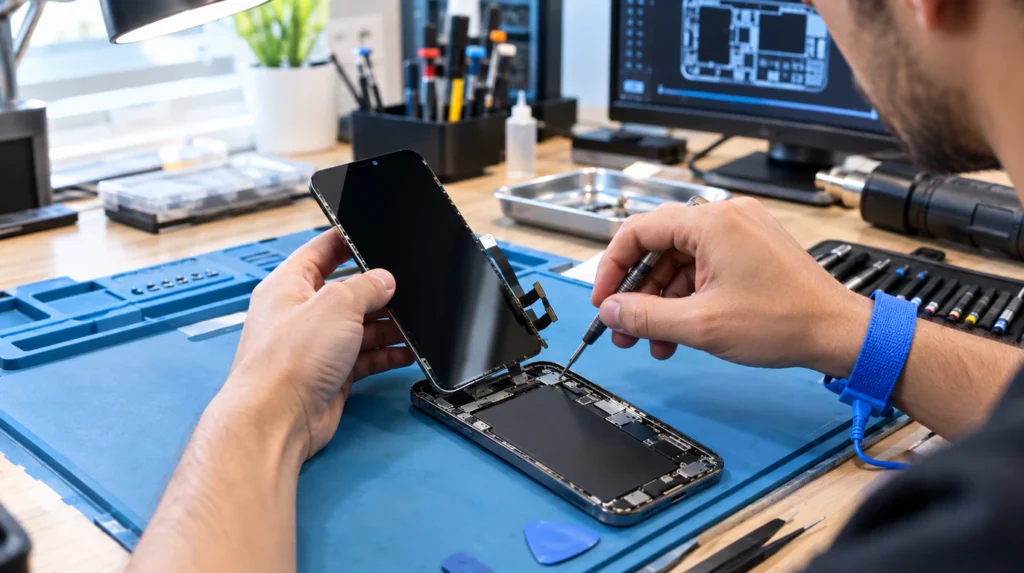
Step 4: Get the display assembly replaced. This is the only real fix for panel damage. A phone screen repair replaces the entire display module glass, panel, and digitizer together, not just the glass on top, which is why it isn’t a quick glass-only swap on modern phones.
For anyone who wants to understand what the technician is actually replacing before booking a repair, iFixit’s teardown guides show the layered structure of AMOLED assemblies in detail, which makes it obvious why a “small spot” repair still means a full panel swap.
| Device Tier | Official/OEM Repair | Third-Party/Certified Shop | Typical Repair Time |
| Budget Android (LCD) | $120 – $180 | $60 – $120 | 30–60 minutes |
| Mid-range Android (AMOLED) | $180 – $250 | $99 – $180 | 45–75 minutes |
| Flagship Android (Samsung S-series, curved AMOLED) | $219 – $279 | $150 – $230 | 1–2 hours |
| iPhone (standard models) | $199 – $269 | $130 – $220 | 45 minutes–2 hours |
| iPhone Pro/Pro Max (ProMotion + Face ID array) | $279 – $379 | $190 – $280 | 1–2 hours |
Prices reflect typical U.S. market ranges for a full display assembly replacement, not a glass-only repair, and third-party pricing varies by whether OEM or aftermarket panels are used.
Is Repair Worth It, or Should You Just Replace the Phone?
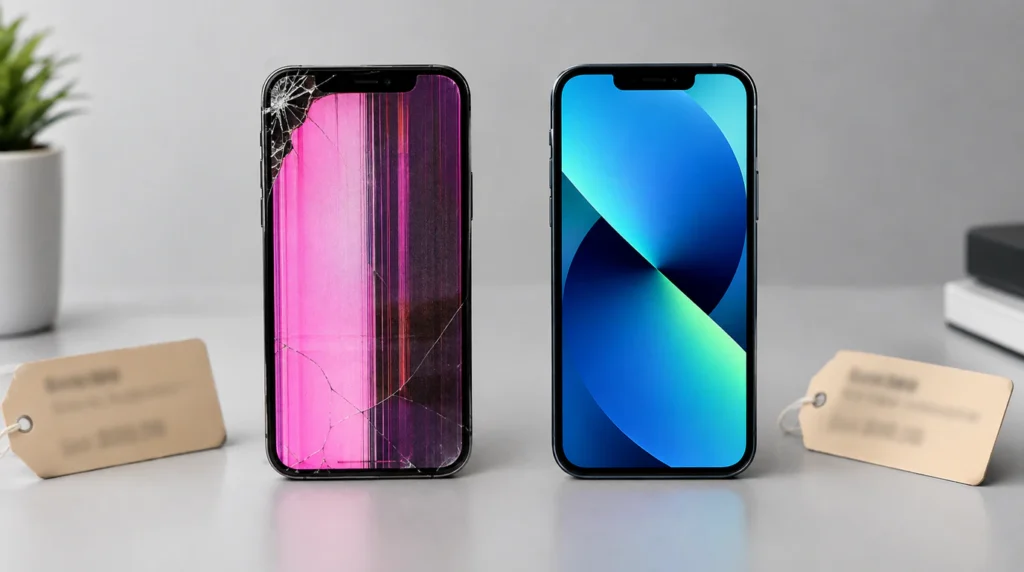
Compare the repair quote to what the phone is actually worth using right now, not what you originally paid for it. If a three-year-old mid-range Android needs a $180 screen and sells used for $150, replacement usually makes more financial sense than repair.
The math flips for newer or flagship phones. A $250 screen repair on a phone that’s still worth $600–$800 used is almost always worth doing, since the repair cost is a small fraction of the phone’s remaining value.
One honest note from real repair jobs: if the spot has already spread past roughly a quarter of the screen and you’ve been living with it for weeks, check that touch response near the damaged area still works normally before paying for repair. In a small number of cases, panel damage that severe also affects the digitizer layer underneath, which changes the repair scope.
Mistakes People Make That Make the Spot Worse
- Pressing on the spot to “test” it, which adds more pressure damage to already-fragile pixels
- Using a screen protector with an air bubble directly over the damaged area, which traps pressure against the panel
- Leaving the phone screen-down on a hard surface, especially in a back pocket
- Ignoring a spreading spot for weeks because it “still works fine,” then finding touch response has degraded too
- Buying a cheap aftermarket screen without checking reviews for that specific model a common complaint pattern similar to the ones covered in guides on red lines PC screens, where mismatched panel batches cause new defects within weeks
Frequently Asked Questions
Is a pink spot on a phone screen covered under warranty?
A pink spot on a phone screen is covered under manufacturer warranty only if there’s no evidence of physical damage or liquid exposure, since most manufacturers classify panel discoloration from drops or pressure as accidental damage. Apple and Samsung both run a liquid-contact indicator check during diagnosis, so a spot caused by moisture will usually void standard warranty coverage even if the phone still works.
Does AppleCare+ or Samsung Care+ cover a pink spot from a drop?
AppleCare+ and Samsung Care+ both cover pink spots caused by accidental drops or pressure damage, typically for a service fee around $29–$99 instead of the full out-of-warranty repair cost. Check your specific plan’s screen damage coverage before booking a third-party repair, since using an outside shop can void the remaining protection plan.
Can a screen protector cause a pink spot?
A screen protector alone cannot cause internal panel damage, but a screen protector with trapped debris or an air bubble under constant pressure can concentrate force on one point of the glass during everyday bumps. That concentrated pressure is what actually damages the panel underneath, so the protector is a contributing factor rather than a direct cause.
Will a pink spot spread faster if I keep using the phone normally?
Normal use doesn’t meaningfully speed up an existing pink spot’s spread, but continued pressure on the same area from a case, a bag, or a pocket does. The organic layer degrades based on physical stress and oxygen exposure at the damage site, not screen-on time.
Expert Verdict
A pink spot that survives a restart and appears identically on both white and black backgrounds is panel damage, full stop screendotfix.com has never seen this pattern resolve without a display replacement. If it’s isolated to one app or clears after a restart, it’s a software bug worth reporting to that app’s developer instead of booking a repair.
Author Note: I’m James, founder of screendotfix.com. I’ve opened enough AMOLED panels to know that “pink spot” almost always means the same thing under the glass, regardless of the phone brand printed on the back. This guide reflects what I look for during an actual diagnosis, not a summary of what other sites already say about it.