
A Pinterest splash screen freeze is almost always a leftover cache file, a half-finished update, or an expired login session not a broken app or a broken phone. Force-closing the app and clearing its cache fixes it in most cases within two to five minutes. If that doesn’t work, offloading and reinstalling Pinterest clears the deeper version of the same problem.
The fix you need depends on one thing: how long you’ve actually been staring at that red-and-white pin logo. A freeze that just started needs a different response than one that’s been happening every few days for a month. Here’s how to tell which one you’re dealing with.
It Just Froze You’ve Waited Under Two Minutes
Don’t touch your settings yet. Pinterest’s app sometimes takes an extra beat to finish a background sync, especially right after you open it from a push notification.
- Force-close the app completely. On iPhone, swipe up from the bottom and hold, then flick the Pinterest card off the top of the screen. On Android, tap the square “recent apps” button and swipe the Pinterest card away.
- Wait 15 seconds with the app fully closed. This matters more than people think it gives the app time to release whatever process was stuck, instead of just relaunching the same broken session.
- Reopen Pinterest and give it 10 seconds before deciding it’s frozen again.
This clears the freeze roughly eight times out of ten when it’s a fresh, one-off event. If the logo is still sitting there after two tries, move to the next section instead of repeating this step a third or fourth time it won’t suddenly start working on attempt five.
It’s Been Stuck for 5 Minutes or More
At this point the app is holding onto something it can’t validate, usually a corrupted cache file or a login token that expired mid-session. Clearing it directly is faster than restarting your phone.
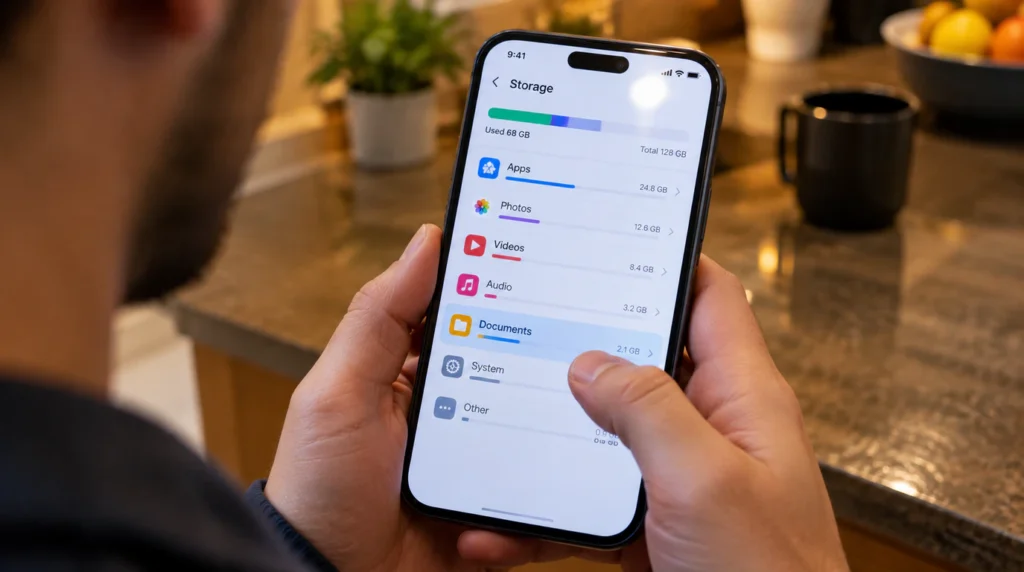
On iPhone: Go to Settings > General > iPhone Storage > Pinterest, then tap Offload App. This removes the app but keeps your Pinterest login and saved boards stored on Apple’s side, so nothing gets deleted from your account. Reinstall it straight from the App Store afterward this step forces a completely clean cache, which a simple force-close cannot do.
On Android: Go to Settings > Apps > Pinterest > Storage & cache, then tap Clear cache first and try opening the app. If it still hangs on the splash screen, go back into the same menu and tap Clear storage instead. This logs you out, so have your email or password ready.
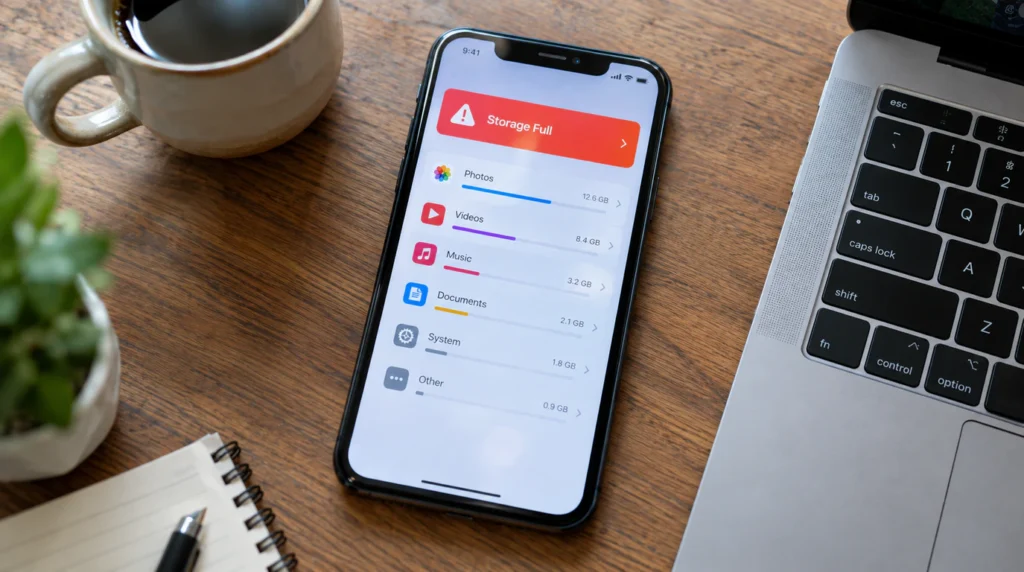
Check your storage while you’re in there. If your iPhone or Android device is running under 1GB of free space, Pinterest’s app can’t write its temporary launch files at all, and it stalls on the splash screen every single time rather than occasionally. Freeing up 2-3GB deleting unused apps or a few large videos often fixes this on its own, no cache-clearing required.
One more setting worth checking here: Settings > General > Background App Refresh, then confirm Pinterest is toggled on. If it’s off, Pinterest can’t quietly refresh your login token in the background, and the app has to do that validation the moment you open it which is exactly when a splash-screen freeze shows up.
It Keeps Happening Every Few Days, Not Just Once
If cache-clearing and reinstalling only buy you a few days before the freeze comes back, the cache isn’t the actual cause, it’s a symptom of something reoccurring underneath it.
Network security software is the most overlooked cause here. A VPN, a firewall app, or an ad-blocking DNS service (like a Pi-hole or a corporate network filter) can silently block the specific Pinterest API calls the app needs to finish loading past the splash screen, while still letting your regular internet browsing work fine. If you’ve added any VPN or ad-blocker app in the weeks before this started, temporarily disable it and relaunch Pinterest before doing anything else.
A pending app update that was never fully installed is the second recurring cause. Pinterest ships new builds almost weekly, and if an update stalls partway often from switching off Wi-Fi mid-download the app is left running old code that’s trying to talk to a newer server version. Open the App Store or Google Play, search Pinterest, and look for an Update button rather than an Open button. If it says Open, uninstall completely and install fresh instead of trusting a background auto-update to finish the job.
A corrupted saved-login entry shows up mostly on devices where you’ve switched Pinterest accounts before, or logged in through Facebook or Google at some point. The app tries to auto-fill a session token that no longer matches your current login, gets no clear pass-or-fail answer from Pinterest’s servers, and just sits on the logo instead of dropping you to the login screen like it should.
The iPad Split View Bug
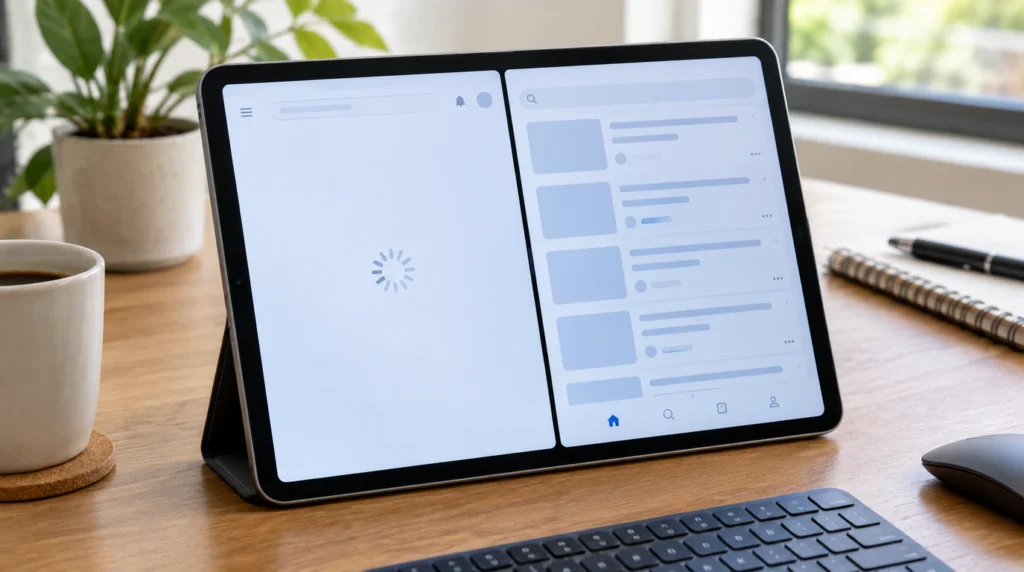
If you’re on an iPad and this only happens when Pinterest is running in Split View or alongside another app in Stage Manager, this is a layout-rendering bug rather than a login or cache problem. Pull Pinterest into full-screen view by dragging the multitasking bar down, force-close it, then reopen it as a single full-screen app. Running it in Split View again afterward is usually fine; it’s the initial launch inside a split layout that trips it up, not ongoing multitasking.
What Won’t Fix This
Restarting your entire phone is the advice you’ll see everywhere, and it does work sometimes but only because it force-closes every app, including Pinterest. You get the same result from the two-minute steps above without losing your place in whatever else you had open. Uninstalling and reinstalling Pinterest before trying a simple cache clear also isn’t necessary in most cases; it’s the right move for a recurring freeze, but it’s overkill for a freeze that just started today.
FAQ
Why is my Pinterest app stuck on the logo screen?
Pinterest gets stuck on its logo screen when it can’t finish validating your login session or reading its own cache files, usually from a corrupted cache, a half-installed update, low device storage, or Background App Refresh being switched off.
Will offloading Pinterest delete my saved pins or boards?
No. Offloading through iPhone Storage settings removes only the app itself from your device; your boards, pins, and login stay tied to your Pinterest account and reappear as soon as you reinstall and sign back in.
Does reinstalling Pinterest fix a stuck splash screen for good?
It fixes the immediate freeze in nearly all cases, but if the freeze comes back within a few days, the actual cause is usually a VPN, ad-blocker, or firewall interfering with Pinterest’s servers rather than the app itself.
Can a VPN cause Pinterest to freeze on the splash screen?
Yes. A VPN or DNS-based ad-blocker can route or block the specific API calls Pinterest needs during launch, even while the rest of your internet connection works normally, which causes the app to hang before it ever reaches your feed.
If your Pinterest account also won’t let you log in at all rather than just freezing on the logo, Pinterest’s own help center has account-recovery steps that go beyond what a device-side fix can solve.
This kind of stall isn’t unique to Pinterest; it’s the same underlying pattern behind the Messenger white screen error, where one stuck session file blocks the whole app instead of a single feature. If you’ve dealt with an app freezing on load before, the YouTube white screen fix covers a closely related cause worth ruling out.
Expert Verdict
A Pinterest splash screen freeze is a software problem almost every time not a sign your phone’s display or storage chip is failing. In most cases we’ve walked through at screendotfix.com, force-closing the app and clearing its cache resolves it within five minutes, and a full offload-and-reinstall handles the rest.
Author Note: I’m James, founder of screendotfix.com. Most of what’s above comes from working through the exact same freeze on my own phone after a Pinterest update stalled mid-download. The fix that actually worked was the storage check, not the reinstall everyone recommends first. If you’ve found a cause that isn’t listed here, it’s worth checking your VPN or ad-blocker settings before assuming it’s something more serious.