Skip to content
screendotfix.com

screendotfix.com

  • Home
  • BlogsExpand
    • Smartphone & iPhone Screens
    • Laptop & MacBook Displays
    • Hardware & Screen Defects
    • App & Software Glitches
    • Smartwatch Screen Problems
  • About us
  • ToolExpand
    • Screen Diagnostic Toolkit
  • More infoExpand
    • Privacy Policy
    • Disclaimer
    • Terms & Conditions
    • Contact Us
screendotfix.com
screendotfix.com
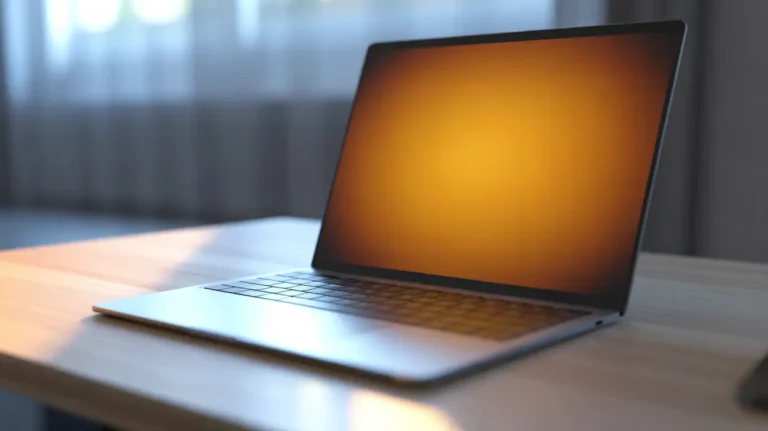
  • Open MacBook Pro on a wooden desk with an orange tinted screen glow.
    Laptop & MacBook Displays

    MacBook Pro Orange Screen: What Is Really Wrong

    ByJames June 24, 2026June 24, 2026

    A MacBook Pro screen turns orange for one of six common reasons.The usual culprits are Night Shift, True Tone, a damaged color profile, a graphics switching glitch, or a faulty dock.Less often, a worn display cable causes it, and that shows clear warning signs before you spend money. Your MacBook Pro looked fine an hour…
    Read More MacBook Pro Orange Screen: What Is Really WrongContinue

  • Close-up of a smartphone screen showing a yellow discoloration spot in the corner.
    Smartphone & iPhone Screens

    Yellow Spot on Phone Screen: What’s Really Wrong

    ByJames June 23, 2026June 23, 2026

    A yellow spot on a phone screen is usually caused by panel pressure damage, AMOLED burn-in, heat exposure, or curing adhesive after a recent screen repair. A cheap screen protector reacting with the display is a less common but very real cause. Software filters like Night Shift can also create a yellow tint that has…

    Read More Yellow Spot on Phone Screen: What’s Really WrongContinue

  • White Spot on Your Screen? What It Actually Means
    Hardware & Screen Defects

    White Spot on Your Screen? What It Actually Means

    ByJames June 22, 2026June 22, 2026

    Quick Answer: A white spot on a laptop, monitor, or TV screen is usually pressure damage, a shifted diffuser sheet, a stuck pixel, or a failing backlight LED. Software pixel-fixing tools only help with stuck pixels and take twenty to thirty minutes to work. The diagnosis steps below tell you which one you are actually…

    Read More White Spot on Your Screen? What It Actually MeansContinue

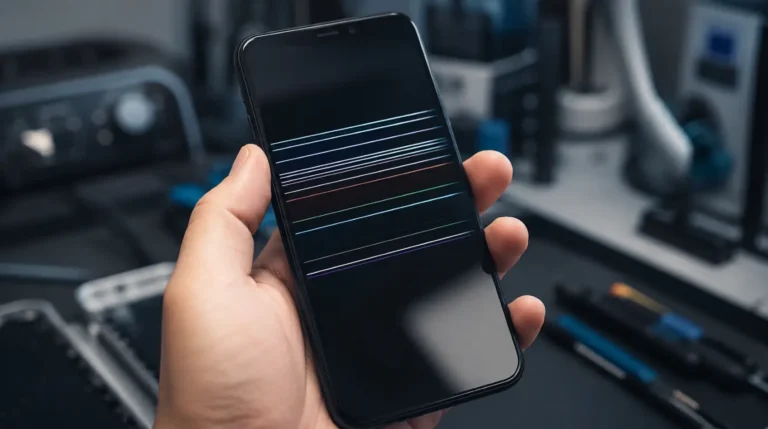
  • Smartphone screen showing multiple horizontal lines caused by display damage.
    Smartphone & iPhone Screens

    Horizontal Lines on Phone Screen: Causes and Fixes

    ByJames June 20, 2026June 22, 2026

    Horizontal lines on a phone screen are usually caused by a software rendering bug, a loose display cable, physical screen damage, or display driver issues linked to a degrading battery. Before paying for a repair, take a screenshot of your screen and view it on another device. If the line appears in the screenshot, the…

    Read More Horizontal Lines on Phone Screen: Causes and FixesContinue

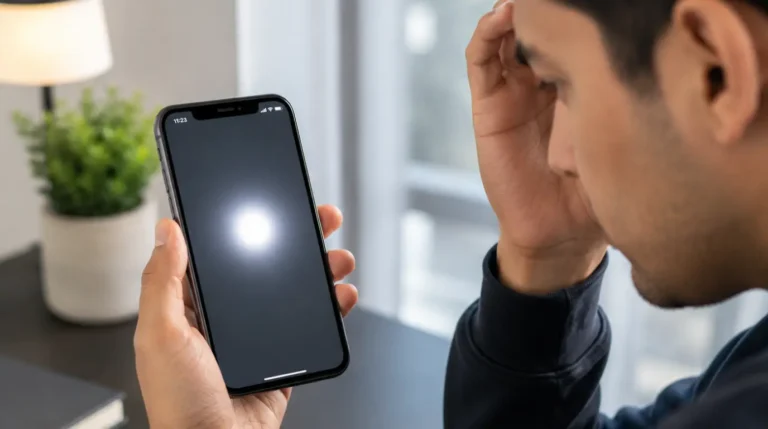
  • White Spot on iPhone Screen: What It Means and How to Fix It
    Smartphone & iPhone Screens

    White Spot on iPhone Screen: What It Means and How to Fix It

    ByJames June 12, 2026June 22, 2026

    A white spot on an iPhone screen is usually caused by AssistiveTouch, a stuck pixel, display pressure damage, impact-related screen failure, or moisture exposure. Start by checking whether the spot is a floating white button, then run a few simple tests to determine whether the issue is software-related or physical screen damage. A surprising number…

    Read More White Spot on iPhone Screen: What It Means and How to Fix ItContinue

  • A silver laptop open on a wooden desk showing a completely blank, solid white screen next to a coffee mug.
    App & Software Glitches

    YouTube Goes White With No Warning Here’s What’s Actually Wrong

    ByJames June 8, 2026June 22, 2026

    A white YouTube screen is genuinely confusing because it gives you nothing to work with. No error message. No spinning loader. Just a blank page sometimes silent, sometimes with audio running in the background as if the video loaded fine and only the visuals decided not to show up. The standard advice is to clear…

    Read More YouTube Goes White With No Warning Here’s What’s Actually WrongContinue

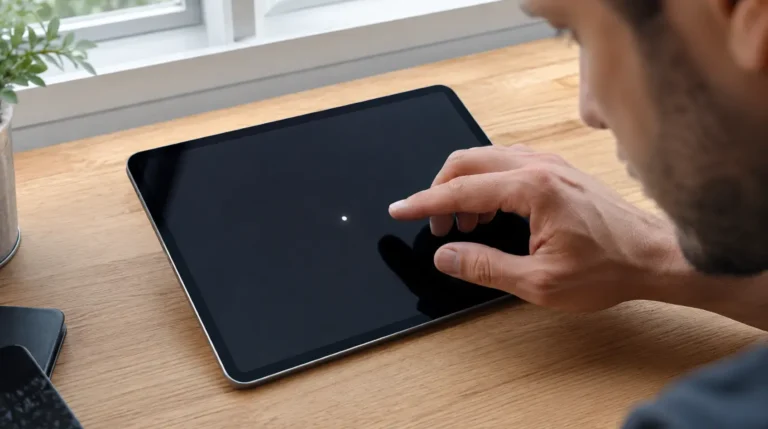
  • White dot visible on an iPad screen while a user inspects the display for possible damage.
    Smartphone & iPhone Screens

    White Dots on Your iPad? Here’s What’s Really Happening

    ByJames June 7, 2026June 22, 2026

    White dots on an iPad screen are usually caused by stuck pixels, pressure damage, backlight issues, screen protector air pockets, AssistiveTouch settings, or software glitches. Before considering a repair, try a force restart and check whether AssistiveTouch is enabled. Both fixes take less than two minutes and solve the problem for many users. Why White…

    Read More White Dots on Your iPad? Here’s What’s Really HappeningContinue

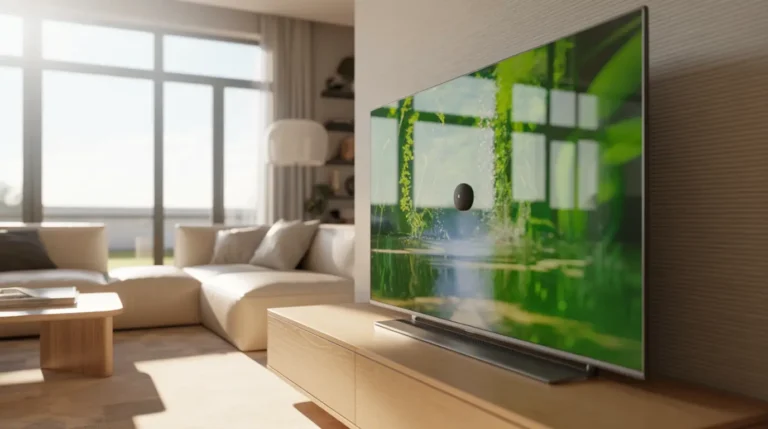
  • Black dots on TV screen visible in a modern living room.
    Hardware & Screen Defects

    Black Dots on TV Screen? Identify and Fix Them Fast

    ByJames June 1, 2026June 22, 2026

    Quick Answer Black dots on a TV screen are usually caused by failed pixels, internal debris, pressure damage, backlight problems, or deterioration inside the display layers. The fastest way to fix the issue is identifying the exact shape and behavior of the mark before attempting any repair. A television can look perfectly fine one evening…

    Read More Black Dots on TV Screen? Identify and Fix Them FastContinue

  • Close-up of a laptop screen showing a visible white spot caused by display damage on a dark background wallpaper.
    Laptop & MacBook Displays

    Laptop Screen White Spots: Read Your Spot, Fix It Right

    ByJames May 31, 2026June 22, 2026

    Updated: May 2026 | Reading Time: ~6 Min | Applies To: All Laptop Brands Most attempts to fix a white spot on a laptop screen fail because the wrong fix is applied to the wrong problem. A pixel-cycling tool cannot repair physical diffuser layer damage. Gentle pressure cannot correct backlight separation. Each white spot carries…

    Read More Laptop Screen White Spots: Read Your Spot, Fix It RightContinue

  • Hand holding a smartphone with a bright blue crystalline cluster on the center of the screen.
    Smartphone & iPhone Screens

    Why Blue Dots Appear on Your Phone Screen and How to Get Rid of Them

    ByJames May 31, 2026September 29, 2026

    Blue dots on your phone screen point to one of three root problems: a pixel that has stopped cycling colors correctly, internal panel damage from pressure or impact, or a display rendering error triggered by software. Run a restart first, then a pixel-cycling video, before assuming anything is physically broken. Most cases resolve without spending…

    Read More Why Blue Dots Appear on Your Phone Screen and How to Get Rid of ThemContinue

Page navigation

Previous PagePrevious 1 … 3 4 5
  • Laptop On But Screen Black? Do the Flashlight Test First
  • Monitor Power Light Blinking? Read the Blink First
  • Can’t See Shared Photos on Messenger? 5 Practical Fixes That Actually Help
  • Google Meet White Screen: Why It Happens and How to Fix It
  • Windows Login Screen Not Appearing: How to Actually Fix It

© 2026 screendotfix.com - WordPress Theme by Kadence WP

  • Home
  • Blogs
    • Smartphone & iPhone Screens
    • Laptop & MacBook Displays
    • Hardware & Screen Defects
    • App & Software Glitches
    • Smartwatch Screen Problems
  • About us
  • Tool
    • Screen Diagnostic Toolkit
  • More info
    • Privacy Policy
    • Disclaimer
    • Terms & Conditions
    • Contact Us