Skip to content
screendotfix.com

screendotfix.com

  • Home
  • BlogsExpand
    • Smartphone & iPhone Screens
    • Laptop & MacBook Displays
    • Hardware & Screen Defects
    • App & Software Glitches
    • Smartwatch Screen Problems
  • About us
  • ToolExpand
    • Screen Diagnostic Toolkit
  • More infoExpand
    • Privacy Policy
    • Disclaimer
    • Terms & Conditions
    • Contact Us
screendotfix.com
screendotfix.com
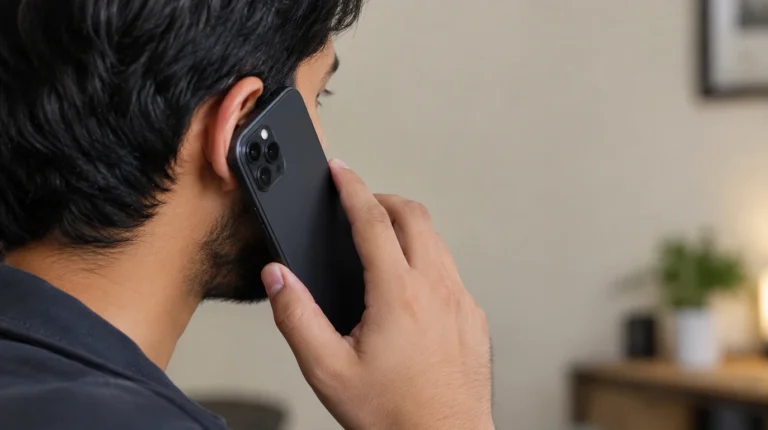
  • Smartphone screen showing white blank display during a phone call instead of the call interface
    App & Software Glitches

    WhatsApp White Screen on Call: Why It Happens and How to Actually Fix It

    ByJames September 15, 2026September 15, 2026

    A WhatsApp screen that turns white and stops responding during a call is almost always the proximity sensor getting stuck “on,” not a cracked display or a WhatsApp server issue. screendotfix.com has traced this exact pattern across iPhone and Android repair tickets, and in most cases it clears up with a software fix that costs…
    Read More WhatsApp White Screen on Call: Why It Happens and How to Actually Fix ItContinue

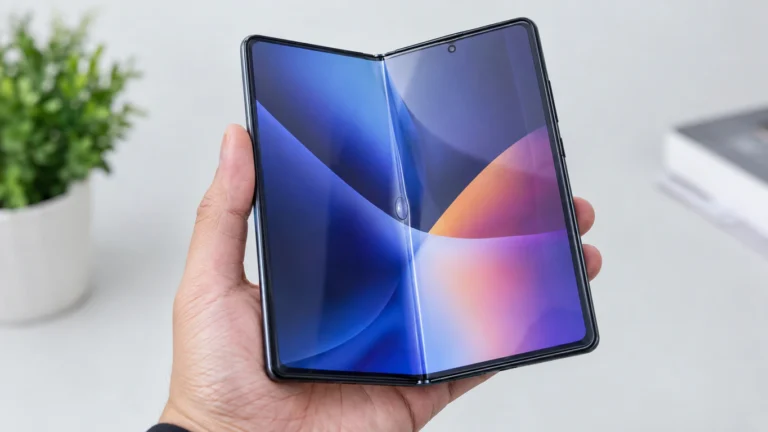
  • "Foldable phone held open showing air bubble under screen protector at the center crease"
    Smartphone & iPhone Screens

    Screen Protector Bubbling at Your Foldable’s Crease? Here’s the Real Fix, Brand by Brand

    ByJames September 13, 2026September 13, 2026

    A bubble sitting right at the crease of a foldable phone is trapped air working loose from the factory-installed protector after repeated fold cycles. It is not a sign your display is dying. What actually fixes it, though, depends almost entirely on which foldable you own — because Samsung, Google, and Motorola each treat this…

    Read More Screen Protector Bubbling at Your Foldable’s Crease? Here’s the Real Fix, Brand by BrandContinue

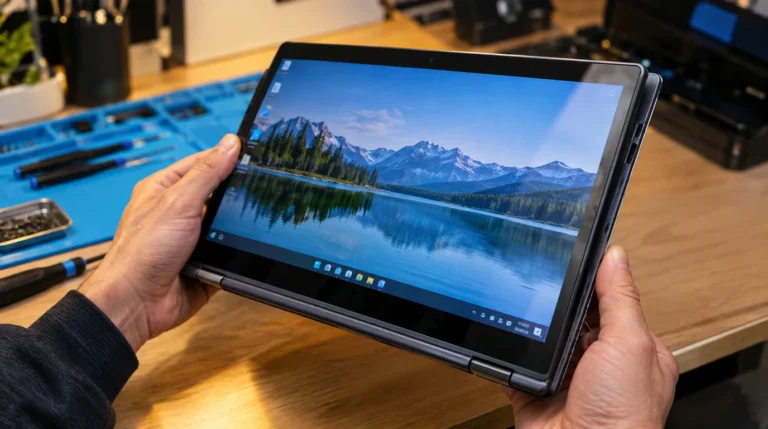
  • "Chromebook screen stuck in wrong orientation after being folded into tablet mode"
    Laptop & MacBook Displays

    Chromebook Screen Rotation Locked: The Exact Fix (And Why It Happens)

    ByJames September 12, 2026September 12, 2026

    Press Ctrl + Shift + Refresh (the Refresh key is the circular arrow in the top row, usually the fourth key from the left) to force a manual 90-degree rotation on a Chromebook. If that shortcut does nothing at all, your Chromebook’s auto-rotate toggle is switched off, not just stuck, tap the clock in the…

    Read More Chromebook Screen Rotation Locked: The Exact Fix (And Why It Happens)Continue

  • "Smartphone showing a frozen app splash screen with spinning loader, similar to Pinterest app stuck on splash screen issue"
    App & Software Glitches

    Pinterest Stuck on Splash Screen? Here’s What Actually Clears It

    ByJames September 11, 2026September 11, 2026

    A Pinterest splash screen freeze is almost always a leftover cache file, a half-finished update, or an expired login session not a broken app or a broken phone. Force-closing the app and clearing its cache fixes it in most cases within two to five minutes. If that doesn’t work, offloading and reinstalling Pinterest clears the…

    Read More Pinterest Stuck on Splash Screen? Here’s What Actually Clears ItContinue

  • Laptop screen stuck at maximum brightness glowing in a dark room while a hand adjusts the brightness key
    Laptop & MacBook Displays

    Laptop Screen Brightness Stuck? Here’s Why (And How to Actually Fix It)

    ByJames September 10, 2026September 10, 2026

    Laptop screen brightness usually gets stuck because of a driver conflict, a Windows adaptive brightness bug, or a Fn Lock setting not a broken screen. Software causes a fix in under ten minutes in most cases. Hardware causes, like a failing ambient light sensor or a loose display cable, show up far less often and…

    Read More Laptop Screen Brightness Stuck? Here’s Why (And How to Actually Fix It)Continue

  • Man checking flickering Apple Watch screen on sweaty wrist during workout at gym
    Smartwatch Screen Problems

    Apple Watch Screen Flickers During Workout? Here’s What’s Actually Going On

    ByJames September 9, 2026September 9, 2026

    Most Apple Watch flickering during exercise is not a cracked or dying screen, it’s the display fighting sweat-triggered false touches, an Always-On Display bug that Apple itself acknowledged on Series 9 and Ultra 2, or a loose band letting the case bounce against your wrist. A cracked or pressure-damaged panel is a smaller share of…

    Read More Apple Watch Screen Flickers During Workout? Here’s What’s Actually Going OnContinue

  • Phone screen showing red overheating warning icon while plugged in to charge
    Smartphone & iPhone Screens

    Screen Overheating While Charging: Why It Happens and When to Worry

    ByJames September 8, 2026September 8, 2026

    Screen overheating while charging usually comes from an aging battery, background CPU load, or a mismatched charger, and most cases cool down within 15 minutes. A screen that stays hot past 30 minutes or shows a red thermometer warning means the battery or charging port needs a technician. Two Phones, Same Charger, Two Different Outcomes…

    Read More Screen Overheating While Charging: Why It Happens and When to WorryContinue

  • Laptop mirrored to a TV screen showing lag delay while projecting a second screen at home
    Hardware & Screen Defects

    Second Screen Projection Lag Fix: Wireless, Cable, and Refresh-Rate Causes

    ByJames September 6, 2026September 6, 2026

    Second screen projection lag almost always comes from one of three sources a wireless mirroring bottleneck (Miracast, Project to This PC, AirPlay), a cable or adapter that can’t carry your resolution and refresh rate together, or a refresh-rate mismatch between your two displays that forces Windows to resync every frame. Each one has a different…

    Read More Second Screen Projection Lag Fix: Wireless, Cable, and Refresh-Rate CausesContinue

  • Smartphone plugged in for charging with screen glowing and reacting on its own, showing ghost touching while charging symptoms
    Smartphone & iPhone Screens

    Ghost Touching While Charging: The Real Fix

    ByJames September 5, 2026September 5, 2026

    Ghost touching while charging is almost always caused by electrical noise from a cheap charger, cable, or ungrounded outlet leaking into the phone’s digitizer circuit. Unplug the phone for 30 seconds — if the touches stop instantly, replace the charger or cable first. If they continue unplugged, the cause is a setting, a screen protector,…

    Read More Ghost Touching While Charging: The Real FixContinue

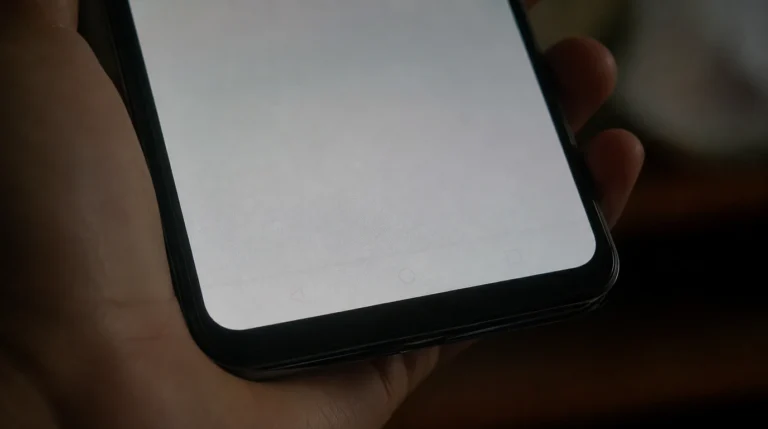
  • Google Pixel screen showing faint burn-in shadow of navigation bar on gray background
    Smartphone & iPhone Screens

    Google Pixel Screen Burn-In: The 60-Second Test That Tells You If It’s Real

    ByJames September 4, 2026September 4, 2026

    Google Pixel screen burn-in cannot be undone with software once it’s permanent, but you can confirm it in under a minute, slow it down significantly with a few display settings, and get a genuine OLED replacement for roughly $150 to $340 in parts depending on the model. At screendotfix.com, I’ve pulled apart enough Pixel displays…

    Read More Google Pixel Screen Burn-In: The 60-Second Test That Tells You If It’s RealContinue

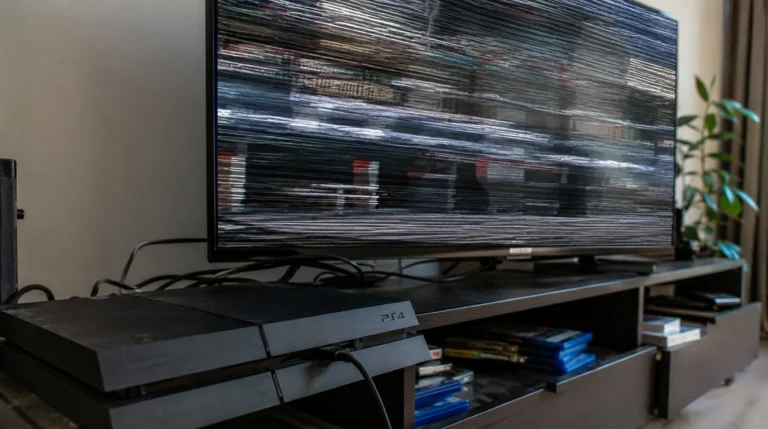
  • "PS4 console with TV screen showing visible flickering while playing"
    Hardware & Screen Defects

    PS4 Screen Flickering Fix: Real Causes, Real Costs

    ByJames September 3, 2026September 3, 2026

    PS4 screen flickering is caused by one of three things: a failing or loose HDMI cable, an HDCP handshake mismatch with your TV, or a worn HDMI port on the console itself. Swapping the cable and toggling HDCP off in Settings > System fixes the problem in most cases screendotfix.com sees. If the flicker follows…

    Read More PS4 Screen Flickering Fix: Real Causes, Real CostsContinue

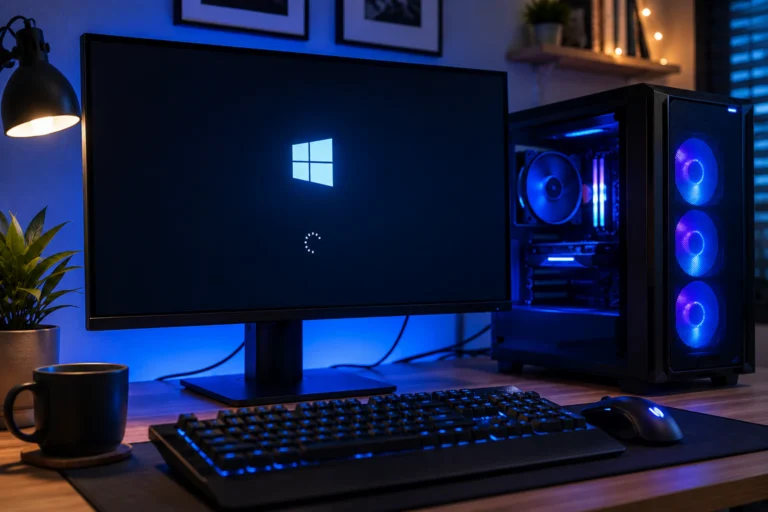
  • Desktop PC monitor stuck in boot screen showing frozen Windows loading logo
    Hardware & Screen Defects

    Computer Stuck in Boot Screen: What to Do, Based on How Long It’s Been Frozen

    ByJames September 2, 2026September 2, 2026

    A computer stuck in the boot screen for less than 2 minutes is usually still working; most Windows and Mac machines just need more time after an update. Past the 15-minute mark with no progress, the freeze is almost always caused by a corrupted boot file, a failed update, or a hardware fault like bad…

    Read More Computer Stuck in Boot Screen: What to Do, Based on How Long It’s Been FrozenContinue

Page navigation

Previous PagePrevious 1 2 3 4 5 Next PageNext
  • Laptop On But Screen Black? Do the Flashlight Test First
  • Monitor Power Light Blinking? Read the Blink First
  • Can’t See Shared Photos on Messenger? 5 Practical Fixes That Actually Help
  • Google Meet White Screen: Why It Happens and How to Fix It
  • Windows Login Screen Not Appearing: How to Actually Fix It

© 2026 screendotfix.com - WordPress Theme by Kadence WP

  • Home
  • Blogs
    • Smartphone & iPhone Screens
    • Laptop & MacBook Displays
    • Hardware & Screen Defects
    • App & Software Glitches
    • Smartwatch Screen Problems
  • About us
  • Tool
    • Screen Diagnostic Toolkit
  • More info
    • Privacy Policy
    • Disclaimer
    • Terms & Conditions
    • Contact Us